1
MEMORY DIRECT
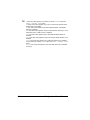
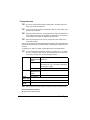
This menu item appears when an optional hard disk kit or a CompactFlash
card is installed, and INTERFACE MENU/MEMORY DIRECT is set to
ENABLE.
In addition, this menu item does not appear if public user access has not
been permitted through authentication settings. For details on the authentication settings, refer to the Reference Guide on the Utilities and Documentation
CD-ROM.
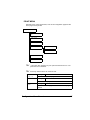
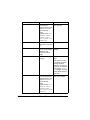
With this menu, settings for “memory direct” function can be specified.
"
For details on memory direct, refer to “Memory Direct” on page 106.
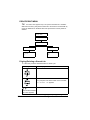
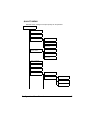
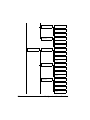
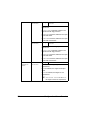
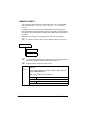
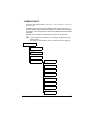
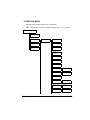
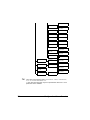
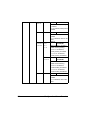
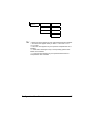
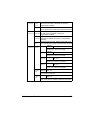
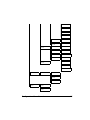
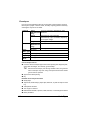
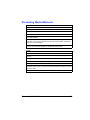
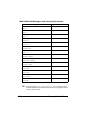
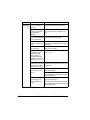
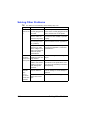
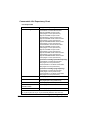
MEMORY DIRECT
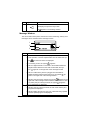
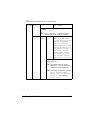
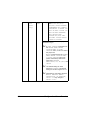
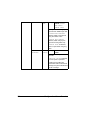
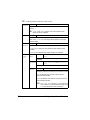
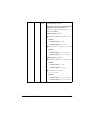
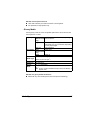
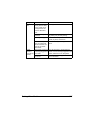
LIST OF FILES*
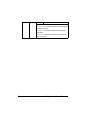
TYPE OF FILES
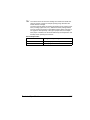
"
"
* This menu item appears when a USB memory device is plugged into
the KONICA MINOLTA Digital Camera Direct Print Port.
All factory default values are shown in bold.
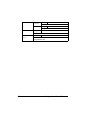
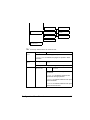
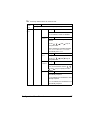
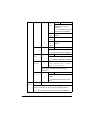
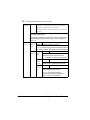
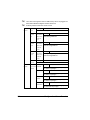
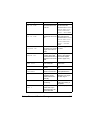
LIST
OF
FILES
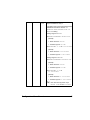
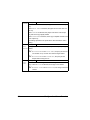
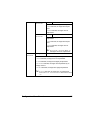
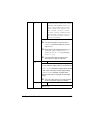
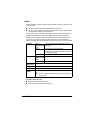
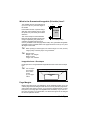
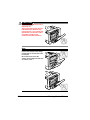
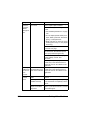
Select the file that you wish to output, and then press the Menu/
Select key.
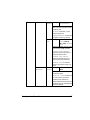
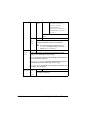
If the file to be printed is in a folder, select the folder, and then
press the Menu/Select key.
" Empty folders are not displayed.
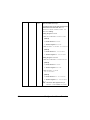
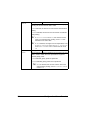
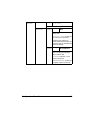
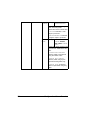
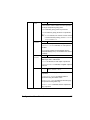
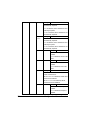
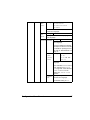
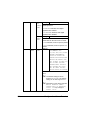
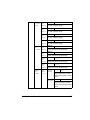
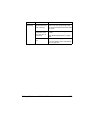
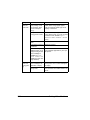
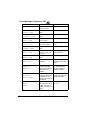
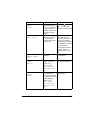
Settings
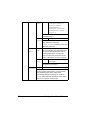
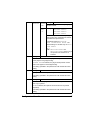
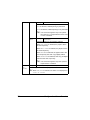
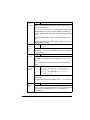
PRINT
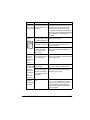
Select this setting to output a file.
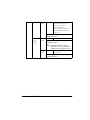
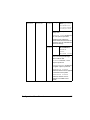
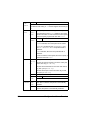
Settings
CANCEL
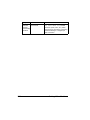
Select this setting to stop outputting and to return to the file list.
68
Configuration Menu Overview