1
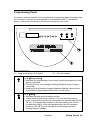
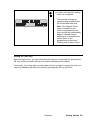
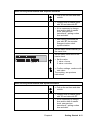
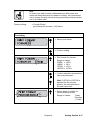
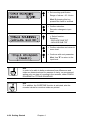
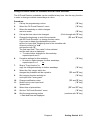
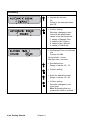
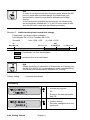
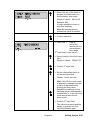
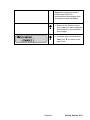
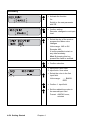
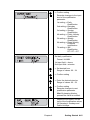
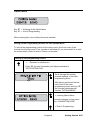
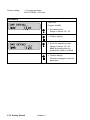
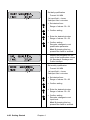
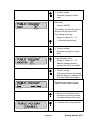
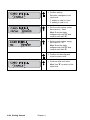
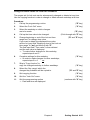
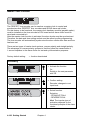
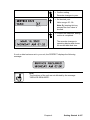
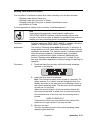
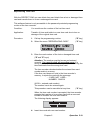
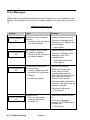
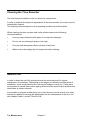
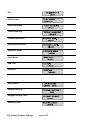
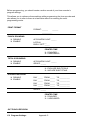
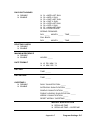
= Select the day of the week to
program the lock out time
range
Range of values: MO to SU
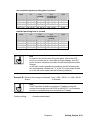
Example: MO;
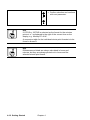
It is also possible to start on
any other weekday.
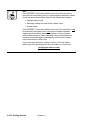
Hint: By keeping this key
pressed the value is scrolled.
= Confirm selection.
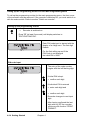
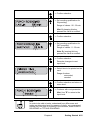
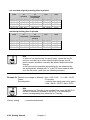
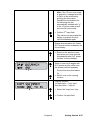
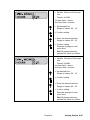
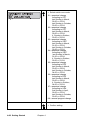
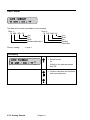
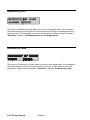
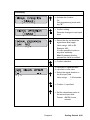
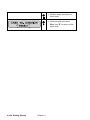
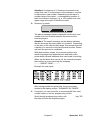
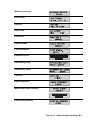
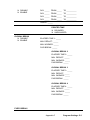
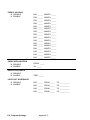
1st input field =
2nd input field =
Start or
end of the
lock out time
range
time value =
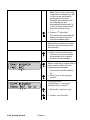
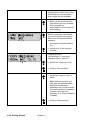
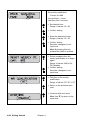
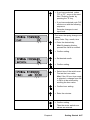
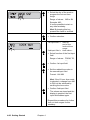
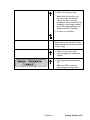
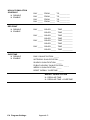
= Select function of the first input
field.
Range of values: FROM, TO,
−−,
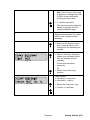
= Confirm 1st input field
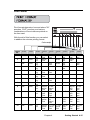
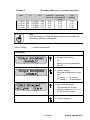
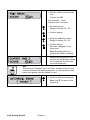
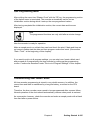
= Set the related time value in
the second input field.
Format: : HH:MM
Hint: If the 12 hour time mode
is selected, a change from AM
to PM is to be achieved by
scrolling the hour value.
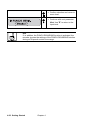
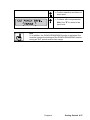
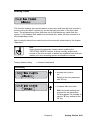
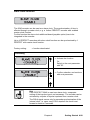
= Confirm 2nd input field.
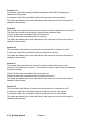
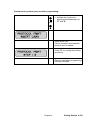
The values are stored and the
display is emptied, the first
input field flashes again.
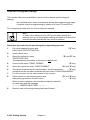
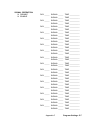
Repeat this procedure for further
lock out time ranges for this
weekday.
4-90 Getting Started
Chapter 4