1
Developing Compaq COBOL Programs
1.1 Developing Programs on Tru64 UNIX
•
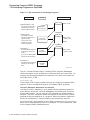
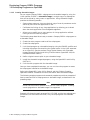
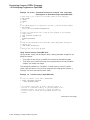
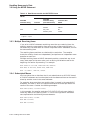
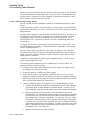
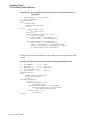
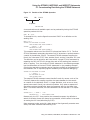
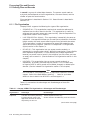
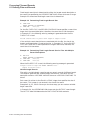
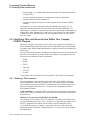
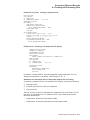
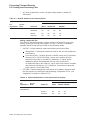
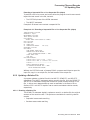
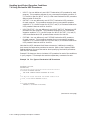
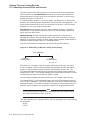
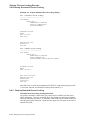
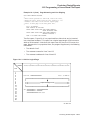
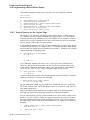
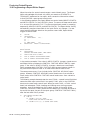
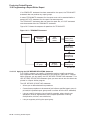
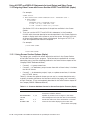
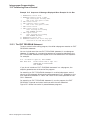
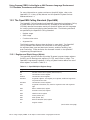
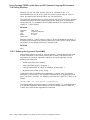
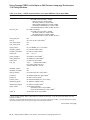
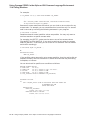
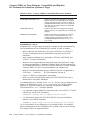
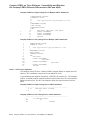
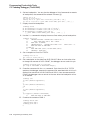
The strip command removes symbolic and other debugging information
to minimize image size. For additional information, refer to the strip(1)
reference page.
Note
The CALL dataname, CANCEL, and the Compaq extensions to the
ACCEPT and DISPLAY statements will not work correctly if you use the
strip command on your image.
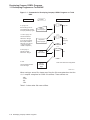
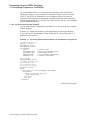
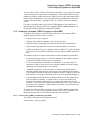
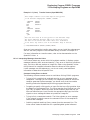
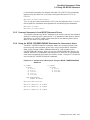
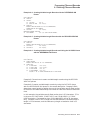
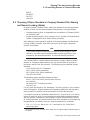
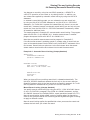
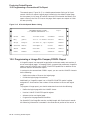
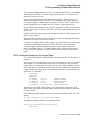
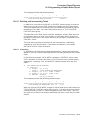
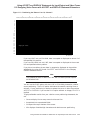
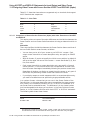
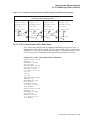
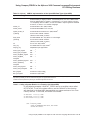
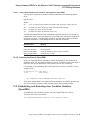
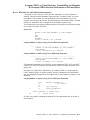
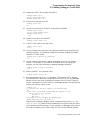
In most instances, use the cobol command to invoke both the Compaq COBOL
compiler and the ld linker. To link one or more object files created by the Compaq
COBOL compiler, you should use the cobol command instead of the ld command,
because the cobol command automatically references the appropriate Compaq
COBOL Run-Time Libraries when it invokes ld. If the executable image is not in
your current working directory, specify the directory path in addition to the file
name.
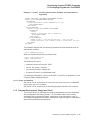
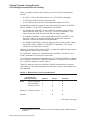
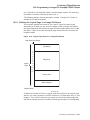
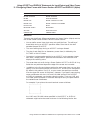
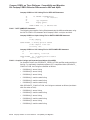
Compilation does the following for you:
•
Detects errors in your program syntax
•
Displays compiler messages on your terminal screen
•
Generates machine language instructions from valid source statements
•
Groups the instructions into an object module for the linker
•
Launches the linker with the compiled file or files
•
Creates an executable image
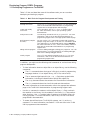
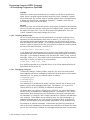
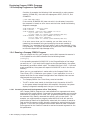
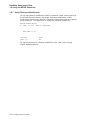
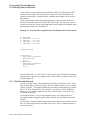
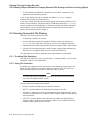
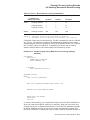
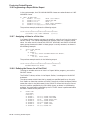
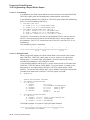
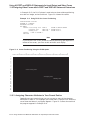
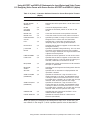
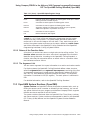
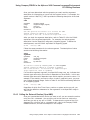
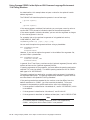
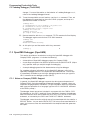
You use the cobol command to compile and link your program. The cobol
command invokes the Compaq COBOL compiler driver that is the actual user
interface to the Compaq COBOL compiler. The compiler driver can accept
command options and multiple file names, and normally causes the compiler and
linker to process each file. A variety of qualifiers to the compile command are
available to specify optional processing and to specify the names of output files.
After the Compaq COBOL compiler processes the source files to create one
or more object files, the compiler driver passes a list of object files and other
information to the linker. ♦
1.2 Developing Programs on OpenVMS
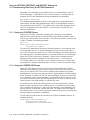
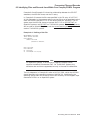
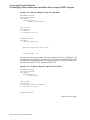
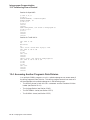
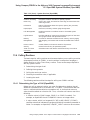
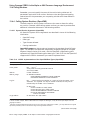
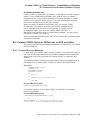
You use DCL commands (commands used at the OpenVMS system prompt) to
create, compile, link, and run Compaq COBOL programs on OpenVMS systems.
1.2.1 Creating a Compaq COBOL Program on OpenVMS
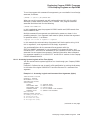
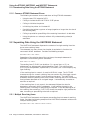
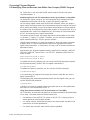
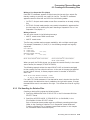
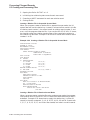
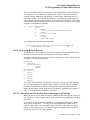
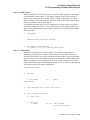
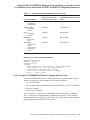
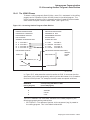
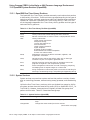
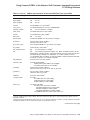
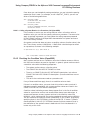
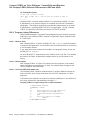
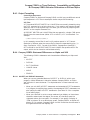
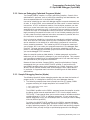
To create and modify a Compaq COBOL program, you must invoke a text
editor. The default editor for OpenVMS is the Text Processing Utility (TPU).
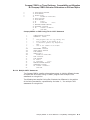
Other editors, such as EDT or the Language-Sensitive Editor (LSE), may be
available on your system. Check with your system administrator and refer to the
OpenVMS EDT Reference Manual (this manual has been archived but is available
on the OpenVMS Documentation CD-ROM) for more information about EDT or
the Guide to Language-Sensitive Editor for additional information about LSE.
Developing Compaq COBOL Programs 1–21