1
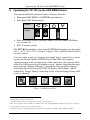
Operating the VP-740 via the OSD MENU Screen
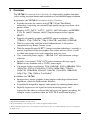
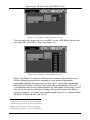
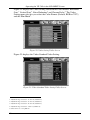
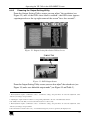
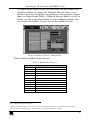
Figure 20: Source Selection Screen
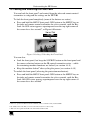
Alternatively, you can select a source using the front panel SOURCE button
(which scans the inputs until it locates an active source) or the appropriate
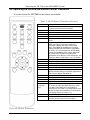
infra-red remote control transmitter keys.
8.4 Configuring via the Utility Screens
You can determine how your VP-740 will function via the Utility screen.
8.4.1
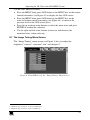
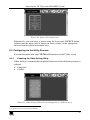
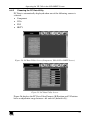
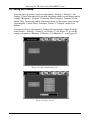
Choosing the Video Setting Utility
Video Setting is automatically displayed when one of the following sources is
selected:
Composite1
s-Video
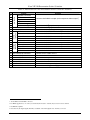
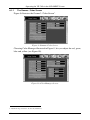
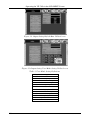
Figure 21: Video Setting Utility Screen (Composite or s-Video Source)
1 As the information screen in Figure 36 illustrates
21