1
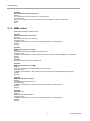
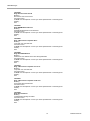
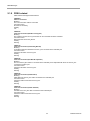
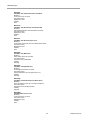
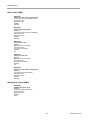
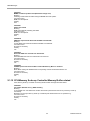
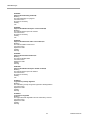
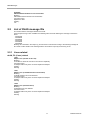
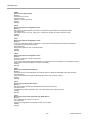
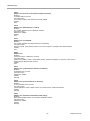
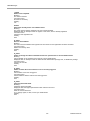
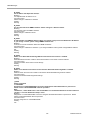
MMB Messages
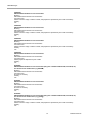
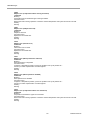
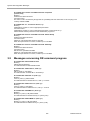
I_00095
The standby MMB is rebooting now. Please wait several minutes.
Meaning:
Standby MMB has started rebooting. Wait until the Standby MMB is ready. Displayed when reboot is started
from the Standby MMB reset instruction.
Corrective action:
No action is necessary.
Severity:
Info
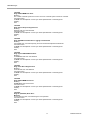
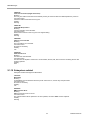
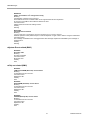
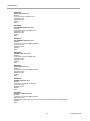
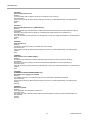
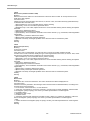
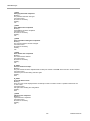
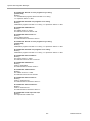
E_00098
Failed to get %aa.
Meaning:
Acquisition of %aa data has failed. Data acquisition for window display has failed.
Corrective action:
If the problem persists even after selecting the menu again, contact your sales representative or a field
engineer
Severity:
Error
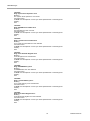
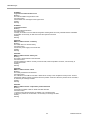
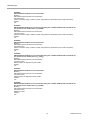
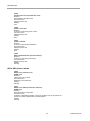
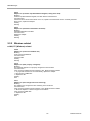
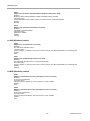
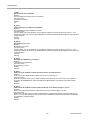
E_00100
Failed to set %aa.
Meaning:
%aa setting has failed. Displayed when the process of setting from a window has failed.
Corrective action:
Try setting again. If it fails, contact your sales representative or a field engineer.
Severity:
Error
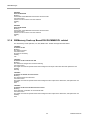
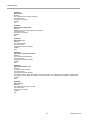
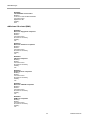
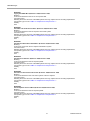
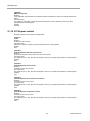
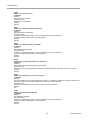
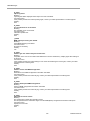
E_00101
Unable to power on the Partition#%aa due to CPU mismatch between SBs.
Meaning:
Partition#%aa could not be powered on, as there was mismatch of CPUs mounted between the SBs.
Corrective action:
Make sure that the CPUs mounted on the SBs on which the partition has been configured are the same.
Severity:
Error
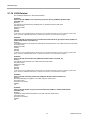
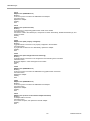
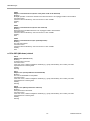
E_00107
Unable to power on the chassis.
Meaning:
The system (chassis) is not in a status in which the power can be turned on.
Corrective action:
Wait for some time and turn on the power again.
Severity:
Error
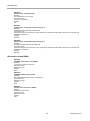
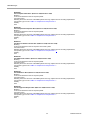
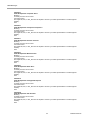
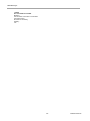
E_00108
Unable to power off the chassis.
Meaning:
The system (chassis) is not in a status in which the power can be turned off.
Corrective action:
Wait for some time and turn off the power again.
Severity:
Error
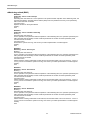
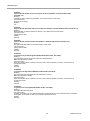
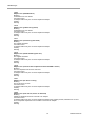
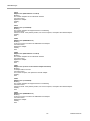
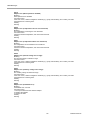
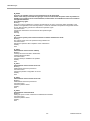
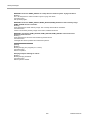
E_00109
Unable to force power off.
Meaning:
Force Power Off cannot be executed in the present state.
Corrective action:
Wait for some time and execute Force Power Off again.
Severity:
Error
159
CA92344-0540-05