1
Desktop application
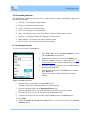
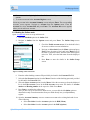
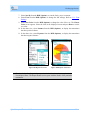
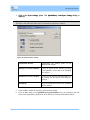
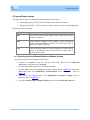
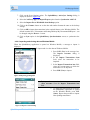
3. Then, import the files into Quicken, Microsoft Money or a spreadsheet.
) After importing the file formats into Quicken, Microsoft Money or spreadsheet, delete the files on
the desktop. If the files are not deleted, then the next time when the files are imported to Quicken,
Microsoft Money or spreadsheet, it creates duplicate transactions.
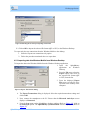
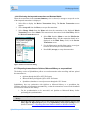
4.5.4 Importing transactions from Quicken or Microsoft Money or a spreadsheet
1. Exit Quicken or Microsoft Money before synchronization.
2. Then, export the files (QIF, OFX or CSV) from Quicken or Microsoft Money or a
spreadsheet, to the desktop.
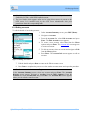
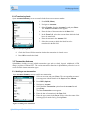
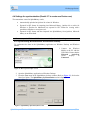
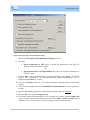
3. Import the files to Windows Mobile using the 3rd Party apps via Import/Export option
in the SplashMoney ActiveSync Settings screen. (Refer to section 4.5.2 Importing data
into Windows Mobile from Windows Desktop).
SplashMoney on Windows Mobile
44