1
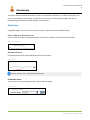
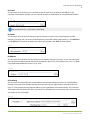
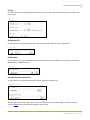
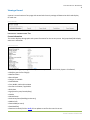
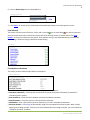
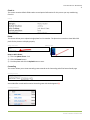
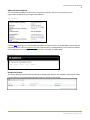
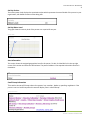
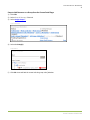
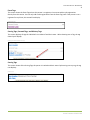
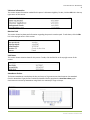
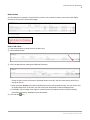
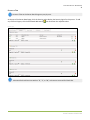
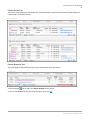
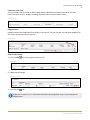
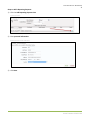
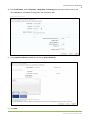
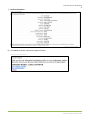
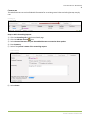
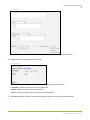
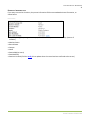
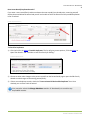
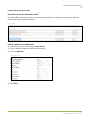
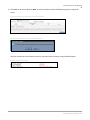
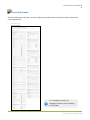
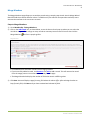
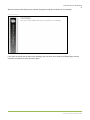
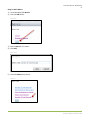
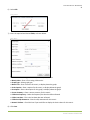
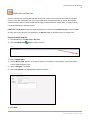
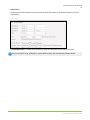
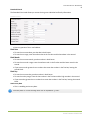
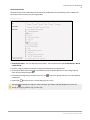
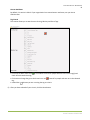
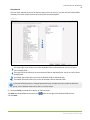
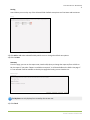
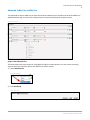
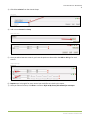
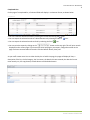
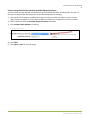
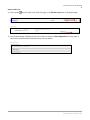
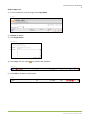
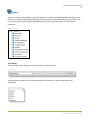
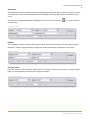
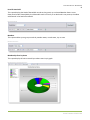
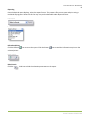
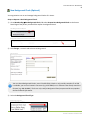
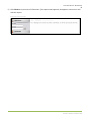
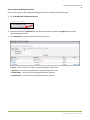
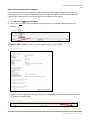
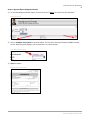
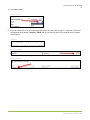
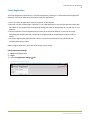
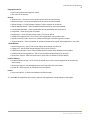
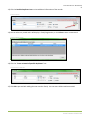
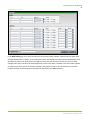
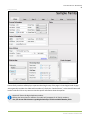
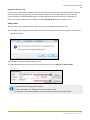
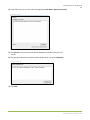
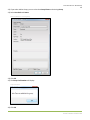
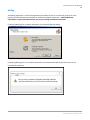
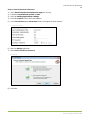
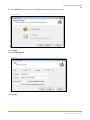
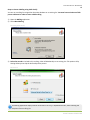
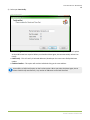
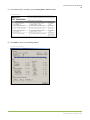
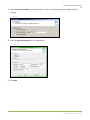
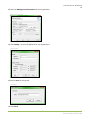
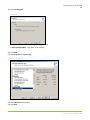
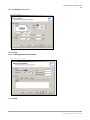
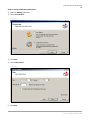
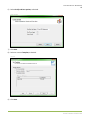
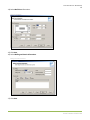
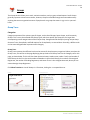
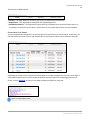
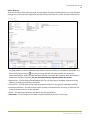
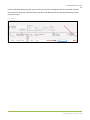
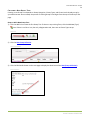
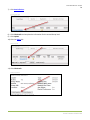
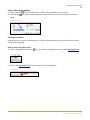
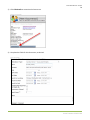
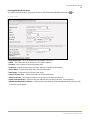
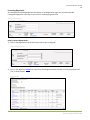
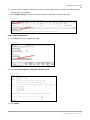
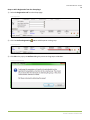
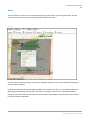
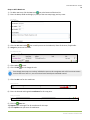
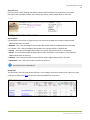
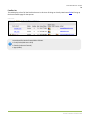
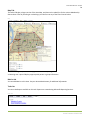
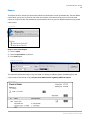
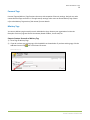
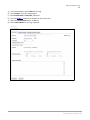
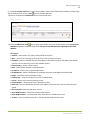
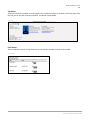
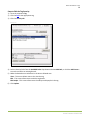
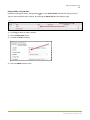
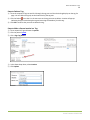
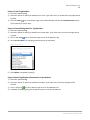
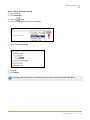
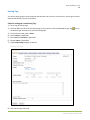
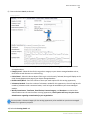
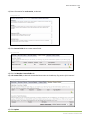
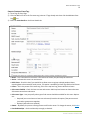
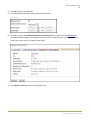
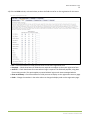
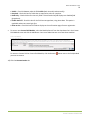
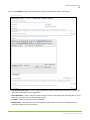
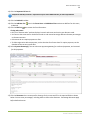
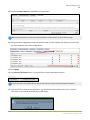
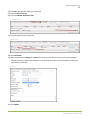
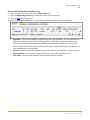
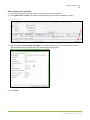
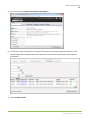
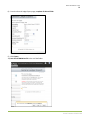
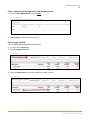
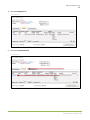
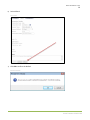
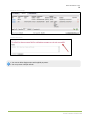
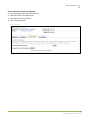
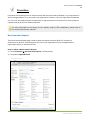
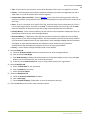
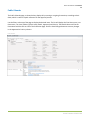
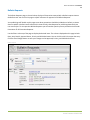
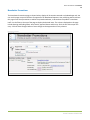
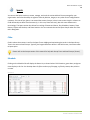
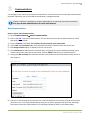
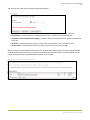
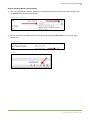
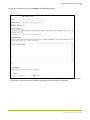
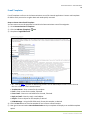
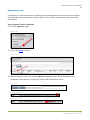
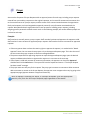
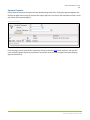
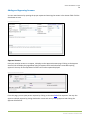
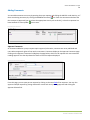
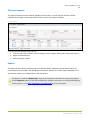
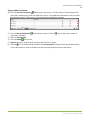
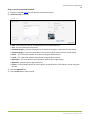
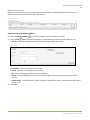
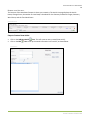
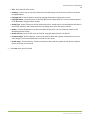
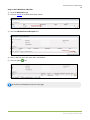
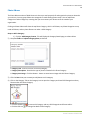
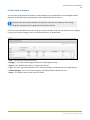
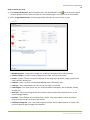
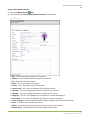
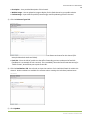
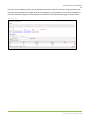
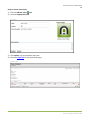
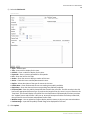
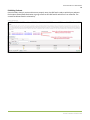
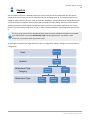
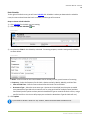
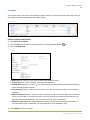
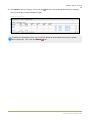
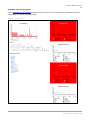
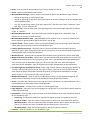
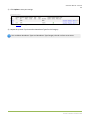
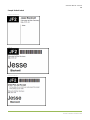
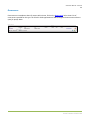
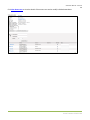
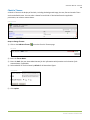
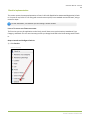
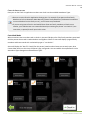
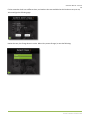
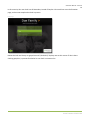
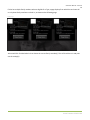
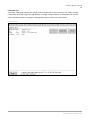
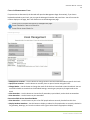
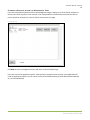
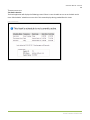
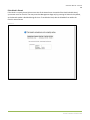
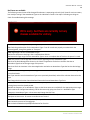
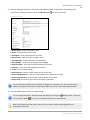
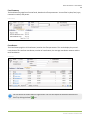
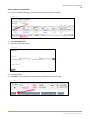
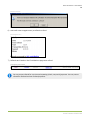
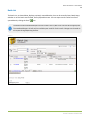
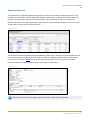
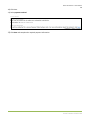
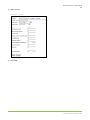
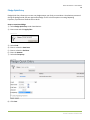
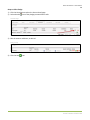
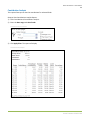
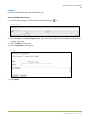
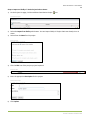
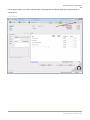
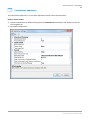
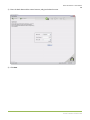
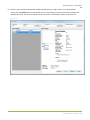
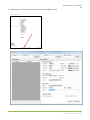
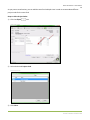
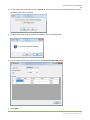
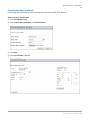
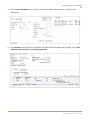
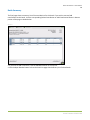
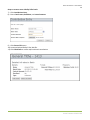
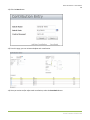
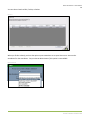
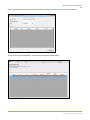
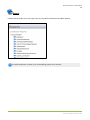
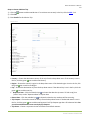
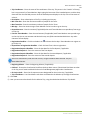
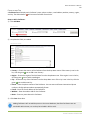
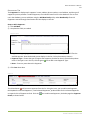
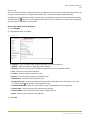
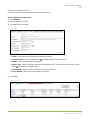
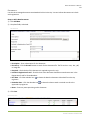
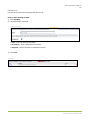
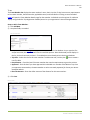
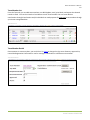
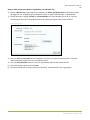
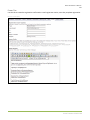
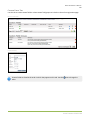
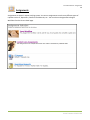
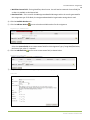
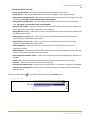
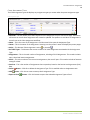
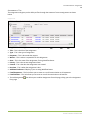
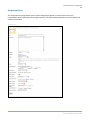
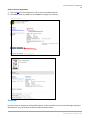
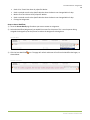
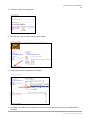
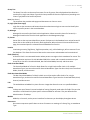
Arena User Manual – Membership 84 New Background Check (Optional) Your organization can run and manage background checks all in Arena. Steps to Request a Basic Background Check: 1) Go to MembershipNew Background Check, OR select Request New Background Check on the Person Detail Page of the person you would like request a background check. New Background Check Request Background Check Request from Person Detail Page 2) Click Change… to search and select an existing record. Select a Record You can submit Background Checks, even if the SSN field is blank or only partially complete. If no SSN is available, you can use 9 numeric characters (e.g. 423578941) or 11 characters that exactly match the formatn (e.g. ###-##-####). The 9s are only used for Background Check purposes and do not populate the Person Detail information. 3) Select the Background Check Type. Background Check Type Arena Premium v2012.1.100