1
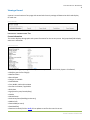
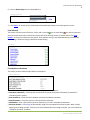
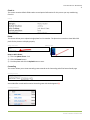
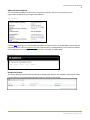
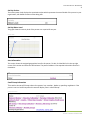
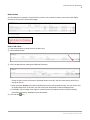
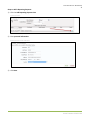
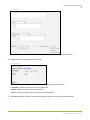
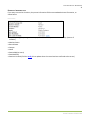
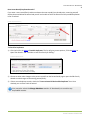
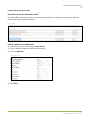
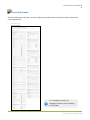
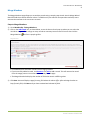
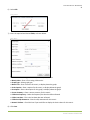
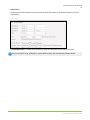
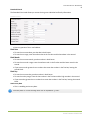
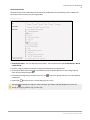
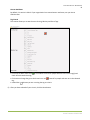
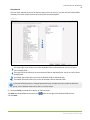
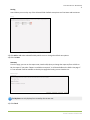
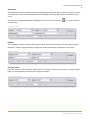
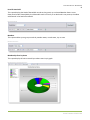
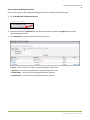
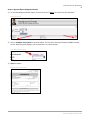
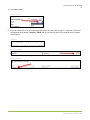
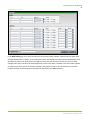
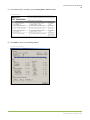
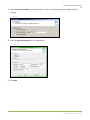
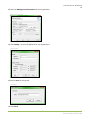
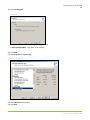
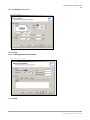
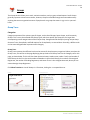
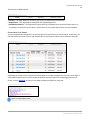
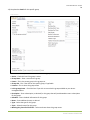
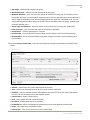
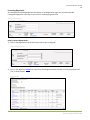
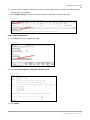
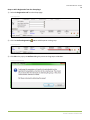
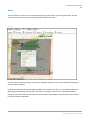
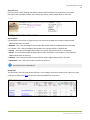
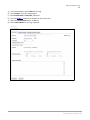
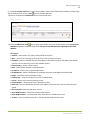
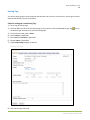
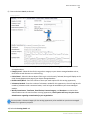
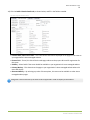
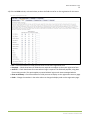
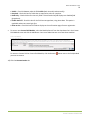
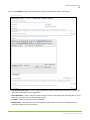
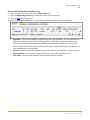
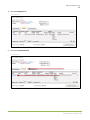
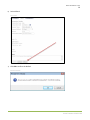
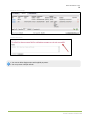
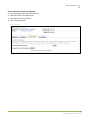
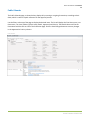
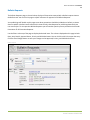
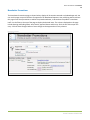
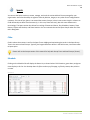
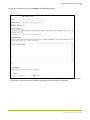
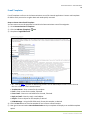
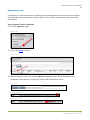
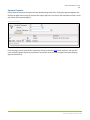
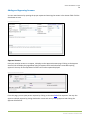
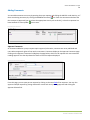
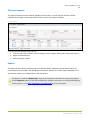
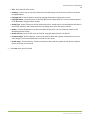
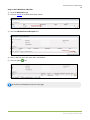
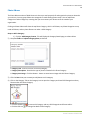
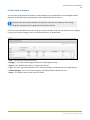
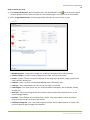
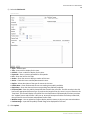
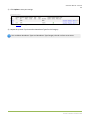
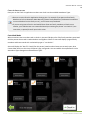
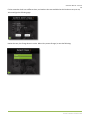
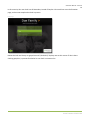
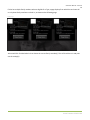
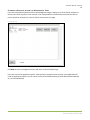
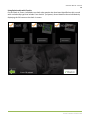
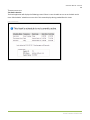
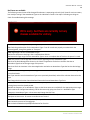
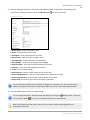
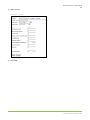
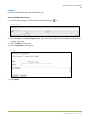
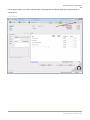
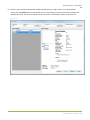
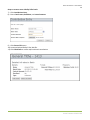
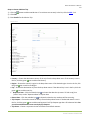
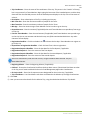
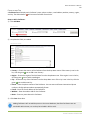
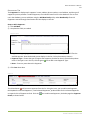
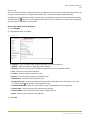
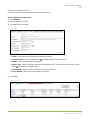
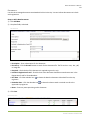
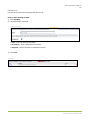
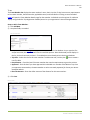
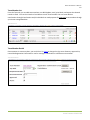
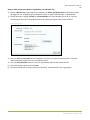
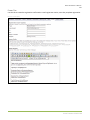
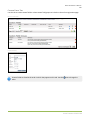
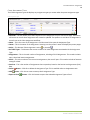
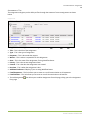
Arena User Manual – Tags 177 12) Click the Fields sub-tab, as shown below, to select the fields to use for on-line registration for this event. New Event Tag Registration Fields Use – Check these boxes for fields you want to be on the event registration form. Required — Check these boxes for fields that are required to complete on the event registration form. Auto Fill — Check these boxes for events where a login is required. The fields will populate, using data from existing records. This option applies to events behind a login on the Arena-managed website. Show on Summary—Check these boxes for fields you want to display on the registration summary page. Order – Change the numbers in the order column to change the display order on the registration page. Arena Premium v2012.1.100