1
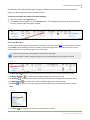
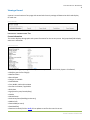
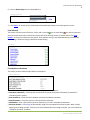
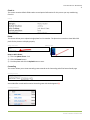
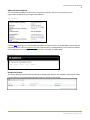
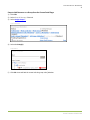
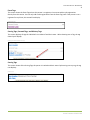
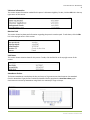
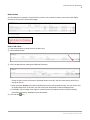
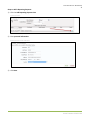
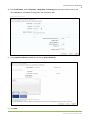
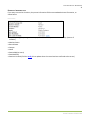
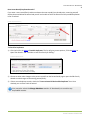
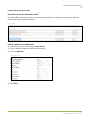
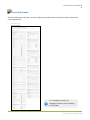
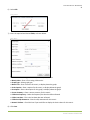
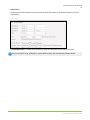
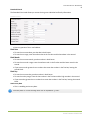
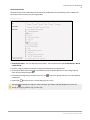
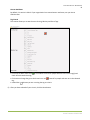
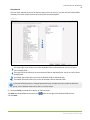
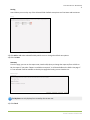
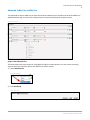
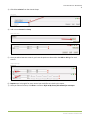
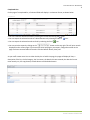
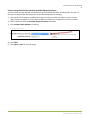
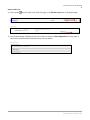
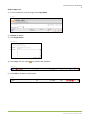
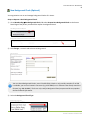
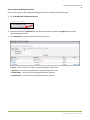
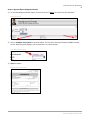
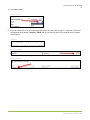
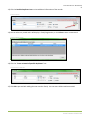
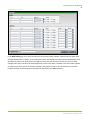
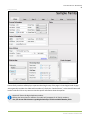
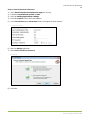
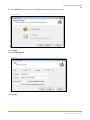
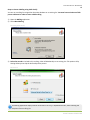
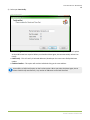
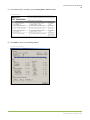
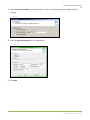
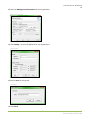
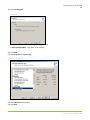
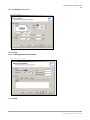
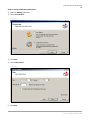
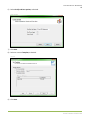
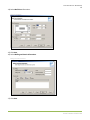
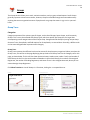
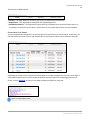
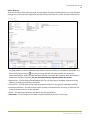
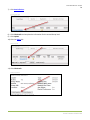
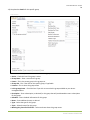
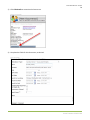
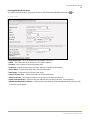
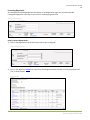
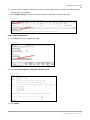
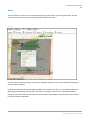
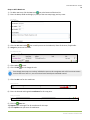
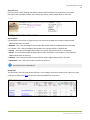
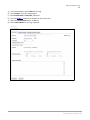
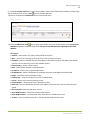
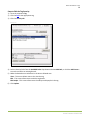
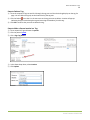
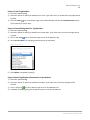
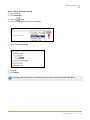
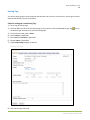
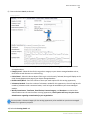
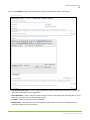
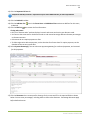
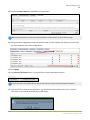
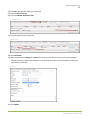
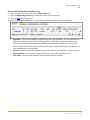
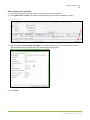
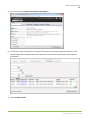
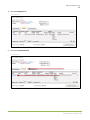
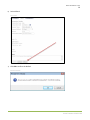
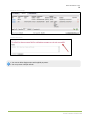
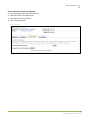
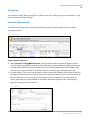
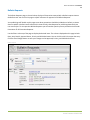
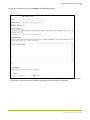
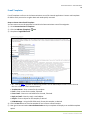
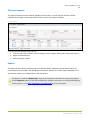
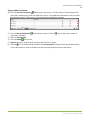
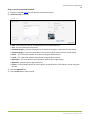
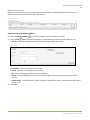
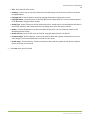
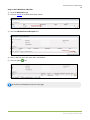
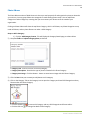
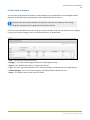
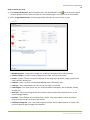
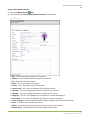
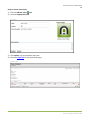
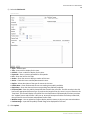
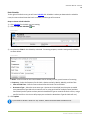
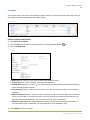
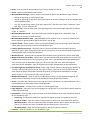
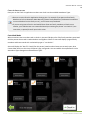
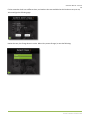
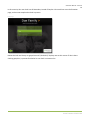
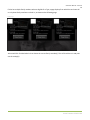
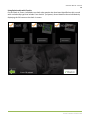
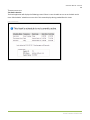
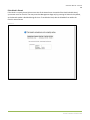
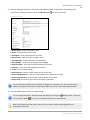
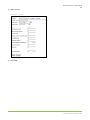
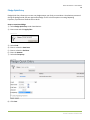
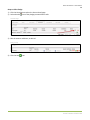
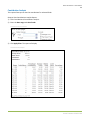
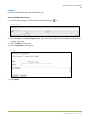
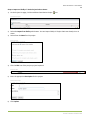
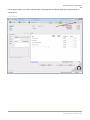
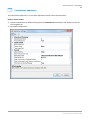
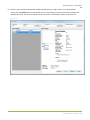
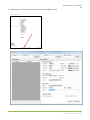
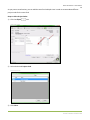
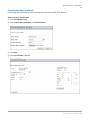
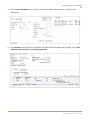
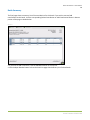
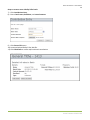
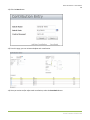
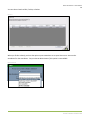
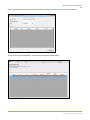
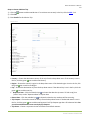
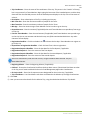
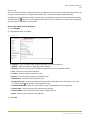
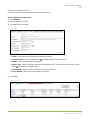
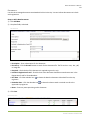
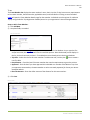
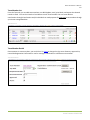
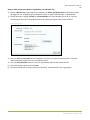
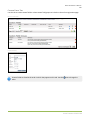
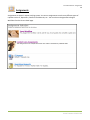
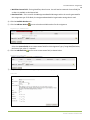
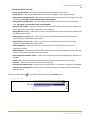
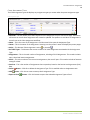
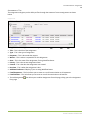
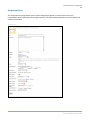
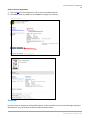
Arena User Manual – Web Content 241 Steps to Add a Podcast Channel: 1) Click the Add New Channel icon. 2) On the Details tab, enter all appropriate information for this channel. New Podcast Channel Title – User provided title to display for this channel. SubTitle – User provided subtitle to display for this channel. Link – Enter the Link for this channel. Author – This is the author of the channel. Contact – This is the contact name of the channel. Contact Email – This is the e-mail address of the channel’s contact. Copyright – This is the copyright information to display for this channel. Language – This is the language description to display for this channel. Category(s) – This is a list of categories for this channel (a comma-separated list). Keywords(s) – This is a list of keywords for this channel (a comma-separated). Content Category – Select the desired Content Category lookup to associate with this channel. Active – Check this box to activate this channel. Explicit – Select the description of the type of content to host on this channel. Context Aware – Check this box if this channel should location aware. Arena Premium v2012.1.100