1
Edit Doors
1.
2.
3.
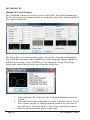
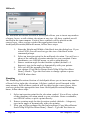
If necessary to help distinguish your doors, zoom in on the area where you
intend to edit the door.
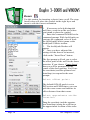
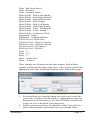
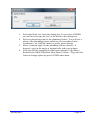
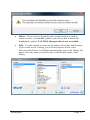
Enter the command D45 or DOORS at the command prompt. With
ArchSymb you can type the command, select it from the ArchSymb|Util
menu or the ArchSymb toolbar.
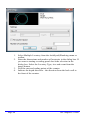
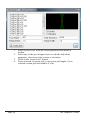
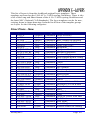
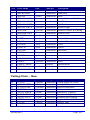
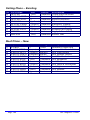
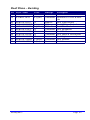
A dialog box will appear, you change any of the settings that are
appropriate for your door that you want to modify.
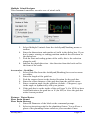
Then click on the button "Select Door to apply changes" then click on any
ArchSymb door to modify it.
Page 16
SD Graphics ©2008