1
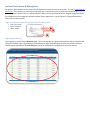
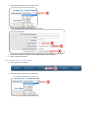
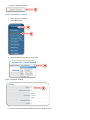
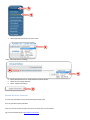
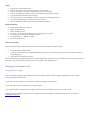
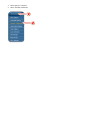
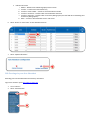
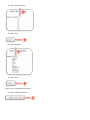
Under “Auto Attendant Configuration” Heading
3
3.
4.
Select “Root”
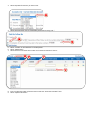
Select Dropdown for Auto Attendant Account you want to edit:
4
5.
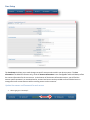
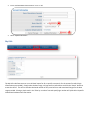
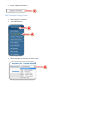
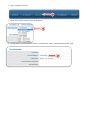
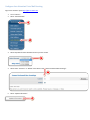
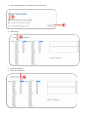
Next to the “Intro” Field Select “Browse…”
5
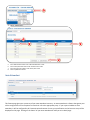
Select your Intro message file (intro messages are required; event actions are not available while intro messages are playing.
Generally a file with 1 second of silence is loaded into this field)
•
•
•
•
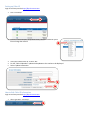
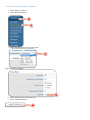
Select “Open”
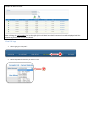
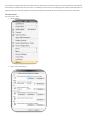
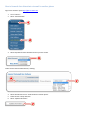
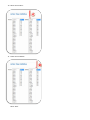
Next to the “Menu” Field Select “Choose File”:
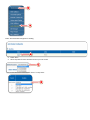
Select your Menu message file:
Select “Open”
6.
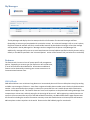
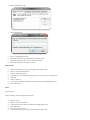
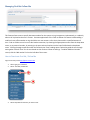
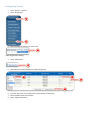
Select “Update Information”:
6