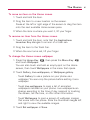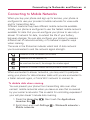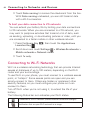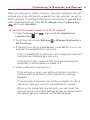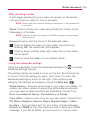
1
34
The Basics
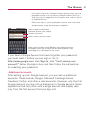
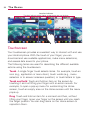
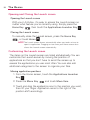
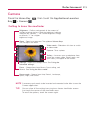
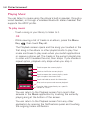
Getting to Know the Home Screen
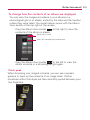
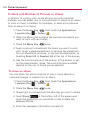
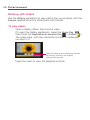
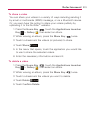
The Home screen is your starting point to access all the features on
your phone. It displays application shortcuts, icons, widgets,
and other features.
Status Bar
Shows device status information
including the time, signal strength,
battery status, and notification
icons.
Application Icon
Touch an icon (application, folder,
etc.) to open and use it.
Quick Keys
Provide easy, one-touch access to
the functions you use the most.
Applications Launcher Key
Touch to open the Launch screen
to view installed applications.