1
Tool
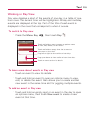
Working in Day View
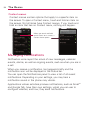
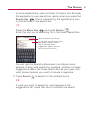
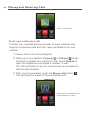
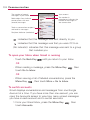
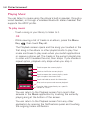
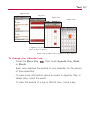
Day view displays a chart of the events of one day, in a table of onehour rows. The current time will be highlighted. All-day and multiday
events are displayed at the top. Part of the title of each event is
displayed in the rows that correspond to when it occurs.
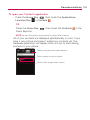
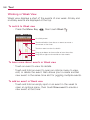
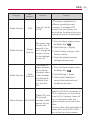
To switch to Day view
'
Press the Menu Key
, then touch Day
.
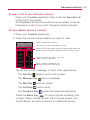
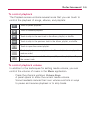
Touch and hold an event to open an options menu
to view, edit, delete, or new event.
Touch and hold an empty time slot to create a
new event at that time.
Drag left or right to view earlier or later days.
Drag up or down to view earlier or later time slots.
Touch an event to view its details.
To learn more about events in Day view
'
Touch an event to view its details.
'
Touch and hold an event to open an options menu to view,
edit, or delete the event. Also allows you to create another
new event in the same time slot for juggling multiple events.
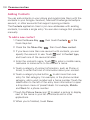
To add an event in Day view
'
Touch and hold an empty spot or an event in the day to open
an options menu, then touch New event to create a new
event at that time.
259