1
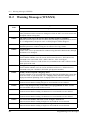
10.6
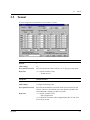
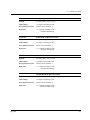
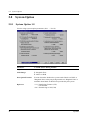
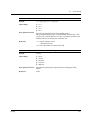
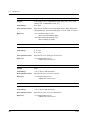
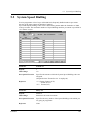
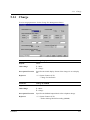
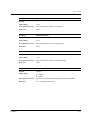
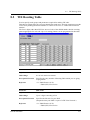
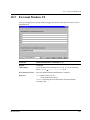
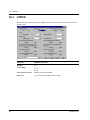
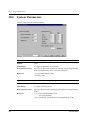
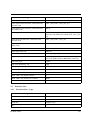
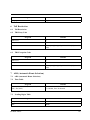
System Parameters
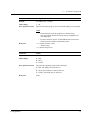
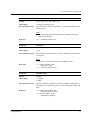
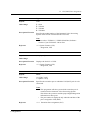
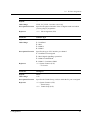
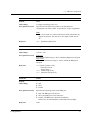
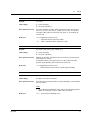
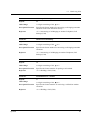
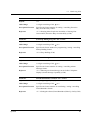
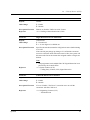
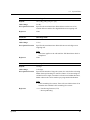
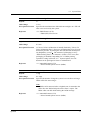
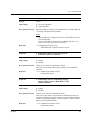
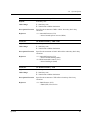
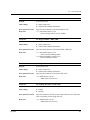
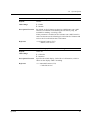
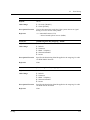
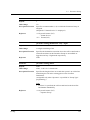
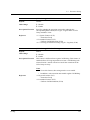
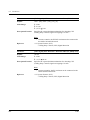
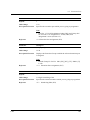
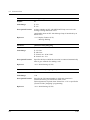
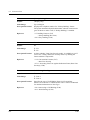
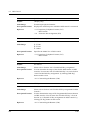
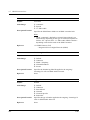
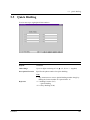
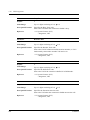
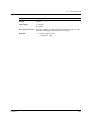
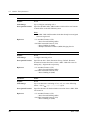
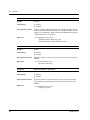
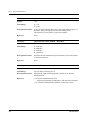
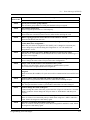
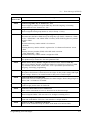
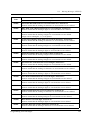
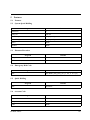
Parameter
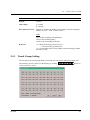
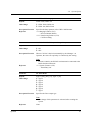
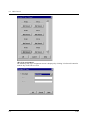
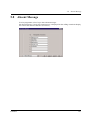
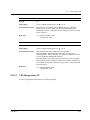
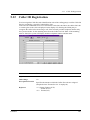
[Password] Walking COS
Default
1234
Value Range
4-7 digits consisting of 0-9
Description/Function
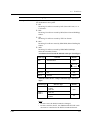
Specifies the password required for using the Walking COS feature.
Reference
• 1.6 Originating Features (F/G)
– Walking COS
• 2.2.5 Calling without Restrictions (U/M)
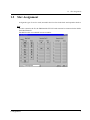
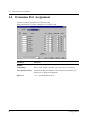
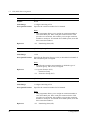
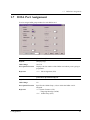
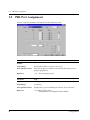
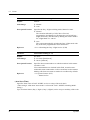
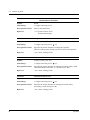
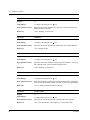
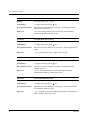
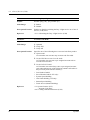
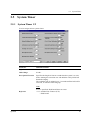
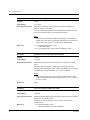
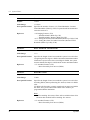
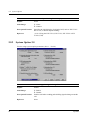
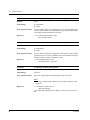
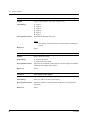
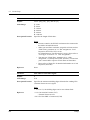
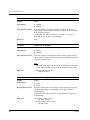
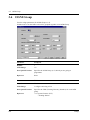
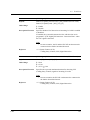
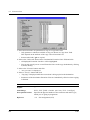
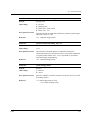
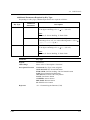
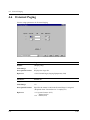
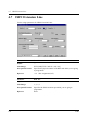
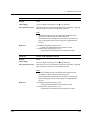
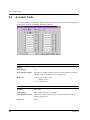
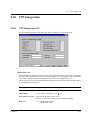
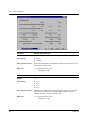
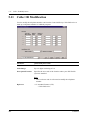
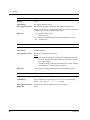
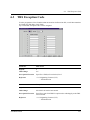
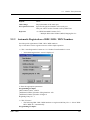
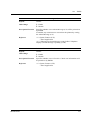
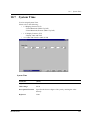
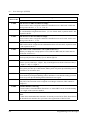
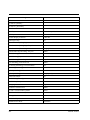
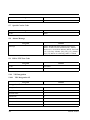
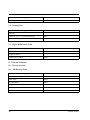
[Serial Interface Port] PROG (Port 1)
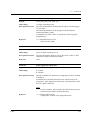
Please refer to "System Programming and Diagnosis with Personal Computer" in Section "1.2
System Administration" of the Features Guide.
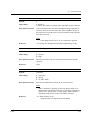
Note
• Generally speaking, you should connect your Programming PC to Port 1 and your SMDR
printer to Port 2.
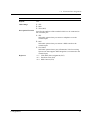
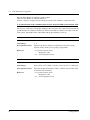
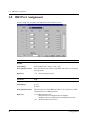
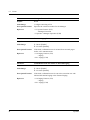
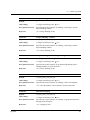
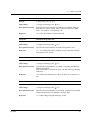
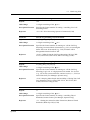
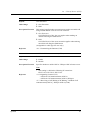
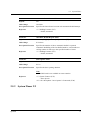
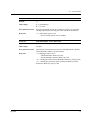
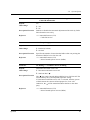
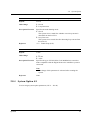
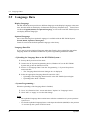
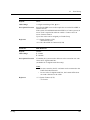
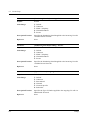
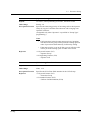
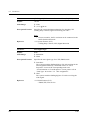
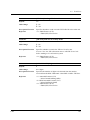
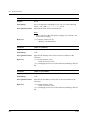
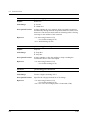
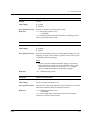
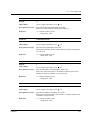
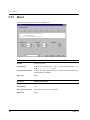
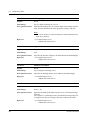
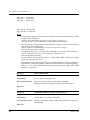
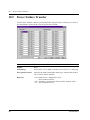
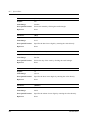
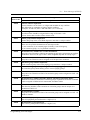
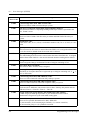
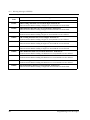
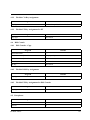
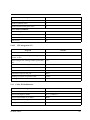
Parameter
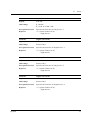
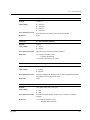
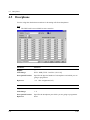
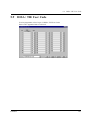
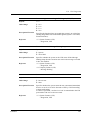
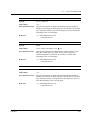
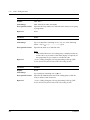
[Serial Interface Port] PROG – Parity
Default
(Display only)
Value Range
None
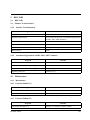
Description/Function
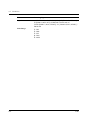
A parity code indicates what type of parity is used to detect an error
in the string of bits composing a character. Make an appropriate
selection depending on the requirements of your printer or personal
computer.
Note
• Port 1 is fixed to "None."
Reference
None
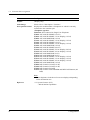
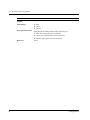
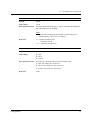
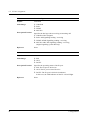
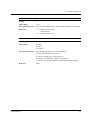
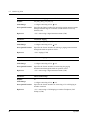
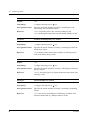
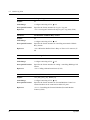
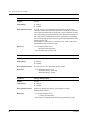
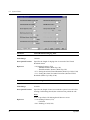
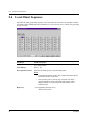
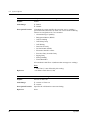
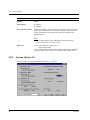
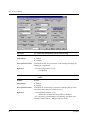
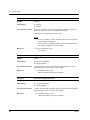
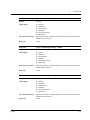
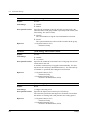
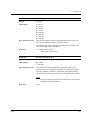
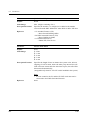
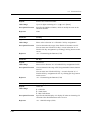
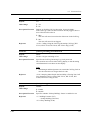
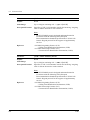
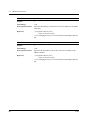
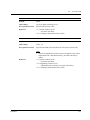
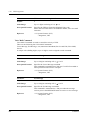
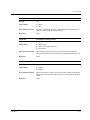
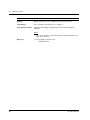
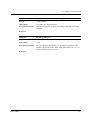
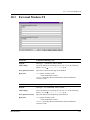
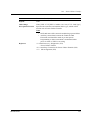
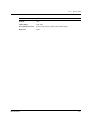
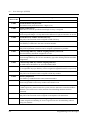
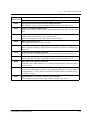
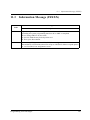
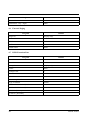
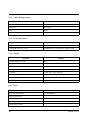
Parameter
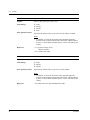
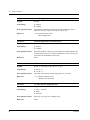
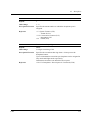
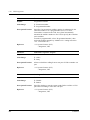
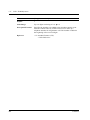
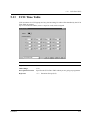
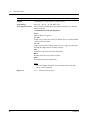
[Serial Interface Port] PROG – NL Code
Default
CR+LF
Value Range
1. CR+LF
2. CR
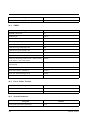
Description/Function
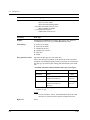
Specifies the NL (New Line) Code for your printer or personal
computer.
If your printer or personal computer automatically feeds lines with
a carriage return, select "CR (Carriage Return)."
If not, select "CR+LF (Line Feed)."
Reference
None
Maintenance
261