1
CC5X C Compiler
B Knudsen Data
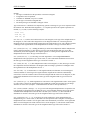
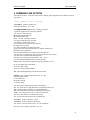
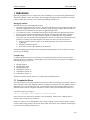
Permanent assigned settings:
• nested comments is allowed
• char is unsigned
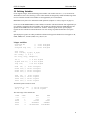
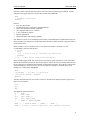
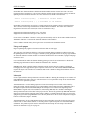
5.1 Options in a file
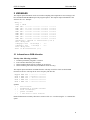
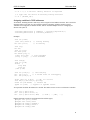
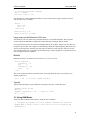
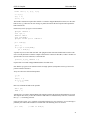
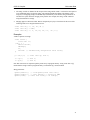
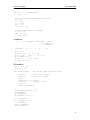
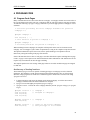
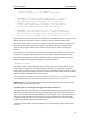
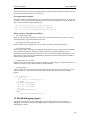
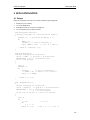
Options can be put in a file. The syntax is:
cc5x [..] +<filename> [..]
Many option files can be included, and up to 5 levels of nested include files are allowed. Options in a file
allows an unlimited number of options to be stated. Linefeed, space and TAB separates each option.
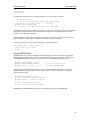
Comments can be added in the option file using the syntax:
// the rest of the line is a comment
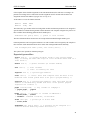
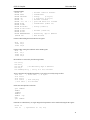
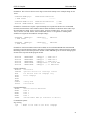
Spaces can be added to each option if a space is added behind the '-' starting the option. This syntax
disables using more than one option on each line. Examples:
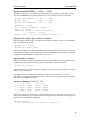
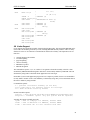
- D MAC = 1 + OP
- p 16C54
// comment
-p 16C54
// this will not work
- p 15C64 -a // not this either
Note that the file path is required if the file does not reside on the current directory.
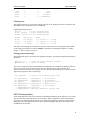
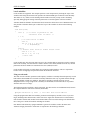
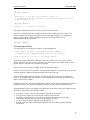
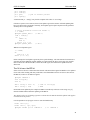
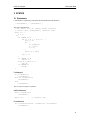
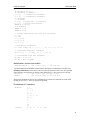
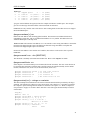
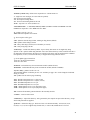
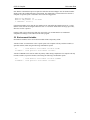
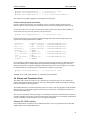
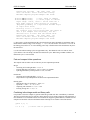
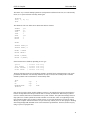
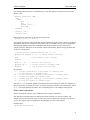
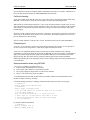
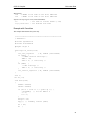
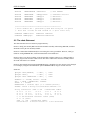
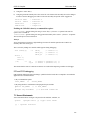
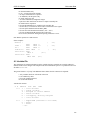
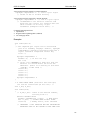
String translation rules for options in a file:
1. Doublequotes " " allows spaces in the option, quotes are removed
2. Using \" means a single quote " in an option
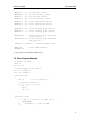
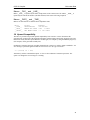
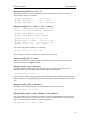
-I"C:\Program Files\cc5x"
-IC:"\Program Files"\cc5x
==>
==>
-IC:\Program Files\cc5x
-IC:\Program Files\cc5x
-DMyString="\"Hello\n\""
-DQuote='\\"'
==>
==>
-DMyString="Hello\n"
-DQuote='\"'
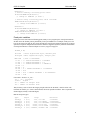
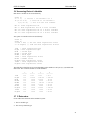
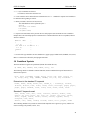
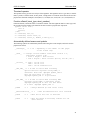
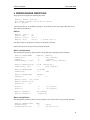
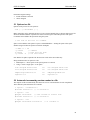
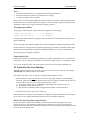
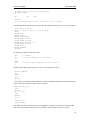
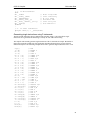
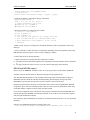
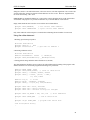
5.2 Automatic incrementing version number in a file
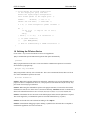
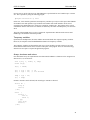
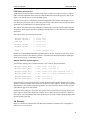
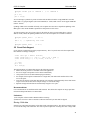
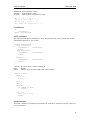
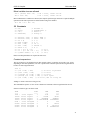
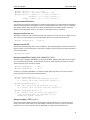
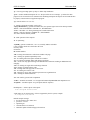
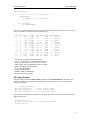
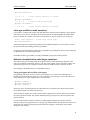
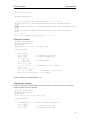
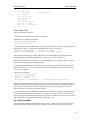
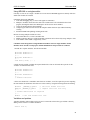
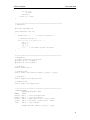
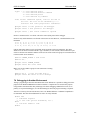
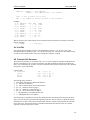
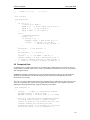
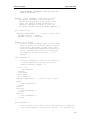
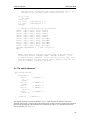
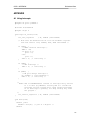
The compiler is able to automatically increment one or more version numbers for each compilation.
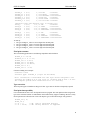
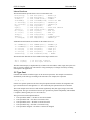
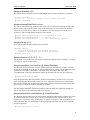
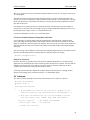
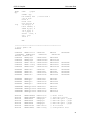
Three different syntax alternatives are available.
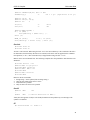
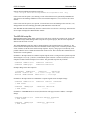
1. Option : -ver#verfile.c
#include "verfile.c" // or <verfile.c>
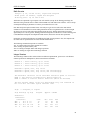
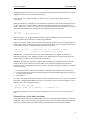
2. Option : -ver
#pragma versionFile
#include "verfile.c"
// next include is version file
// or <verfile.c>
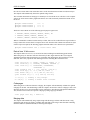
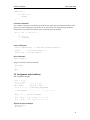
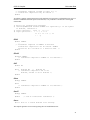
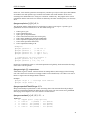
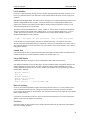
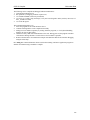
3. Option : -ver
#pragma versionFile "verfile.c"
// or <verfile.c>
60