1
CC5X C Compiler
B Knudsen Data
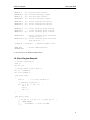
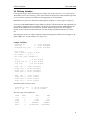
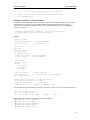
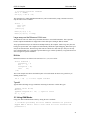
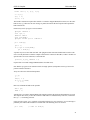
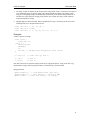
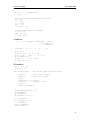
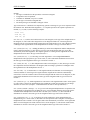
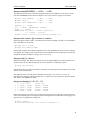
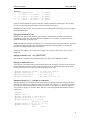
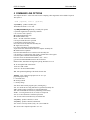
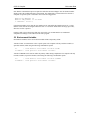
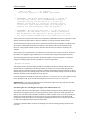
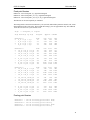
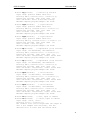
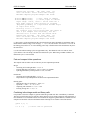
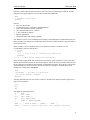
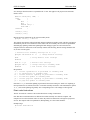
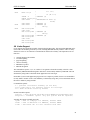
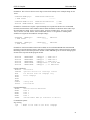
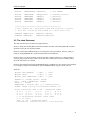
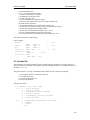
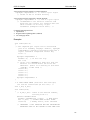
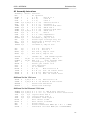
/* first decide the initial output level
on the output port pins, and then
define the input/output configuration.
This avoids spikes at the output pins. */
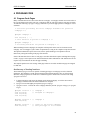
PORTA =
0b.0010;
TRISA = 0b.1111.0001;
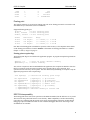
a = 9;
/* out = 1 */
/* xxxx 0001 */
/* value assigned to global variable */
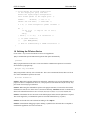
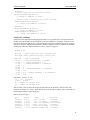
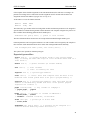
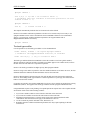
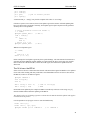
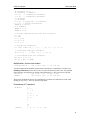
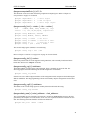
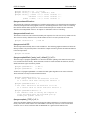
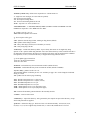
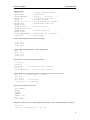
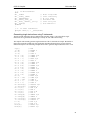
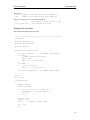
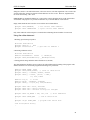
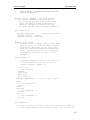
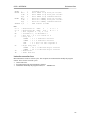
do
{
if (in == 0) /* stop if 'in' is low */
break;
sub();
} while ( -- a > 0); /* 9 iterations */
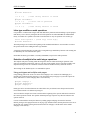
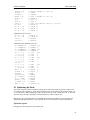
// if (some condition)
//
goto WARM_RESET;
/* main is terminated by a SLEEP instruction */
}
1.6 Defining the PICmicro Device
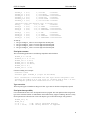
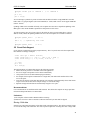
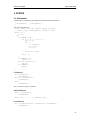
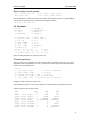
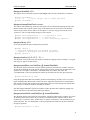
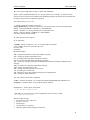
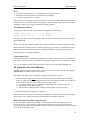
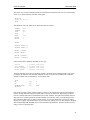
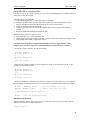
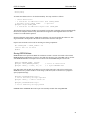
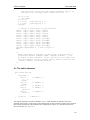
CC5X offers 3 ways to select the PICmicro device in an application:
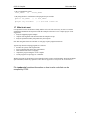
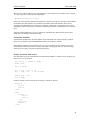
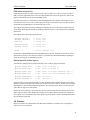
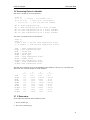
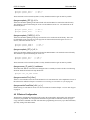
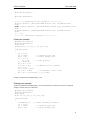
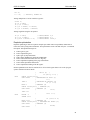
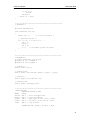
1) By a command line option. MPLAB will generate this option automatically.
-p16F883
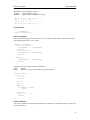
2) By a pragma statement in the source code. Note that the command line option will override the
selection done by #pragma chip.
#pragma chip PIC16F883
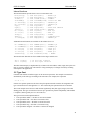
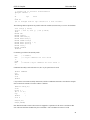
3) By using include to directly select a header file. This is not recommended because there will be an
error if the command line option is also used.
#include "16f883.h"
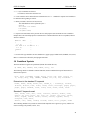
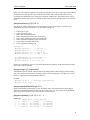
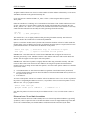
NOTE 1: When using a pragma statement or include file, remember to use it in the beginning of the C
program so that it is compiled first. However, some preprocessor statements like #define and #if may
proceed the #include/#pragma statement.
NOTE 2: When using the command line option or the pragma statement, CC5X will use the internal
definitions for some devices. If the device is not known internally, automatic include of a header file is
started. The internal known devices are: 16C54,55,56,57,58, 61,64,65, 71,73,74, 84, 620,621,622.
NOTE 3: If the header file does not reside in the default project folder, then the path name is required.
This can be supplied by a command line option as an include folder/directory (-I<path>).
NOTE 4: New header files can be defined according to file ‘chip.txt’.
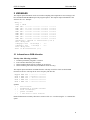
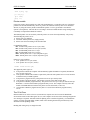
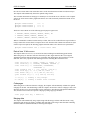
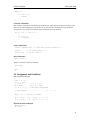
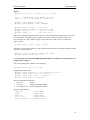
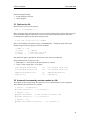
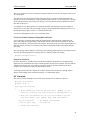
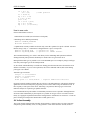
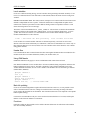
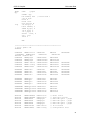
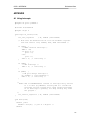
NOTE 5: ICD and ICD2 debugging requires defining a symbol before the header file is compiled to
avoid that the application use reserved resources:
12