1
PHOTOMOD GeoMosaic 4.4
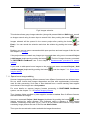
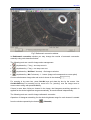
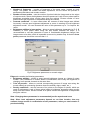
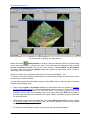
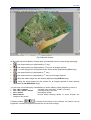
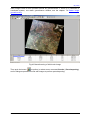
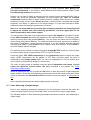
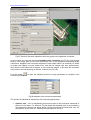
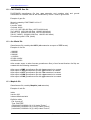
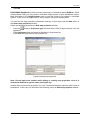
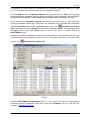
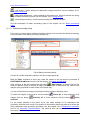
Fig.11 Brightness-Contrast-Gamma adjustment
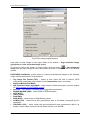
The button
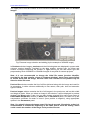
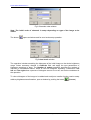
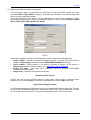
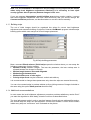
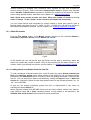
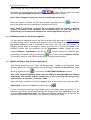
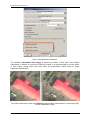
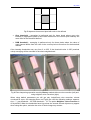
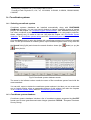
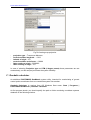
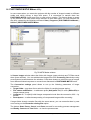
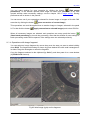
opens a window used for color balancing (Fig.12). You can shift the image
balance to cyan, red, magenta, green, yellow or blue color. Resulting brightness is not
changed at that. You can also shift balance of each color in numeric form –100 to 100 in the
Values field.
Fig.12 Color balance window
The button
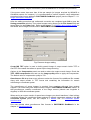
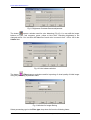
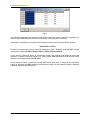
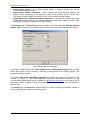
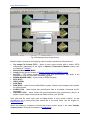
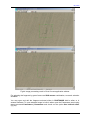
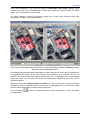
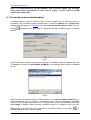
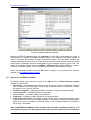
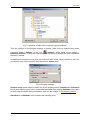
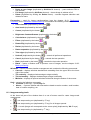
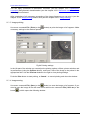
(Filters) opens a window used for improving of visual quality of initial image
using it's processing by different filters.
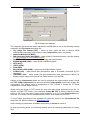
Fig.13 Window for image filtering
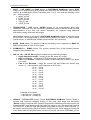
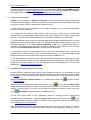
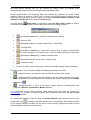
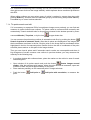
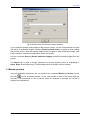
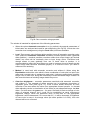
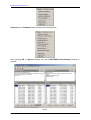
Select processing type in the Filter type drop-down list from the following items:
21
RACURS Co., Ul. Yaroslavskaya, 13-A, office 15, 129366, Moscow, Russia