1
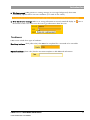
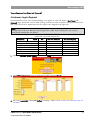
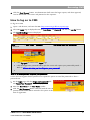
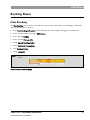
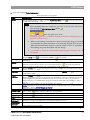
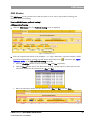
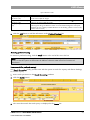
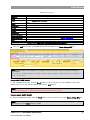
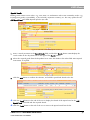
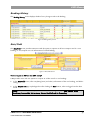
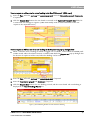
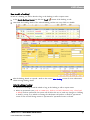
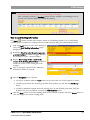
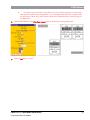
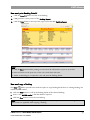
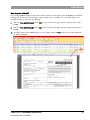
CMS Menus Printing Booking Details 1. Click the Print button at the bottom of the Booking screen. 2. CMS generates a print preview of the Booking Report. 3. Click the Print button at the top of the page to print the PDF Booking Report. Note: Click the Save button before printing to ensure that the information to print is up-to-date. Dates and times on the print out are the user’s local dates and times. Adobe Acrobat Plug-in is required to view and print the booking details. CMS V1.97—BOOKING MODULES USER GUIDE FOR CUSTOMERS 44