1
Restore Database from Backup
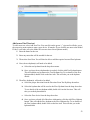
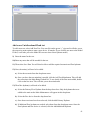
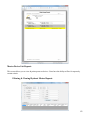
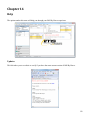
This option allows the user to restore a backup of the database. To restore the database, chose Restore
Database from Backup. A screen will appear asking for the location of the backup file. Select the backup
file and select Ok.
Warning: Restoring a backup will overwrite all current data in your company. Please make sure that you
are selecting the correct backup file for your company.
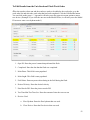
QSI Fire Flow Directory Export
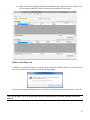
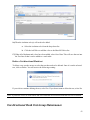
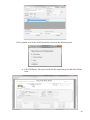
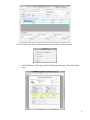
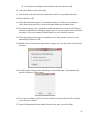
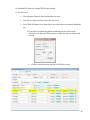
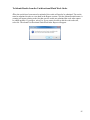
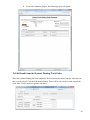
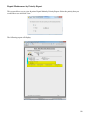
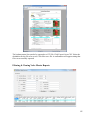
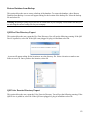
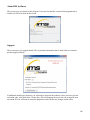
This option allows the user export the Fire Flow Directory. You will get the following warning. If the QSI
Device is pulled in, select Ok. If the QSI is not plugged in, plug it in and then select Ok.
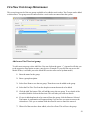
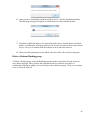
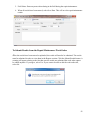
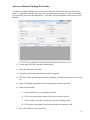
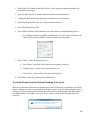
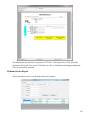
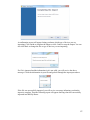
A screen will appear asking for the location to save the directory file. Select a location or make a new
folder to save it in. Once you have the location, select Ok.
QSI Valve Exercise Directory Export
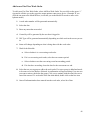
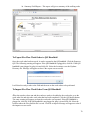
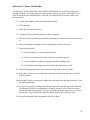
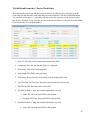
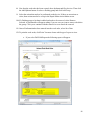
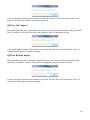
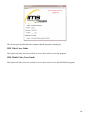
This option allows the user export the Valve Exercise Directory. You will get the following warning. If the
QSI Device is pulled in, select Ok. If the QSI is not plugged in, plug it in and then select Ok.
133