1
RM for Novell NetWare Over 5.1x or Higher
Reinstall Resource Manager
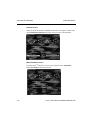
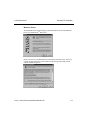
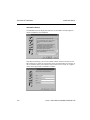
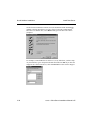
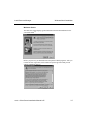
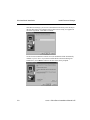
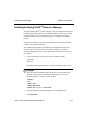
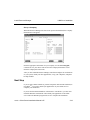
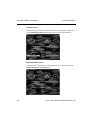
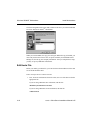
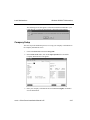
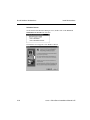
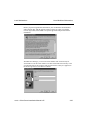
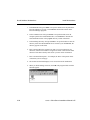
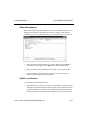
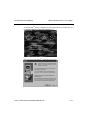
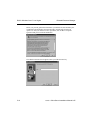
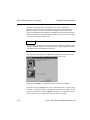
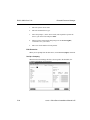
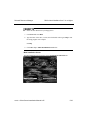
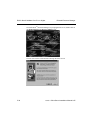
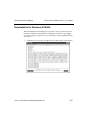
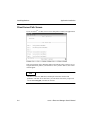
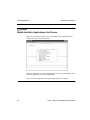
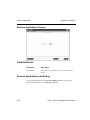
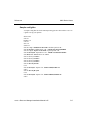
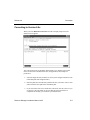
After copying the data from the CD-ROM, the installation automatically creates
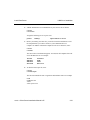
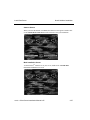
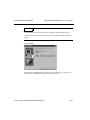
the shortcut icon, activates Visual PRO/5 and displays this screen:
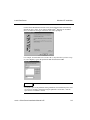
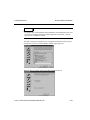
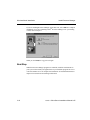
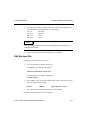
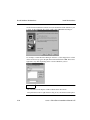
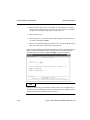
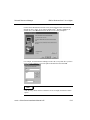
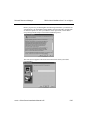
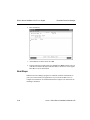
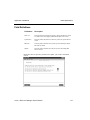
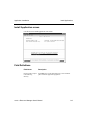
The installation of Resource Manager is complete. If you installed Resource
Manager over OPEN Windows, you must set up a sysgui device. If you installed
Resource Manager over a DOS OSAS install, you must also set up your printers
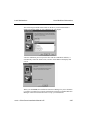
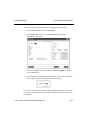
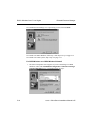
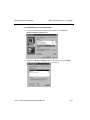
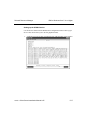
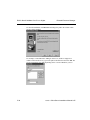
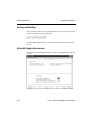
and terminals. Follow the instructions below to set up a sysgui device. Use the
Devices function in Resource Manager to set up your printers.
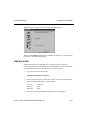
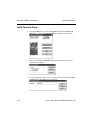
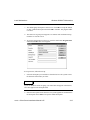
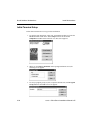
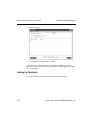
Initial Terminal Setup (for reinstalling over DOS only)
To set up additional workstations, follow the instructions for installing
workstations in chapter 4.
5-40
OSASCS Client Server Installation Manual 6.05