1
Application Installation
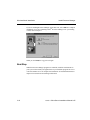
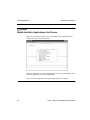
Install Applications
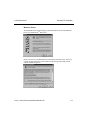
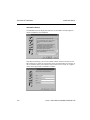
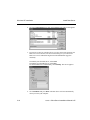
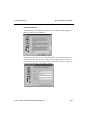
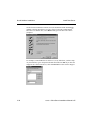
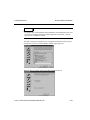
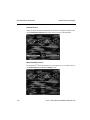
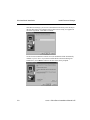
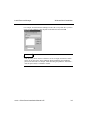
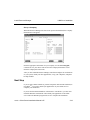
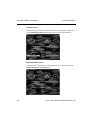
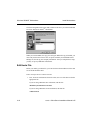
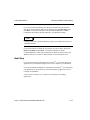
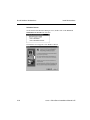
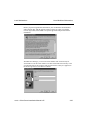
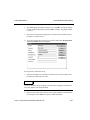
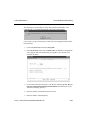
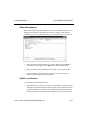
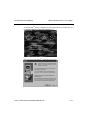
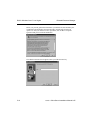
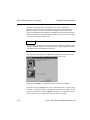
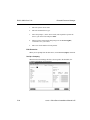
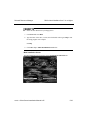
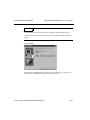
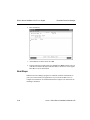
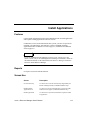
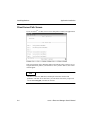
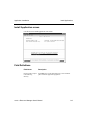
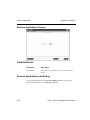
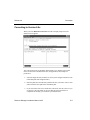
Activation Key Screen
Note
If you are installing from a CD-ROM on SCO UNIX or Linux, you must first
specify the installation path before installing applications for the first time. See
the instructions in Chapter 3.
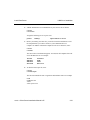
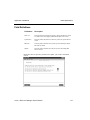
Field Definitions
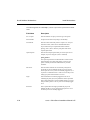
Field Name
Description
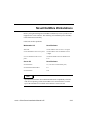
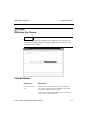
Enter CD Activation
Key
Enter the OSAS CD Activation Key that you received with
your software. The key tells Resource Manager, among other
things, which applications you can install.
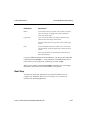
If you purchase additional applications to add to your system,
you will receive a new activation key.
OSASCS Resource Manager User’s Manual
6-7