1
RM for Novell NetWare Over 5.1x or Higher
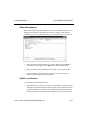
Reinstall Resource Manager
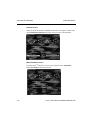
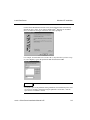
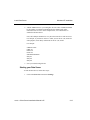
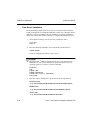
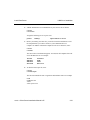
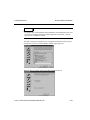
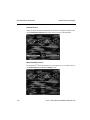
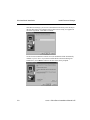
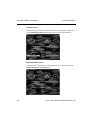
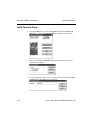
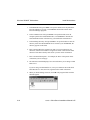
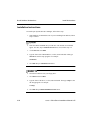
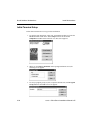
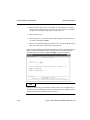
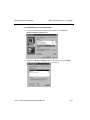
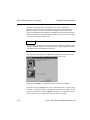
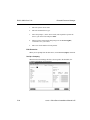
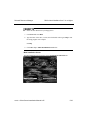
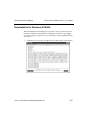
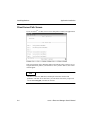
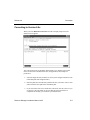
2. Enter (T)erminal.
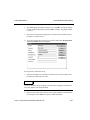
3. At the BBx Device Name field, enter XO.
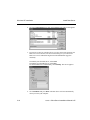
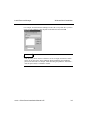
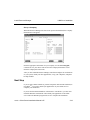
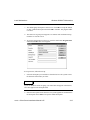
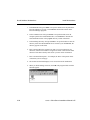
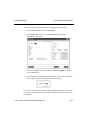
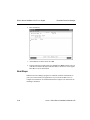
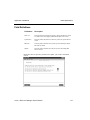
4. In the System Device Name field, enter sysgui. Press Enter until the cursor is
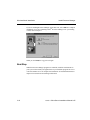
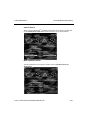
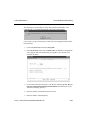
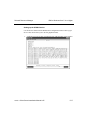
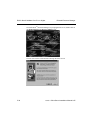
in the Device Mode field and press D. You will see the Devices screen appear.
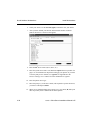
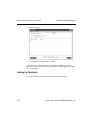
Enter W to write the information.
Next Steps
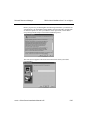
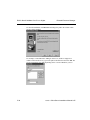
When the Resource Manager programs are installed, install the workstations on
your system. Then install your applications on your Novell NetWare server to
complete the installation. See Install Workstations in chapter 4 for instructions on
installing workstations.
5-42
OSASCS Client Server Installation Manual 6.05