1
3.5.3.3
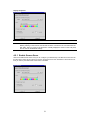
Specifying Logon Information
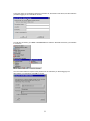
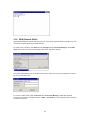
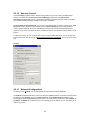
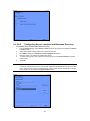
You can include the settings needed to log on to the Citrix server as part of the connection entry. This
saves time when connecting to the server but is less secure.
a.
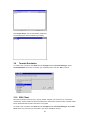
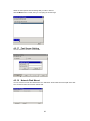
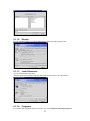
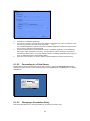
In Terminal Connection Manager dialog box, click Configure.
b.
Select the connection entry that you want to change and click Edit.
c.
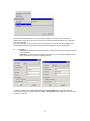
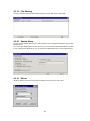
Click the Logon tab.
d.
Type a valid user name, domain, and password. If you leave these boxes blank, you are prompted
for your user name, domain, and password each time you connect to the Citrix server or published
application.
e.
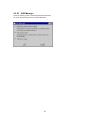
Click OK to save your changes.
3.5.3.4
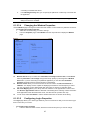
Changing Window Properties
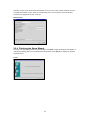
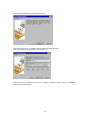
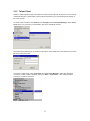
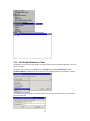
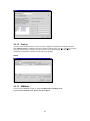
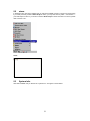
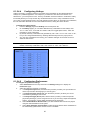
Use the Window tab to change the number of colors to use for ICA connections made using the
connection entry.
a.
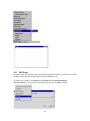
In Terminal Connection Manager dialog box, click Configure.
b.
Select the connection entry that you want to change and click Edit.
c.
Click the Window tab.
20