1
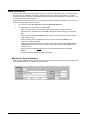
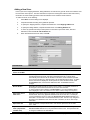
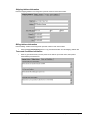
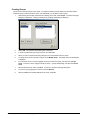
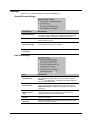
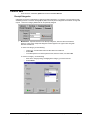
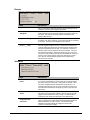
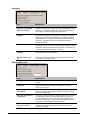
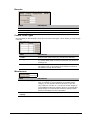
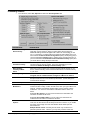
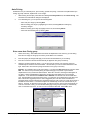
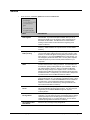
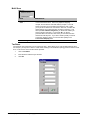
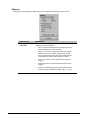
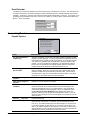
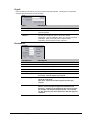
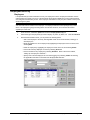
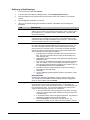
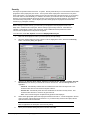
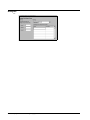
Store Information It is important to enter ALL of your stores that use Run.It! in the Store Information section. This is necessary for operations such as transferring merchandise, entering inventory and making purchase orders. You MUST complete this section. There are several special rates and taxes that may be applicable for certain stores. The only mandatory item is the Standard tax. By default when you open this window, the current store information is displayed (if entered). Plus, a list of all other stores defined in your system is shown. 1. From the menu, select File, Options and select the Store Information tab. 2. From this window, you can perform the following tasks: − Add a new store. Refer to the instructions in this section entitled, “Adding a New Store.” − Edit existing store information by selecting Edit, making the necessary changes, and selecting OK. − Create groups by selecting the Groups button. Refer to the instructions in this section entitled, “Adding a Store Group.” − Delete an existing store by highlighting the store in the list, and selecting Delete. In the confirmation window, select OK. − Indicate that these settings are for this computer system only by selecting the Options for this computer only option. Refer to the instructions in this section entitled, “Setting Options for a Specific System.” − Close and exit the window without saving the currently entered information by selecting Cancel. − Save the information and exit the window, select OK. Add Current Store Information Enter store # and address in which this store is located. This information will be printed on your receipt and will be the default location for your transfer, purchase orders etc. 4 • Company Information & Settings Copyright 2001 Run.It! Retail Software