1
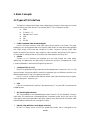
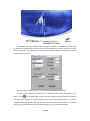
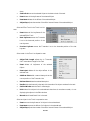
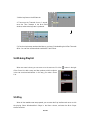
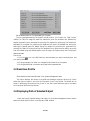
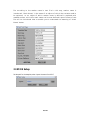
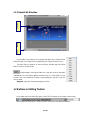
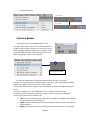
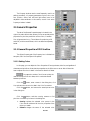
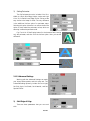
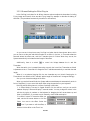
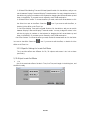
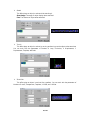
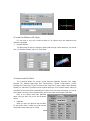
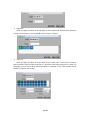
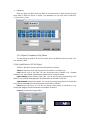
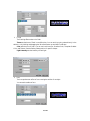
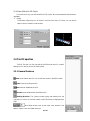
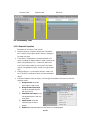
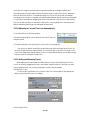
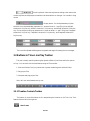
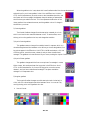
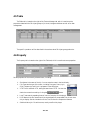
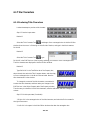
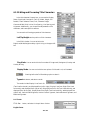
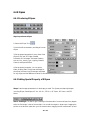
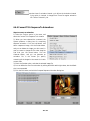
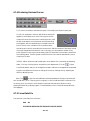
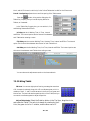
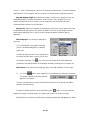
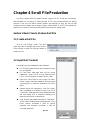
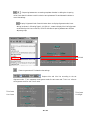
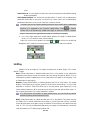
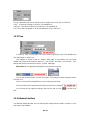
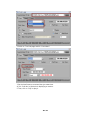
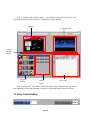
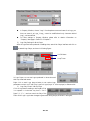
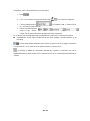
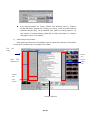
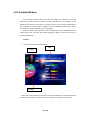
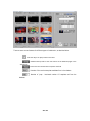
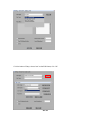
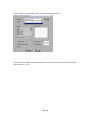
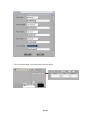
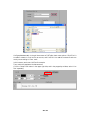
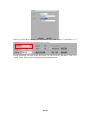
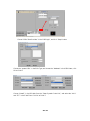
When the project file is open, all the scenes it contains are listed in the dialog box in the order
of their index numbers. Select the scene you like to import (support multiple selections using
SHIFT, CTRL), and then you can choose Inert Before or Insert After, specifying whether the
imported scene is placed before or after the current scene in the clip list.
:
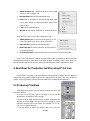
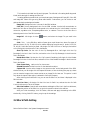
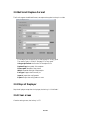
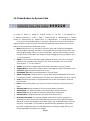
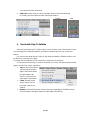
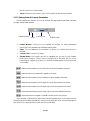
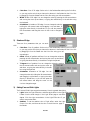
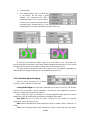
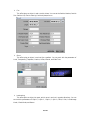
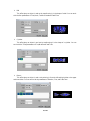
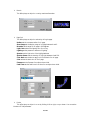
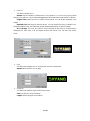
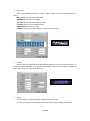
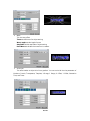
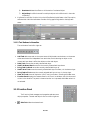
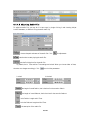
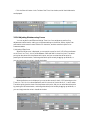
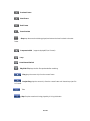
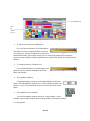
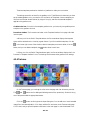
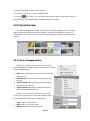
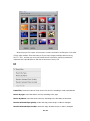
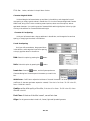
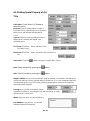
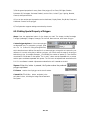
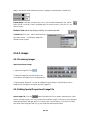
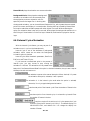
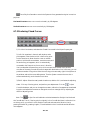
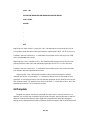
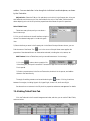
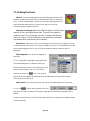
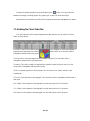
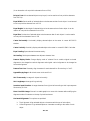
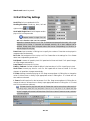
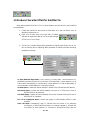
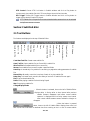
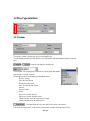
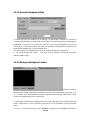
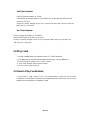
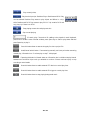
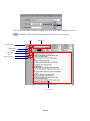
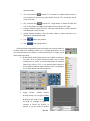
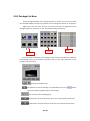
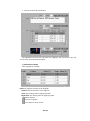
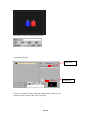
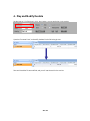
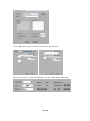
Reset Alias:Reset the number of the all shots in the shot list, according to order up and down
Resort by type: resort the shots in the list, according to the type
Resort by Name: resort the shots in the list, according to the first letter of the name.
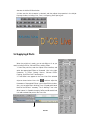
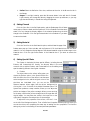
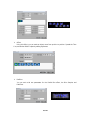
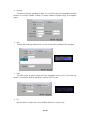
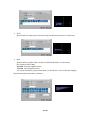
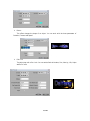
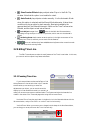
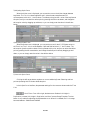
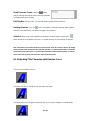
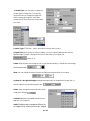
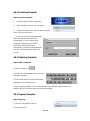
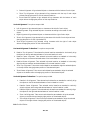
Render Selected Clips Quickly: render the clips, when the pic or video is changed.
Render Selected Clips Forcibly: render the clips, whether the pic or video is changed.
116 / 251