1
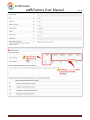
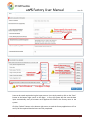
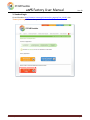
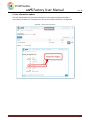
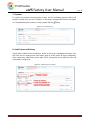
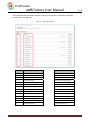
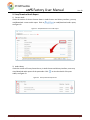
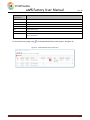
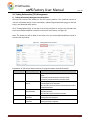
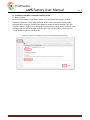
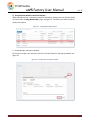
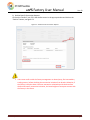
ICPS Factory User Manual Ver: 03 4) Request of disconnection with the connected brand When the factory is successfully connected with the brand, the factory can find the brand in the list under “Trading Relationship” page and the T/R current status is “Connected”, see figure 54. The factory can request to disconnect with the brand at any time. Figure 54:Trading Relationship Interface Click on the “Disconnect” icon and fill in the reason in English in the pop‐up window. Then click the “Disconnect” button to confirm, see figure 55. Figure 55:Request to Disconnect Trading Relationship Users must confirm with the factory management or related party like intermediary trading partner before sending a disconnection request to the brand. If there are existing business transactions between the factory and the brand, the brand might not accept the factory’s request. ICPS Factory User Manual Page 41