1
10. Working with presentation tools
Activprimary contains many tools which help you to make your flipcharts more
interesting and interactive when you are teaching with your students.
In this tutorial we will show you some of Activprimary’s presentation tools,
demonstrating how you could use these tools to give focus and pace to your
lessons.
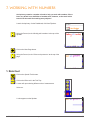
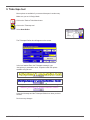
Launch Activprimary. Open a new flipchart.
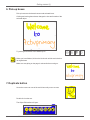
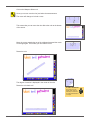
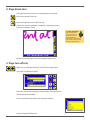
Using the Pen tool, write ‘Presentation tools’ on the flipchart.
1. Gesture tools
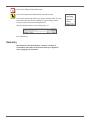
Activprimary’s Gesture tools are designed to help make working at an
Activboard easier. We will show you one useful option here but you
will need to experiment with the settings to make Gesture tools fit with
your style of working with an Activpen and an Activboard.
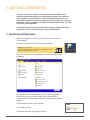
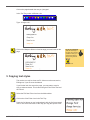
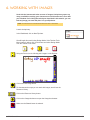
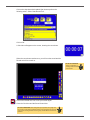
Click on the Teacher Tools Menu button.
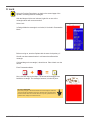
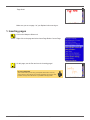
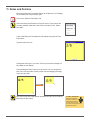
Click on the Menu button and select Settings. The Activprimary
Settings box will open.
Activprimary
Training Manual
© 2007 Promethean Ltd
91