1
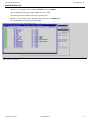
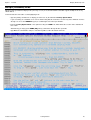
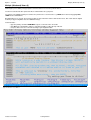
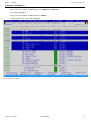
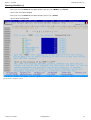
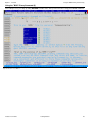
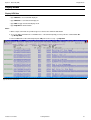
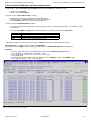
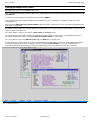
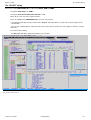
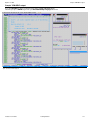
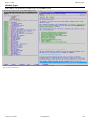
Option 5 - File Copy/Reformat (FCOPY)
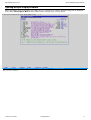
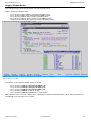
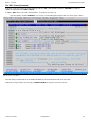
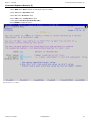
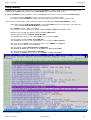
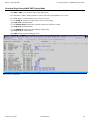
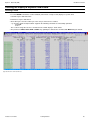
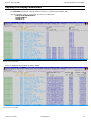
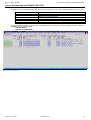
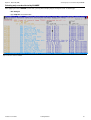
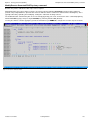
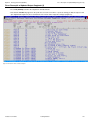
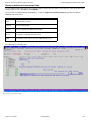
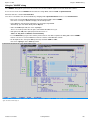
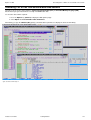
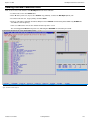
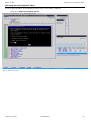
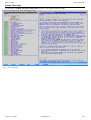
Generate FCOPY primary command
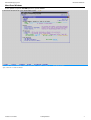
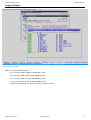
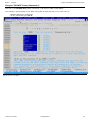
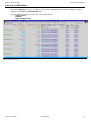
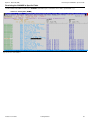
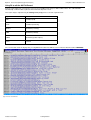
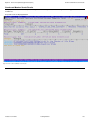
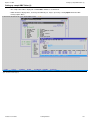
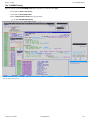
Generate FCOPY primary command
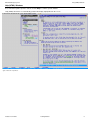
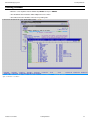
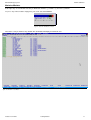
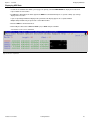
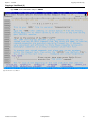
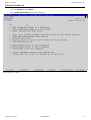
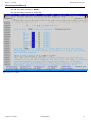
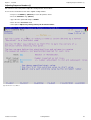
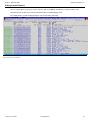
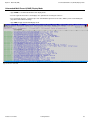
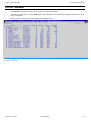
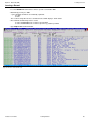
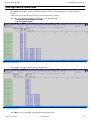
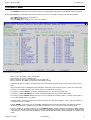
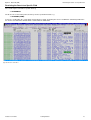
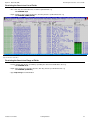
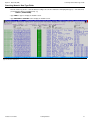
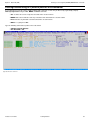
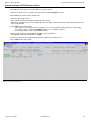
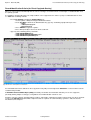
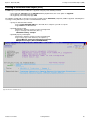
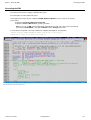
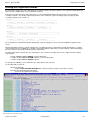
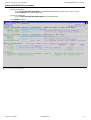
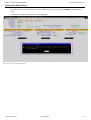
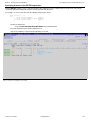
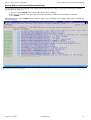
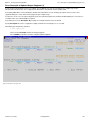
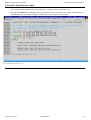
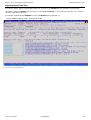
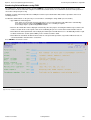
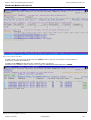
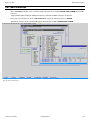
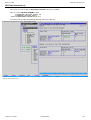
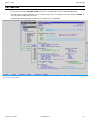
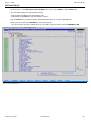
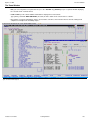
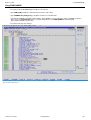
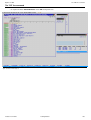
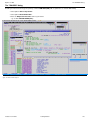
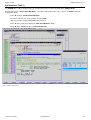
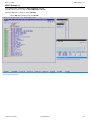
Press F3 to return to the File Copy panel, then select item Command from the top menu bar.
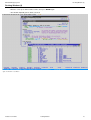
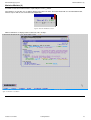
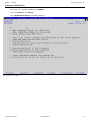
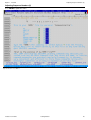
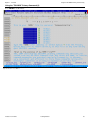
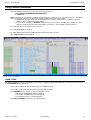
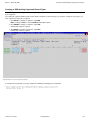
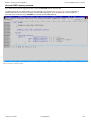
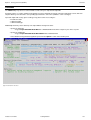
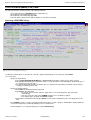
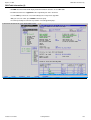
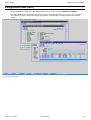
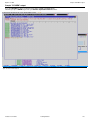
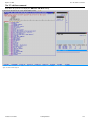
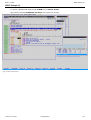
You will be prompted once again to define your new output file (you should use the previous sample as the model dataset),
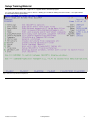
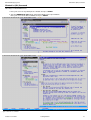
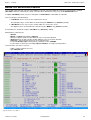
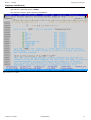
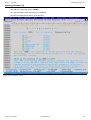
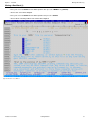
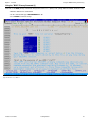
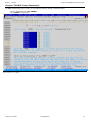
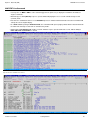
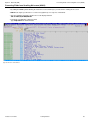
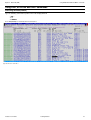
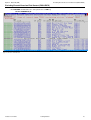
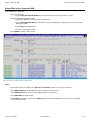
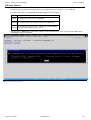
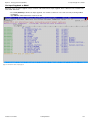
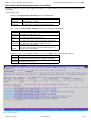
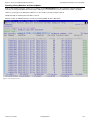
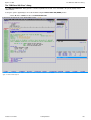
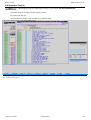
following which the generated FCOPY primary command will be displayed in a text edit window (in a format suitable for
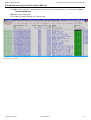
point-and-shoot execution using the ACTION) key, which by default is F16 (Shift-F4).
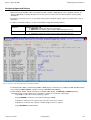
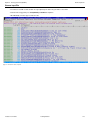
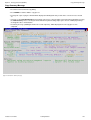
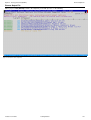
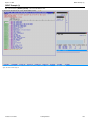
Figure 122. SELCOPYi - Generated Command.
2015/01/19 11:28:28
Training Manual
129