1
Option 6 - File Search/Update/Copy/Reformat (FSU)
Selecting Library Members for Search/Update
Selecting Library Members for Search/Update
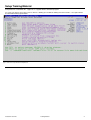
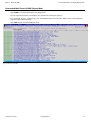
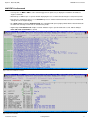
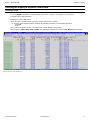
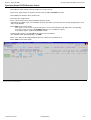
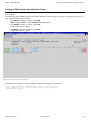
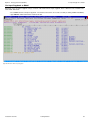
At the Search/Update front panel, if input refers to a library and the Member Mask field is either left blank, or includes wildcard
charcaters, then by default all member mask matches will be processed, without the need to confirm via a member selection list.
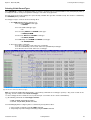
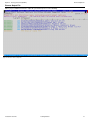
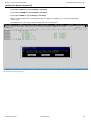
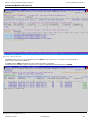
However, you may press PF5 to access the member selection list, when required.
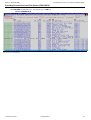
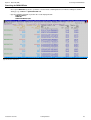
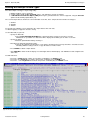
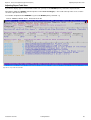
Initially all members matching the mask will be selected.
Manual selection for individual members is made by removing/adding "S" in the Sel column.
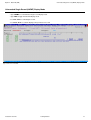
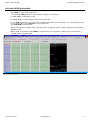
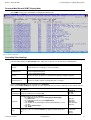
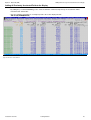
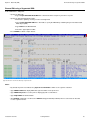
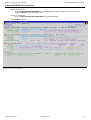
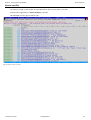
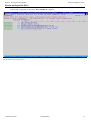
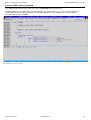
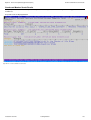
Figure 94. FSU - Member Selection List
2013/02/27 15:07:40
Training Manual
99