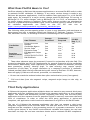
1
6.
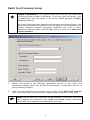
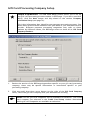
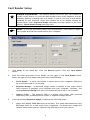
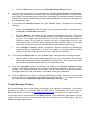
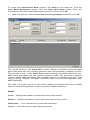
Reenable Selected will reenable a cashier who has been locked out. Delete
Selected will delete the selected cashier.
Deleting a Cashier's Account
(
Note:
You cannot delete the System user. To disable this user, delete the
password from the Preferences window (see page 42). Note that deleting the
System user will disable cashier permissions for all cashiers. You also cannot
delete the Manager user once it has been created.
1.
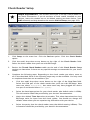
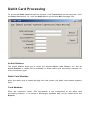
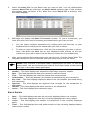
Click Setup on the menu bar. Click the Cashier Privileges option.
2.
Click to select the cashier you wish to delete.
3.
Click Delete Selected to delete the selected cashier.
4.
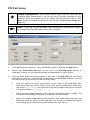
PCCharge will warn you that the cashier scheduled for deletion will be removed.
Click Yes to confirm. PCCharge will display a pop-up window with the message
“xxxx has been deleted.” Click OK to return to the Cashier Permissions window.
119