1
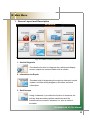
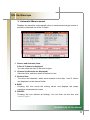
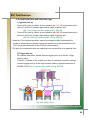
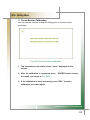
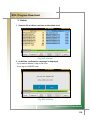
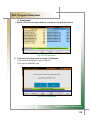
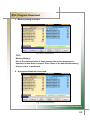
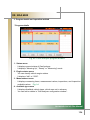
II. Status Display LED
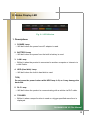
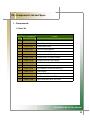
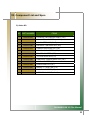
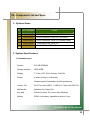
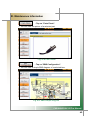
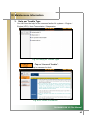
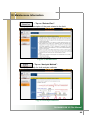
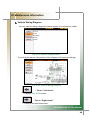
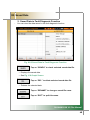
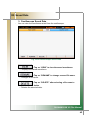
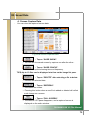
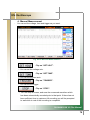
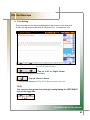
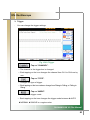
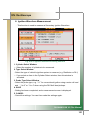
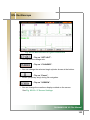
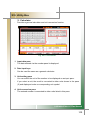
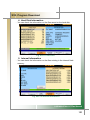
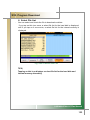
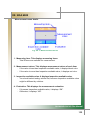
Fig. II-1 LED Window
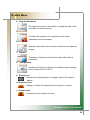
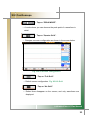
1. Descriptions
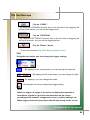
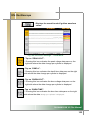
1. POWER Lamp
☞ Will be lit when the power from AC adaptor is used.
2. BATTERY Lamp
☞ Will be lit when the power from the built-in battery is used.
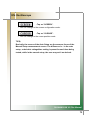
3. LAN Lamp
☞ Will be lit when the product is connected to another computer or Internet via
a LAN Cable.
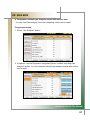
4. HDD (Hard disk) Lamp
☞ Will be lit when the built-in hard disk is used.
TIPS)
Do not press the power button while HDD lamp is lit, as it may damage the
hard disk.
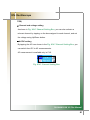
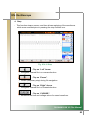
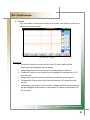
5. DLC Lamp
☞ Will be lit when the product is communicating with a vehicle via DLC cable.
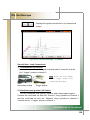
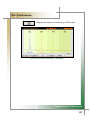
6. TRIGGER
☞ Will be lit when a scope function is used or a trigger-specified wave-form is
displayed.
CARMANSCAN VG Plus Manual
13