1
III. Pointing Device
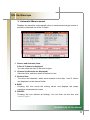
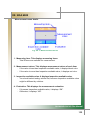
1. About the Touch Panel
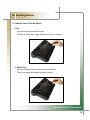
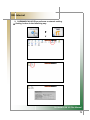
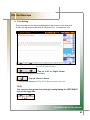
A touch panel is a convenient pointing device on a screen, in which you can
manipulate a mouse pointer directly.
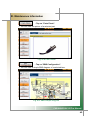
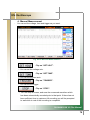
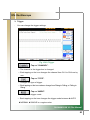
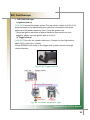
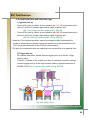
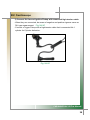
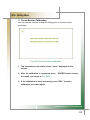
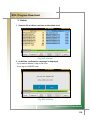
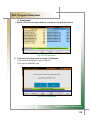
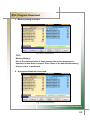
You can operate the electro-magnetic induction touch panel attached to the LCD of
the CARMANSCAN VG Plus by using the attached pen. Since you can manipulate
it on the screen directly, faster operation is possible.
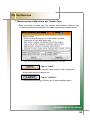
POINT)
▶
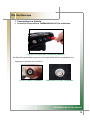
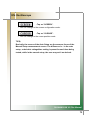
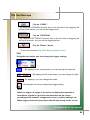
If the pressing force of the pen tip is not sufficient, the unit may not recognize
the manipulation. So, use the pen applying appropriate and sufficient force.
▶
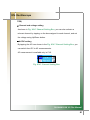
Manipulate the touch panel only with the attached pen.
▶
Do not touch the panel with a sharp object, as it may damage the touch panel
or LCD.
CARMANSCAN VG Plus Manual
14