1
ED
[DCS USER MANUAL]
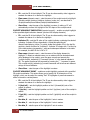
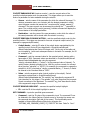
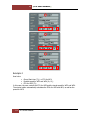
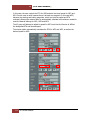
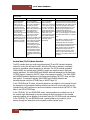
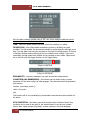
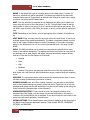
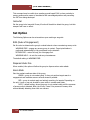
The LAST WP functions sets the waypoint at which the action will be stopped.
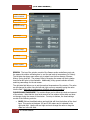
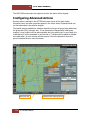
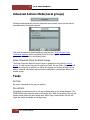
Configuring Advanced Actions
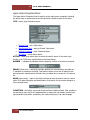
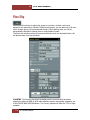
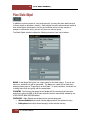
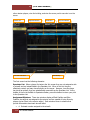
Once an action is selected in the ACTION drop down menu of the Upper Action
Properties Panel, the action properties appear in the Lower Action Properties Panel and
can be customized by the mission designer.
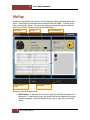
The specific actions available for selection depend on the type of group being edited and
the group task (CAS, Intercept, etc.). If the group task is changed after initial group
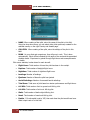
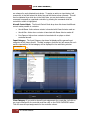
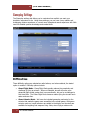
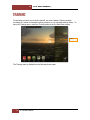
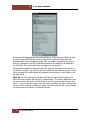
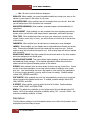
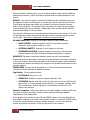
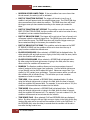
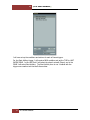
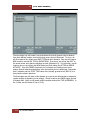
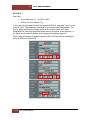
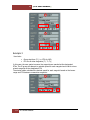
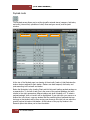
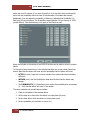
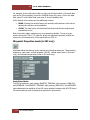
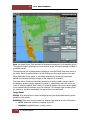
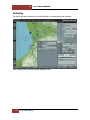
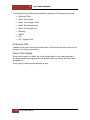
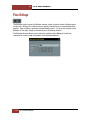
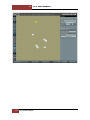
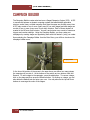
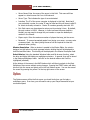
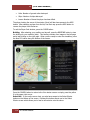
creation, it may conflict with the actions already set in the actions list. In such cases, the
invalid action(s) will be presented in red font and a "!" attribute will be added to indicate
an invalid action. An error window will also pop up if the user attempts to close the
group Properties Panel or save the mission.
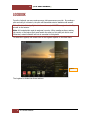
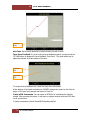
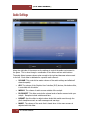
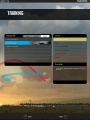
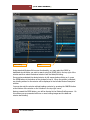
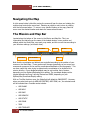
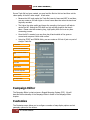
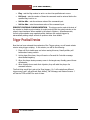
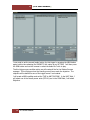
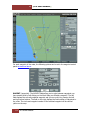
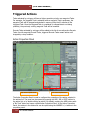
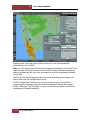
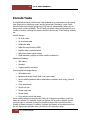
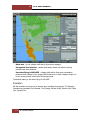
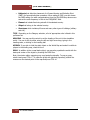
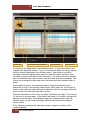
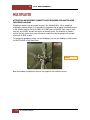
Altered group task
146
DCS USER MANUAL
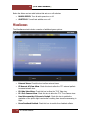
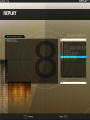
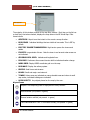
Invalid actions after altered group task