1
Appendix
156/160
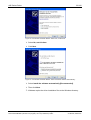
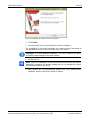
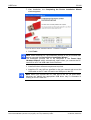
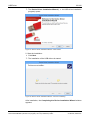
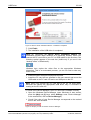
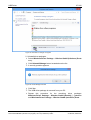
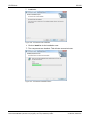
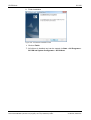
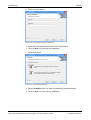
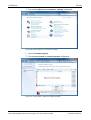
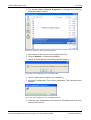
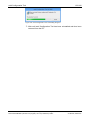
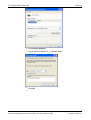
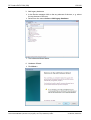
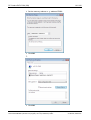
Figure 102: SYCON.net Installation Finish
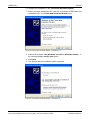
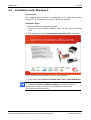
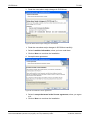
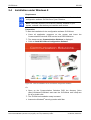
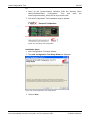
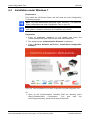
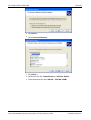
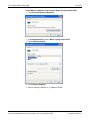
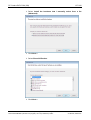
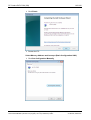
Figure 103: Start the Installation for the SYCON.net Configuration Software
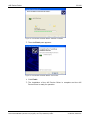
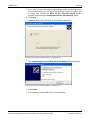
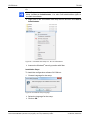
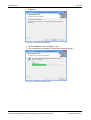
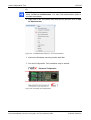
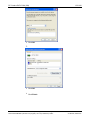
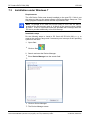
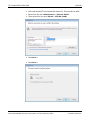
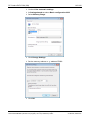
Figure 104: SYCONnet netX setup.exe - Run as Administrator
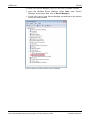
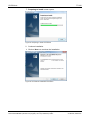
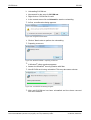
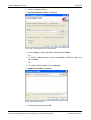
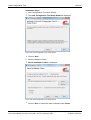
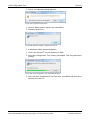
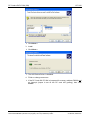
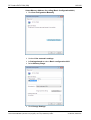
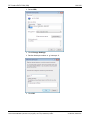
Figure 105: SYCON.net Setup Language
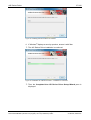
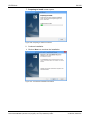
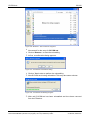
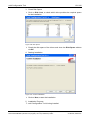
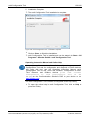
Figure 106: Preparing to Install SYCON.net
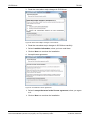
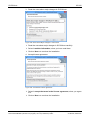
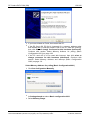
Figure 107: SYCON.net Installation Information
Figure 108: Notes About Major Changes in SYCON.net
Figure 109: SYCON.net License Agreement
Figure 110: SYCON.net Customer Information
Figure 111: SYCON.net Setup Type
Figure 112: SYCON.net Start Installation
Figure 113: SYCON.net Installation Status
Figure 114: SYCON.net Installation Finish
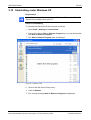
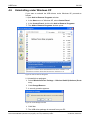
Figure 115: Windows Control Panel - Add or Remove Programs
Figure 116: Windows – Add or Remove Programs
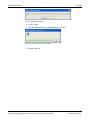
Figure 117: SYCON.net Confirmation Dialog
Figure 118: SYCON.net Uninstalling Progress
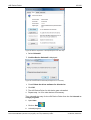
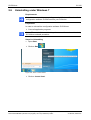
Figure 119: Start > Control Panel
Figure 120: Window Adjust your Computer’s Settings
Figure 121: Control Panel - Uninstall or Change Programs
Figure 122: Programs and Features
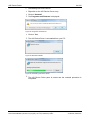
Figure 123: Windows Installer - Preparing to Remove
Figure 124: SYCON.net Uninstalling Progress
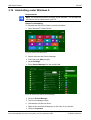
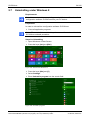
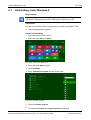
Figure 125: Start Screen Windows 8
Figure 126: Uninstall a program
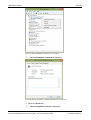
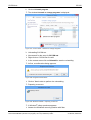
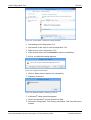
Figure 127: Control Panel - Uninstall or Change Programs
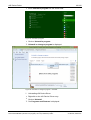
Figure 128: Programs and Features
Figure 129: Windows Installer - Preparing to Remove
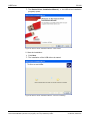
Figure 130: SYCON.net Uninstalling Progress
Figure 131: Start the Installation for the Slave Configuration Tool netX Configuration Tool
Figure 132: netX Setup and Configuration
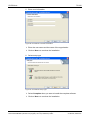
Figure 133: netX Configuration Tool Setup Wizard
Figure 134: netX Configuration Tool Setup Wizard
Figure 135: Browse for Folder
Figure 136: Disk Space
Figure 137: Confirm Installation
Figure 138: netX Configuration Tool - Installation Progress
Figure 139: netX Configuration Tool - Installation complete
Figure 140: Start the Installation for the Slave Configuration Tool netX Configuration Tool
Figure 141: SYCONnet netX setup.exe - Run as Administrator
Figure 142: netX Setup and Configuration
Figure 143: netX Configuration Tool Setup Wizard
Figure 144: netX Configuration Tool Setup Wizard
Figure 145: Browse for Folder
Figure 146: Disk Space
Figure 147: Confirm Installation
Figure 148: netX Configuration Tool - Installation Progress
Figure 149: netX Configuration Tool - Installation complete
Figure 150: Start the Installation for the Slave Configuration Tool netX Configuration Tool
Figure 151: SYCONnet netX setup.exe - Run as Administrator
Figure 152: netX Setup and Configuration
Figure 153: netX Configuration Tool Setup Wizard
Figure 154: netX Configuration Tool Setup Wizard
Software Installation for the PC Cards cifX | Installing Drivers and Configuration Software
DOC120207UM36EN | Revision 36 | English | 2014-07 | Released | Public
81
82
83
83
84
84
85
85
86
86
87
87
88
89
90
90
90
91
92
92
93
93
93
94
94
95
95
95
96
98
99
99
100
100
101
101
102
102
104
105
105
106
106
107
107
108
108
109
110
111
111
112
112
© Hilscher, 2008-2014