1
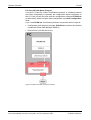
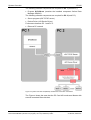
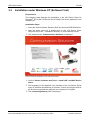
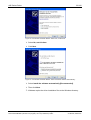
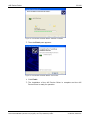
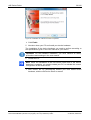
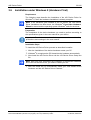
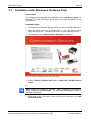
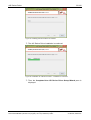
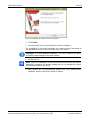
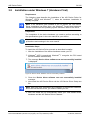
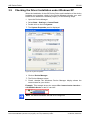
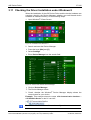
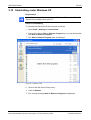
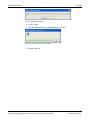
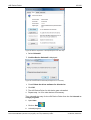
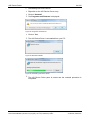
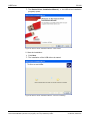
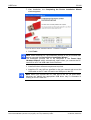
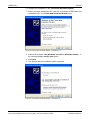
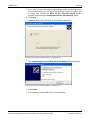
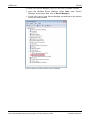
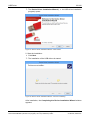
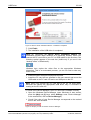
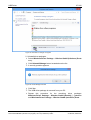
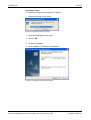
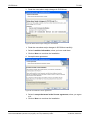
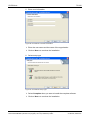
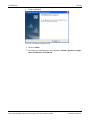
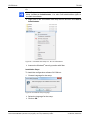
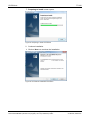
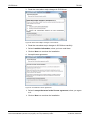
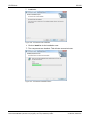
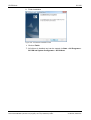
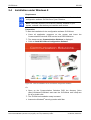
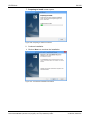
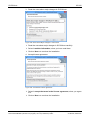
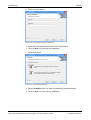
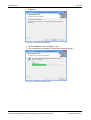
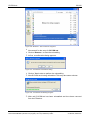
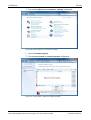
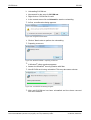
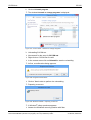
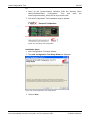
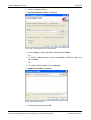
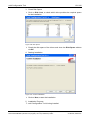
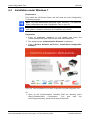
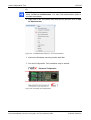
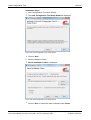
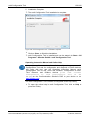
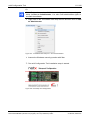
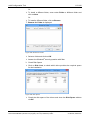
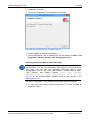
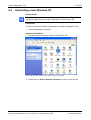
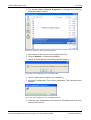
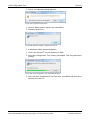
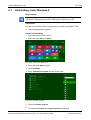
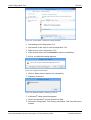
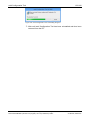
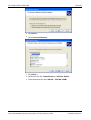
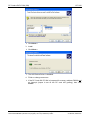
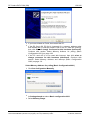
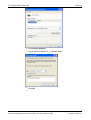
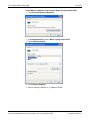
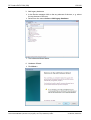
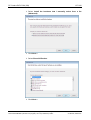
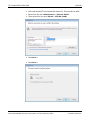
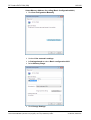
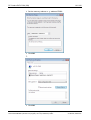
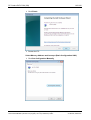
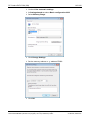
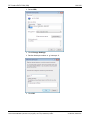
cifX Device Driver 31/160 Figure 22: cifX Device Driver Setup.exe - Run as Administrator Answer the Windows® security question with Yes. The License Agreement pane is displayed. Figure 23: cifX Device Driver Setup - License Agreement 3. Check I accept the terms in the License Agreement. Click Install. The cifX Device Driver installation is started. 4. If Windows® displays a security question, answer it with Install. Software Installation for the PC Cards cifX | Installing Drivers and Configuration Software DOC120207UM36EN | Revision 36 | English | 2014-07 | Released | Public © Hilscher, 2008-2014