1
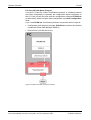
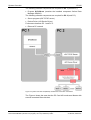
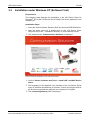
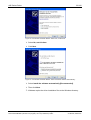
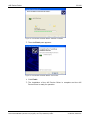
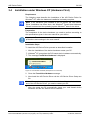
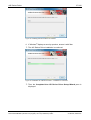
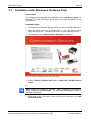
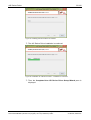
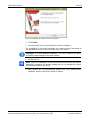
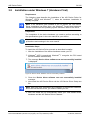
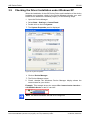
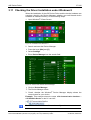
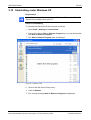
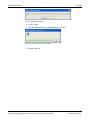
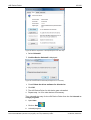
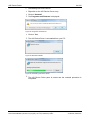
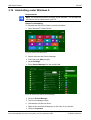
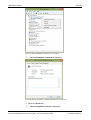
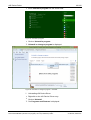
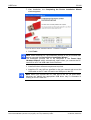
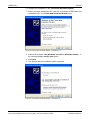
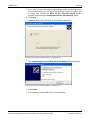
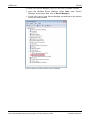
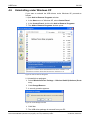
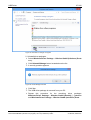
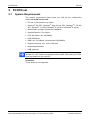
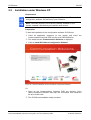
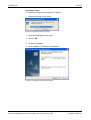
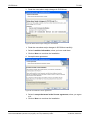
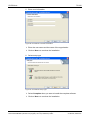
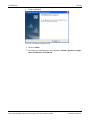
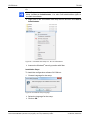
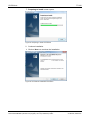
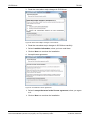
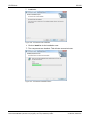
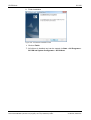
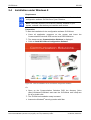
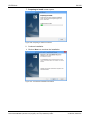
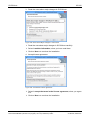
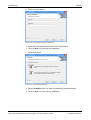
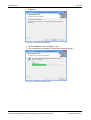
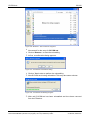
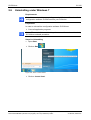
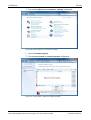
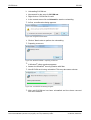
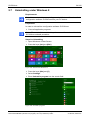
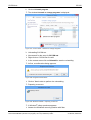
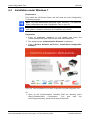
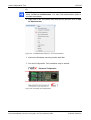
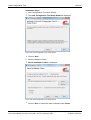
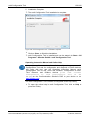
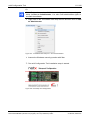
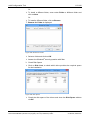
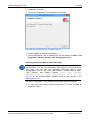
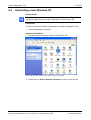
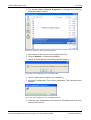
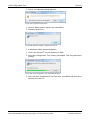
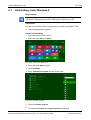
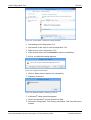
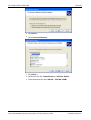
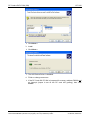
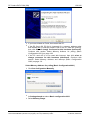
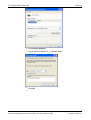
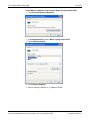
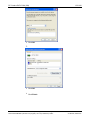
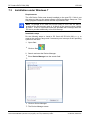
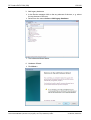
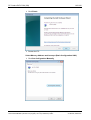
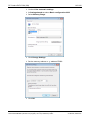
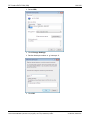
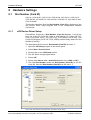
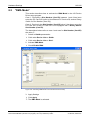
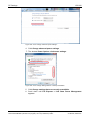
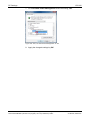
cifX Device Driver 45/160 3.14 Uninstalling under Windows 8 Requirements Note: You need administrator privileges under Windows® 8 to uninstall the cifX Device Driver software from your PC. Steps for Uninstalling To uninstall the cifX Device Driver, proceed as follows: 1. Open Windows® 8 Start Screen. Figure 45: Start Screen Windows 8 2. Search and start the Device Manager. Press the keys [Win] and [F]. Select Settings. Enter Device Manager into the search field. Figure 46: Search and start the Device Manager Click on Device Manager. The Device Manager starts. 3. Uninstall the cifX Device Driver. Right click in the Device Manager on the entry of your device. Click on Properties. Software Installation for the PC Cards cifX | Installing Drivers and Configuration Software DOC120207UM36EN | Revision 36 | English | 2014-07 | Released | Public © Hilscher, 2008-2014