1
Trouble shooting
ON/OFF trouble - USB port and power supply.
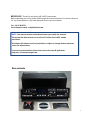
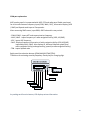
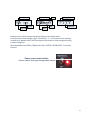
MCP combo panel is high power consuming device. Connect the panel to USB port on your
computer directly. When it works incorrectly, using external power supplying AC-to-DC adaptor
is recommended.
Adaptor 5V, 1A
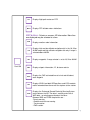
If DC power adaptor is used, be sure power switch position to EXT.
INITIAL LCD DISPLAY trouble - Link test.
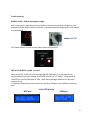
After connection, check the initial messages (MCP & COM part). If no message shown,
confirm whether you have checked “Install USB Serial Driver” of “VRiSim” setup wizard. If
SerailFP2 can not find COM port for CDU, check Device Manager whether CDU has been
assigned or not.
If nothing is display after power connection, use other USB ports. Some USB port is dummy
port.
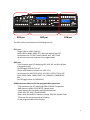
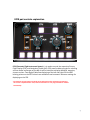
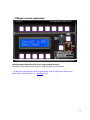
Initial LCD display
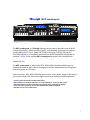
MCP part
COM part
22