1
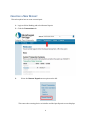
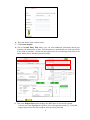
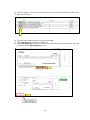
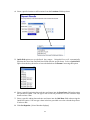
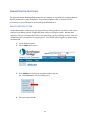
11. Click the View link under the Deposit Details column to view the events the entire batch
has been through.
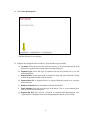
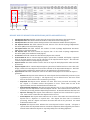
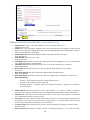
12. Click the View link under the Item Details column to view the individual transactions that
make up the deposit. Any items that need to be rescanned or that have been rejected will be
highlighted in red.
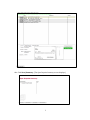
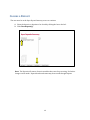
a. Click Image under the Deposit Item column to view a copy of the front and back of
the check.
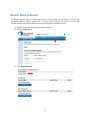
b. Click Print located in the upper left comer if desired.
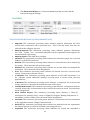
c. Click View under the Deposit Item column to look at item detail information.
20