1
ACCESSING REMOTE DEPOSIT
Your Administrator is responsible for assigning necessary permissions and roles to permit
Remote Deposit access.
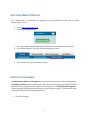
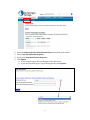
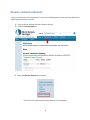
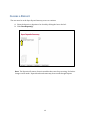
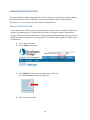
1. Access www.skowsavings.com
2. Click the green Login button
3. Enter your assigned Online Banking ID and Password (dual login may be required)
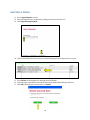
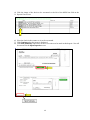
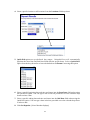
4. Click “Remote Deposit” from the Account Summary sub-menu
5. A new window will open for Remote Deposit.
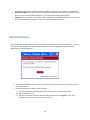
IDENTIFICATION PHRASE
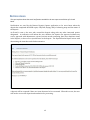
An Identification Phrase and Response is required for all users who have been designated as
an Authorized Caller by their administrator. Only those users designated as Authorized Callers
will be allowed to contact customer support for any assistance. The Identification Response
will be requested of all Authorized Callers prior to providing any support. Unauthorized callers
will be directed back to their financial institution.
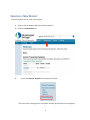
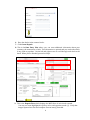
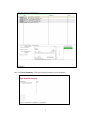
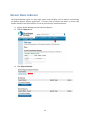
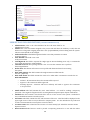
1. Click My Settings.
2