1
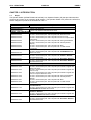
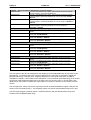
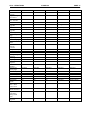
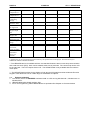
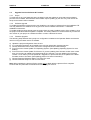
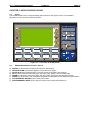
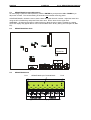
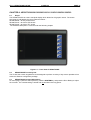
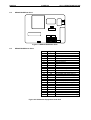
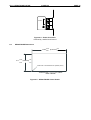
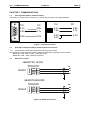
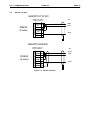
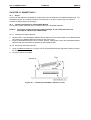
CH. 10: SMARTSTACK 31 MAR 02 PAGE 47 MAN0356-02 CHAPTER 10: SMARTSTACK 10.1 Scope Horner has now added the SmartStack modules from the OCS Range to the HE500TIU20X range. The SmartStack system is a method of allowing I/O expansion on an HMI. A wide range of modules is available including Digital and Analogue. 10.2 Installing and Removing a SmartStack Module The following section describes how to install and remove a SmartStack Module. Caution: To function properly and avoid possible damage, do not install more than four Smart Stack Modules per HE500TIU20X. 10.2.1 Installing SmartStack Modules 1. Hook the tabs. Each SmartStack Module has two tabs that fit into slots located on the HE500TIU20X. (The slots on the HE500TIU20X are located on the back cover.) 2. Press the SmartStack Module into the “locked”position, making sure to align the SmartStack Module fasteners with the SmartStack receptacles on the HE500TIU20X. 10.2.2 Removing SmartStack Modules 1. Using a Flathead screwdriver, pry up the end of the SmartStack Module (opposite of tabs) and swing the module out. 2. Lift out the tabs of the module. Figure 10.1 – Installing a SmartStack Module in a TIU