1
Chapter 6 Message Display (Relay/Message)
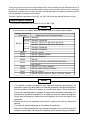
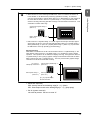
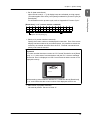
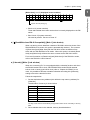
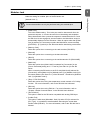
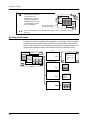
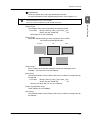
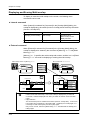
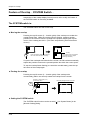
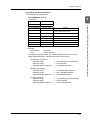
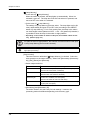
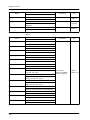
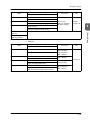
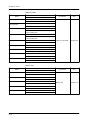
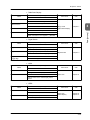
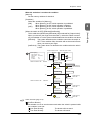
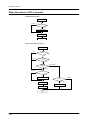
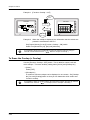
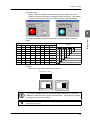
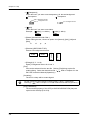
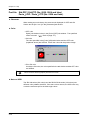
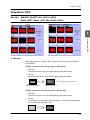
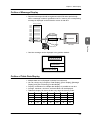
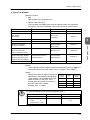
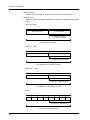
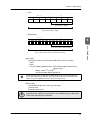
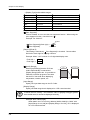
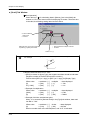
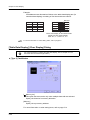
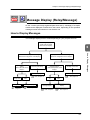
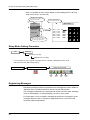
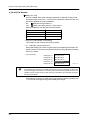
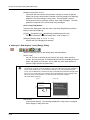
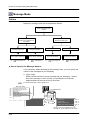
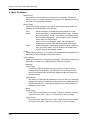
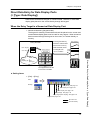
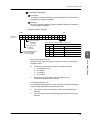
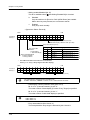
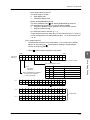
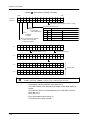
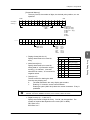
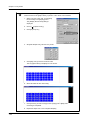
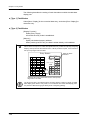
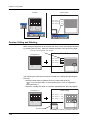
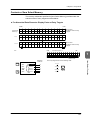
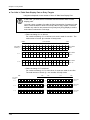
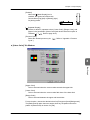
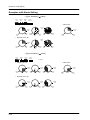
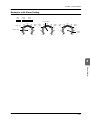
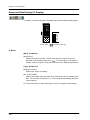
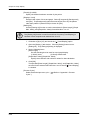
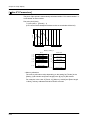
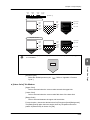
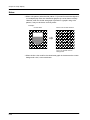
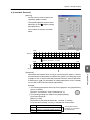
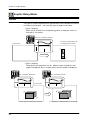
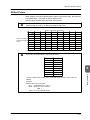
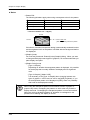
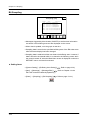
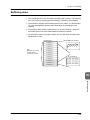
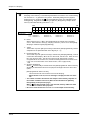
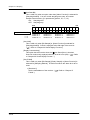
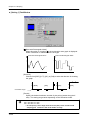
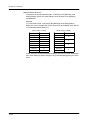
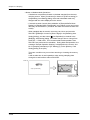
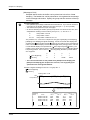
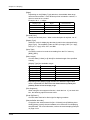
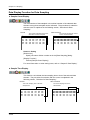
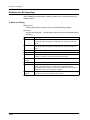
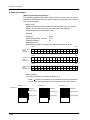
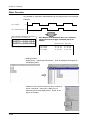
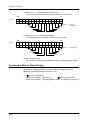
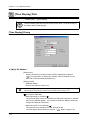
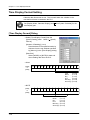
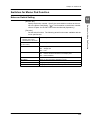
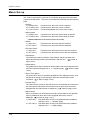
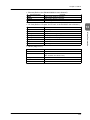
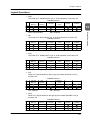
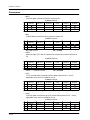
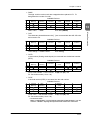
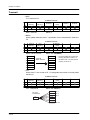
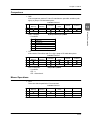
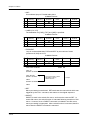
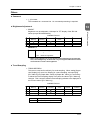
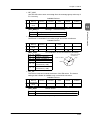
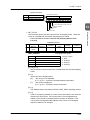
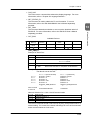
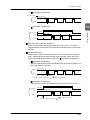
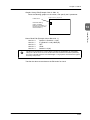
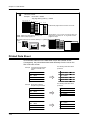
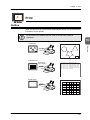
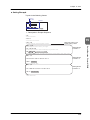
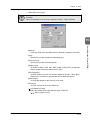
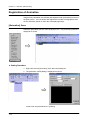
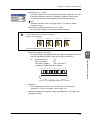
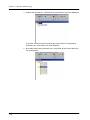
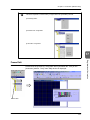
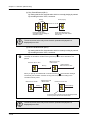
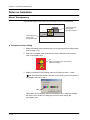
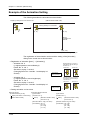
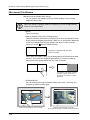
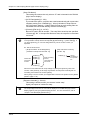
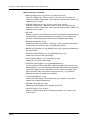
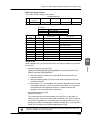
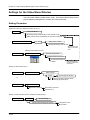
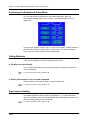
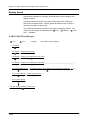
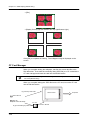
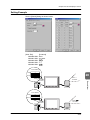
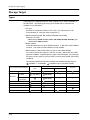
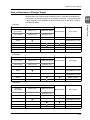
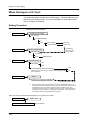
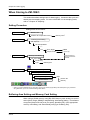
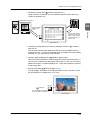
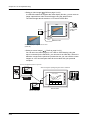
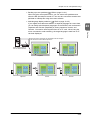
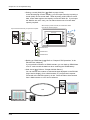
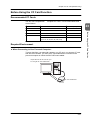
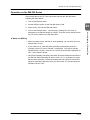
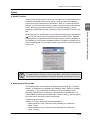
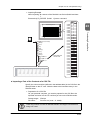
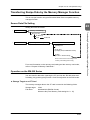
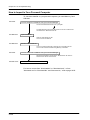
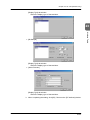
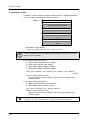
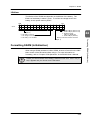
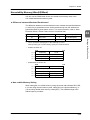
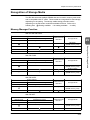
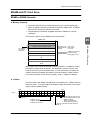
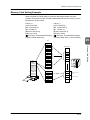
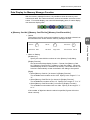
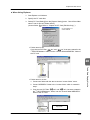
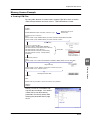
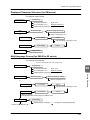
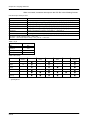
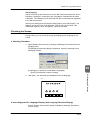
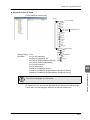
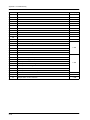
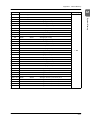
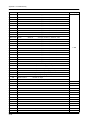
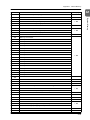
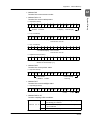
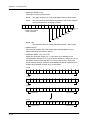
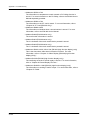
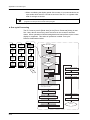
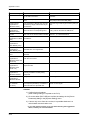
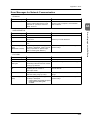
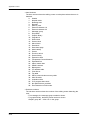
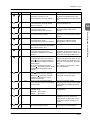
• n + 2 (RLYNO: ON relay No.)
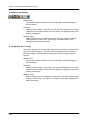
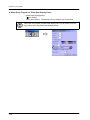
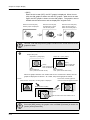
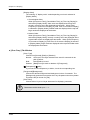
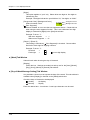
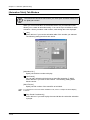
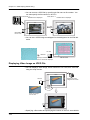
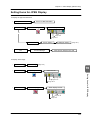
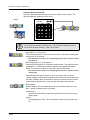
When [Sub-display] is chosen for [Sub-action] in the [Main] tab window, the
ordinal number of the highlighted message among messages displayed in
relay mode (regarding the start message number as “0”) is written.
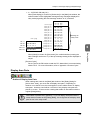
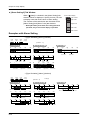
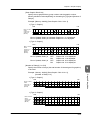
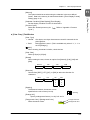
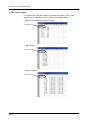
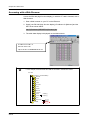
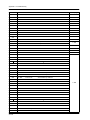
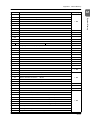
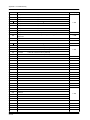
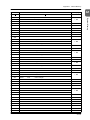
n+2 = [13]
No. 1 =
No. 6 =
No. 9 =
No. 13 =
No. 14 =
B
G
J
N
O
B
G
J
N
O
B
G
J
N
O
B
G
J
N
O
B
G
J
N
O
B
G
J
N
O
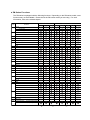
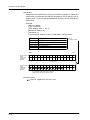
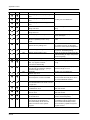
Start message
Priority No. 0 =
Priority No. 1 =
Priority No. 2 =
Priority No. 3 =
Priority No. 4 =
Priority No. 5 =
Priority No. 6 =
Priority No. 7 =
Priority No. 8 =
Priority No. 9 =
Priority No. 10 =
Priority No. 11 =
Priority No. 12 =
Priority No. 13 =
Priority No. 14 =
a a a a a a
b b b b b b
c c c c c c
A A A A A A
B B B B B B
CCCCCC
DDDDDD
E E E E E E
F F F F F F
GGGGGG
HHHHHH
I I I I I I
J J J J J J
K K K K K K
L L L L L L
MMMMMM
NNNNNN
OOOOOO
P P P P P P
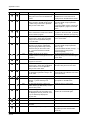
Message for
Relay mode
6
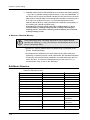
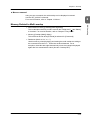
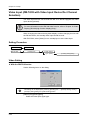
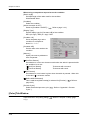
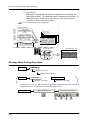
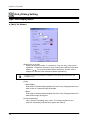
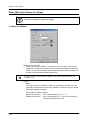
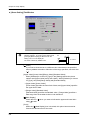
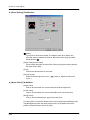
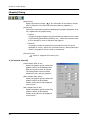
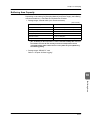
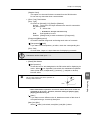
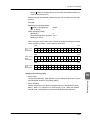
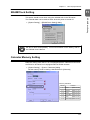
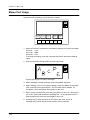
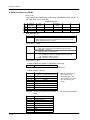
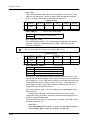
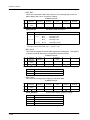
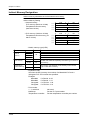
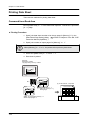
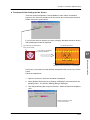
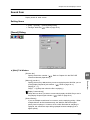
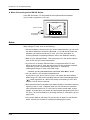
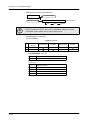
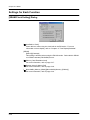
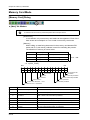
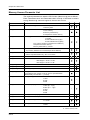
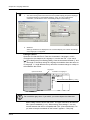
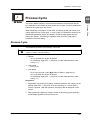
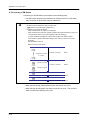
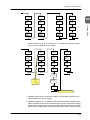
[Process Cycle]
Set a cycle for the ZM series to read the PLC data while it is communicating
with the PLC. For more information, refer to “Appendix 2 Process Cycle.”
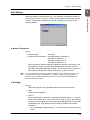
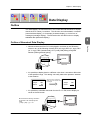
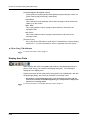
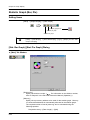
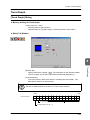
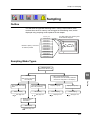
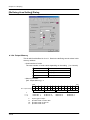
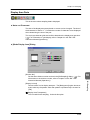
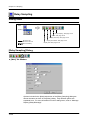
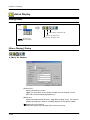
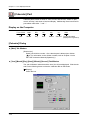
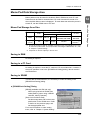
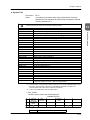
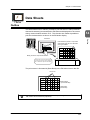
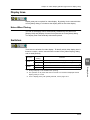
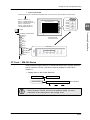
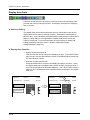
Display Area Parts
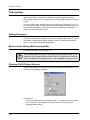
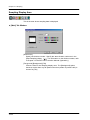
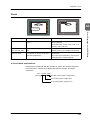
♦ Outline of Display Area Parts
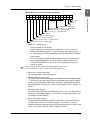
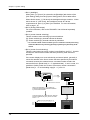
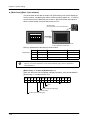
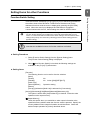
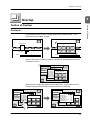
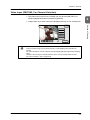
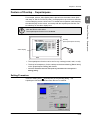
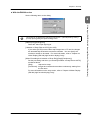
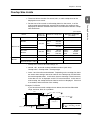
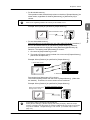
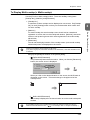
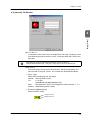
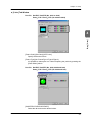
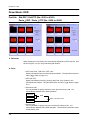
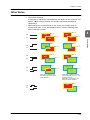
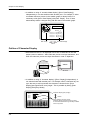
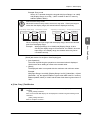
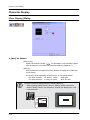
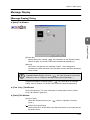
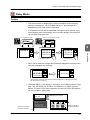
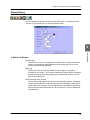
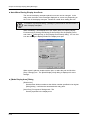
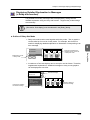
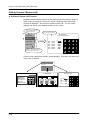
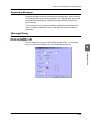
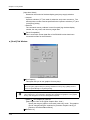
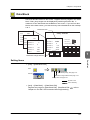
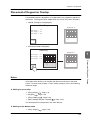
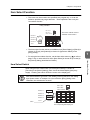
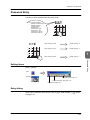
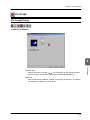
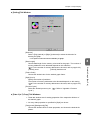
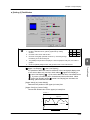
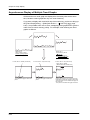
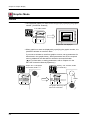
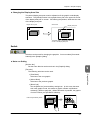
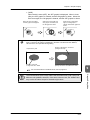
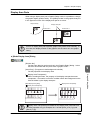
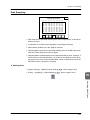
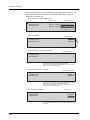
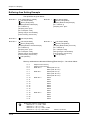
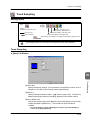
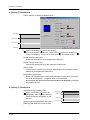
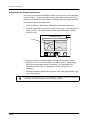
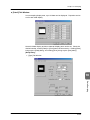
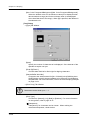
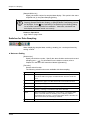
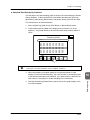
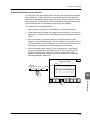
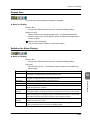
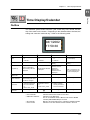
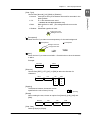
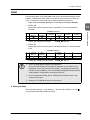
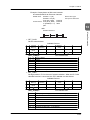
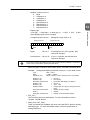
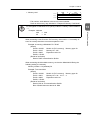
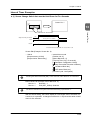
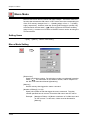
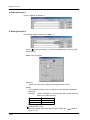
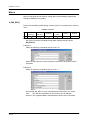
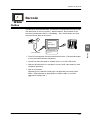
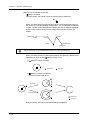
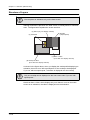
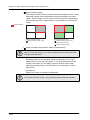
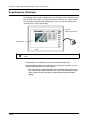
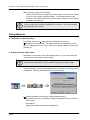
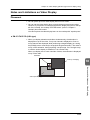
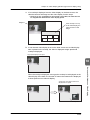
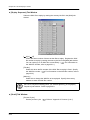
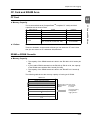
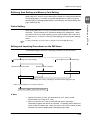
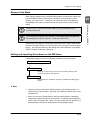
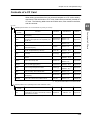
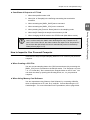
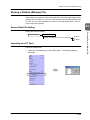
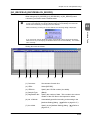
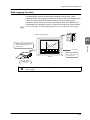
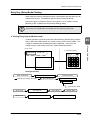
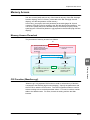
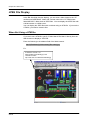
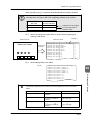
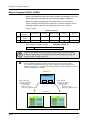
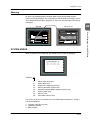
When settings are made in the [Main] tab window of the [Relay] dialog for
[Action Area: Area], you must also set display area parts. Depending on
whether or not the bit is set, the messages on screen will be shown on display
area parts. However, there will be no function if only display area parts are
placed on screen. There must be a setting that makes an association with the
original [Relay] dialog.
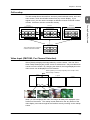
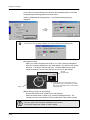
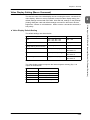
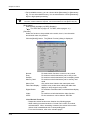
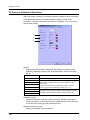
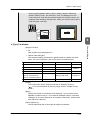
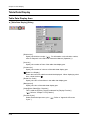
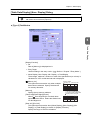
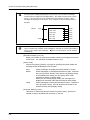
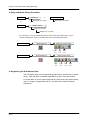
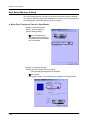
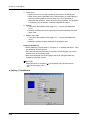
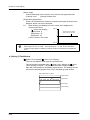
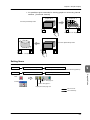
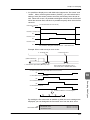
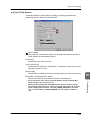
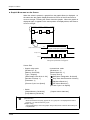
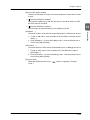
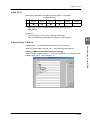
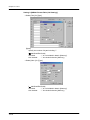
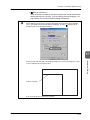
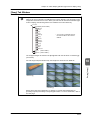
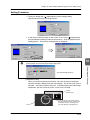
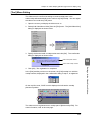
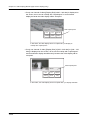
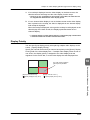
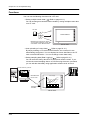
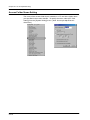
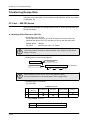
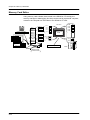
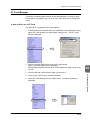
Association is performed by [Division]. If you set display area parts with the
same division number as the [Relay] dialog, it is recognized as a display area
part for use in the relay mode.
6-9
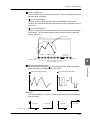
Relay Mode
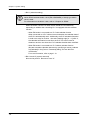
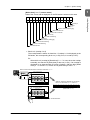
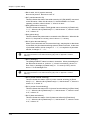
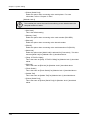
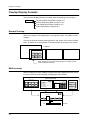
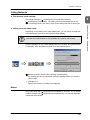
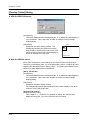
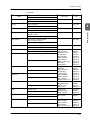
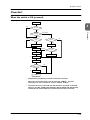
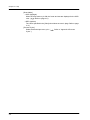
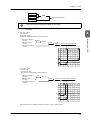
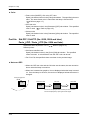
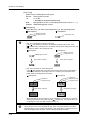
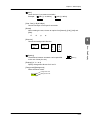
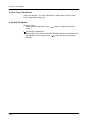
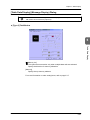
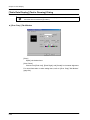
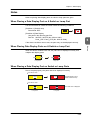
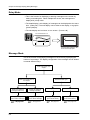
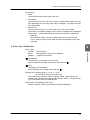
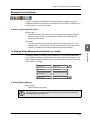
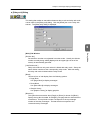
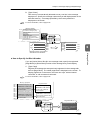
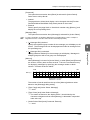
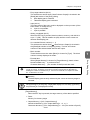
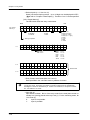
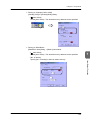
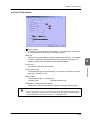
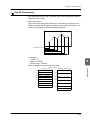
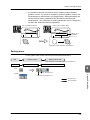
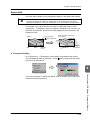
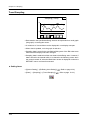
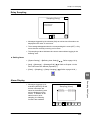
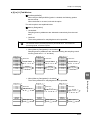
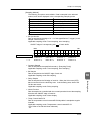
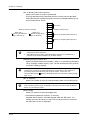
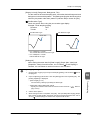
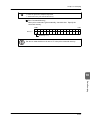
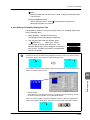
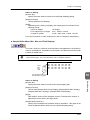
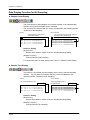
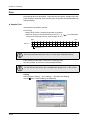
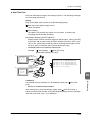
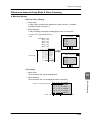
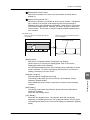
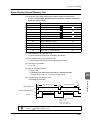
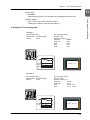
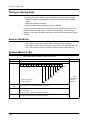
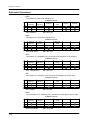
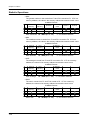
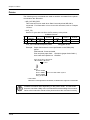
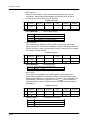
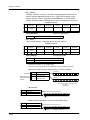
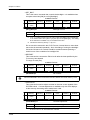
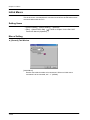
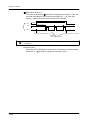
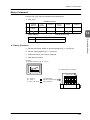
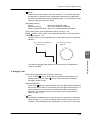
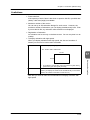
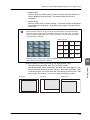
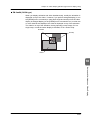
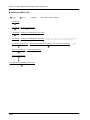
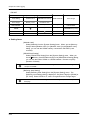
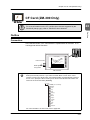
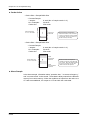
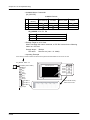
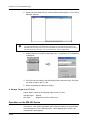
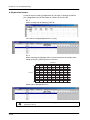
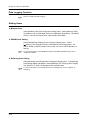
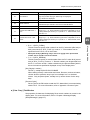
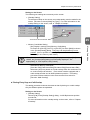
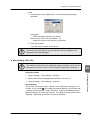
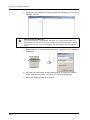
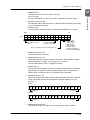
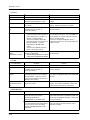
When [None] is chosen for [Sub-action], the ordinal number (counting the
start message number as “0”) of the top message among those displayed is
output.