1
Chapter 2 Overlap
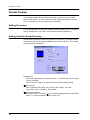
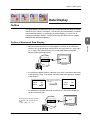
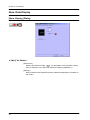
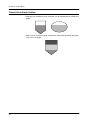
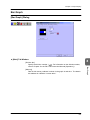
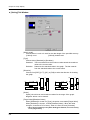
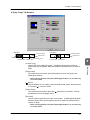
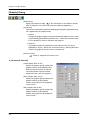
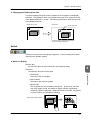
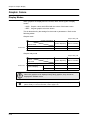
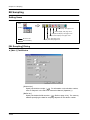
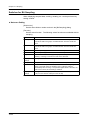
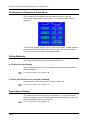
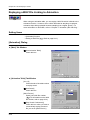
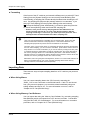
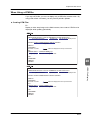
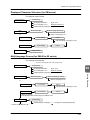
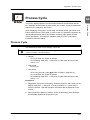
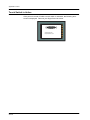
Overlap Display Formats
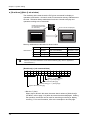
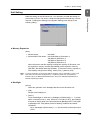
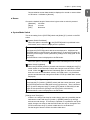
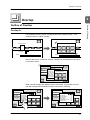
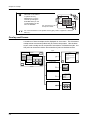
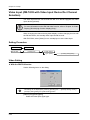
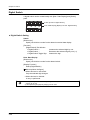
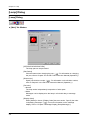
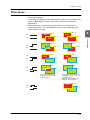
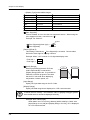
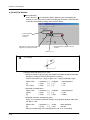
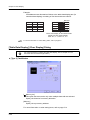
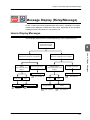
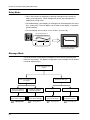
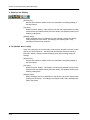
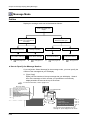
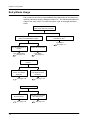
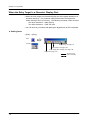
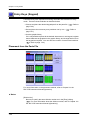
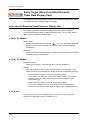
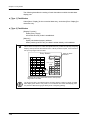
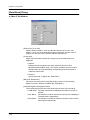
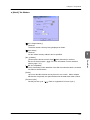
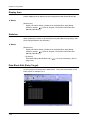
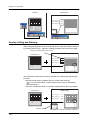
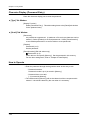
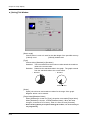
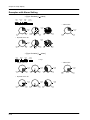
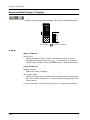
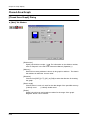
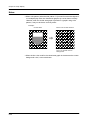
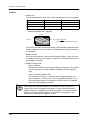
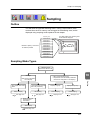
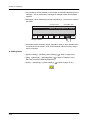
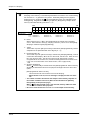
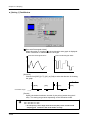
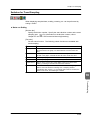
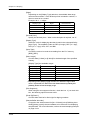
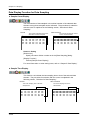
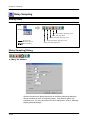
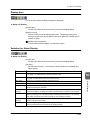
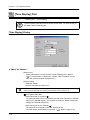
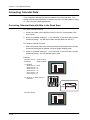
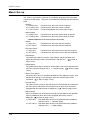
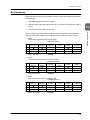
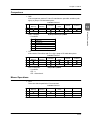
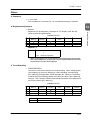
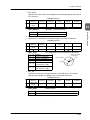
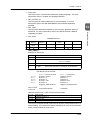
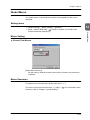
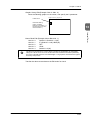
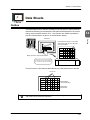
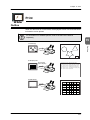
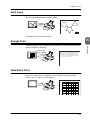
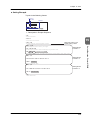
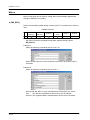
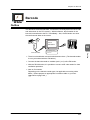
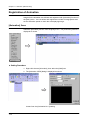
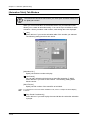
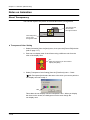
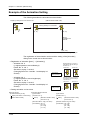
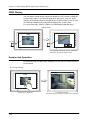
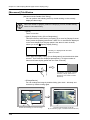
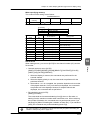
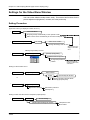
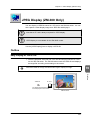
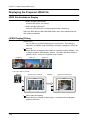
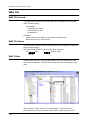
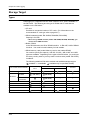
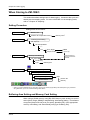
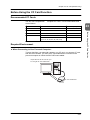
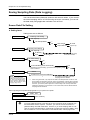
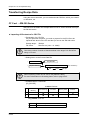
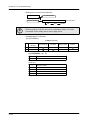
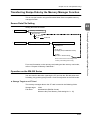
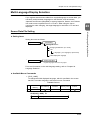
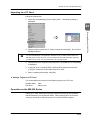
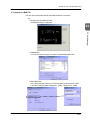
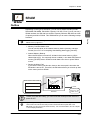
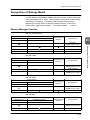
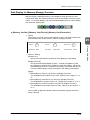
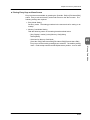
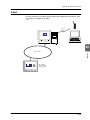
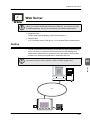
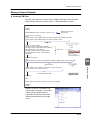
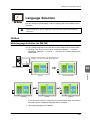
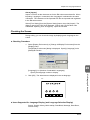
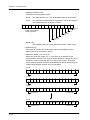
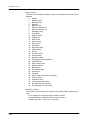
There are four display formats for overlap areas that belong to the property.
Overlap
Normal overlap area (Refer to page 2-6.)
Multi-overlap area (Refer to page 2-10.)
Call-overlap area (Refer to page 2-16.)
Video input (Refer to page 2-22.)
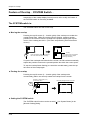
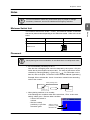
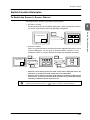
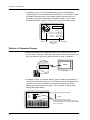
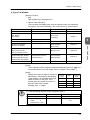
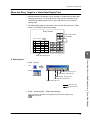
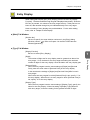
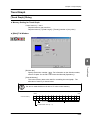
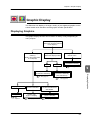
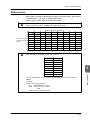
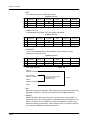
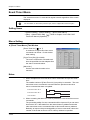
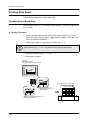
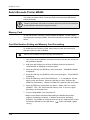
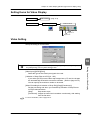
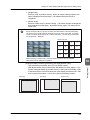
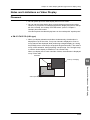
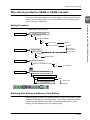
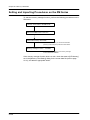
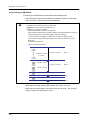
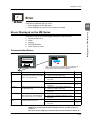
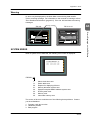
Normal Overlap
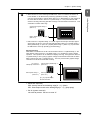
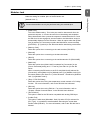
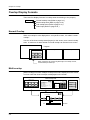
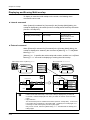
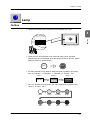
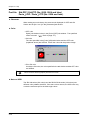
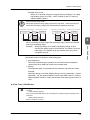
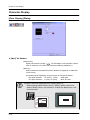
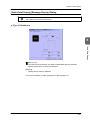
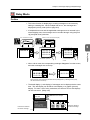
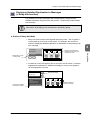
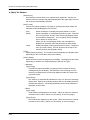
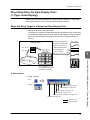
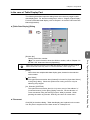
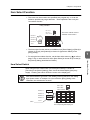
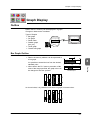
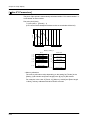
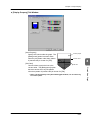
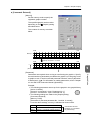
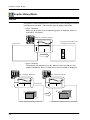
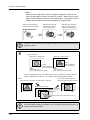
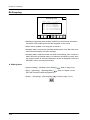
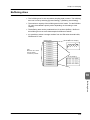
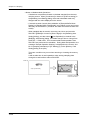
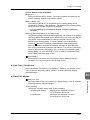
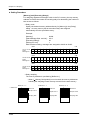
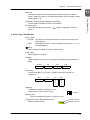
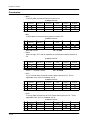
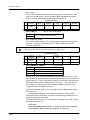
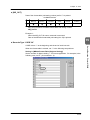
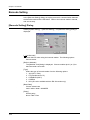
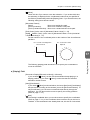
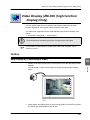
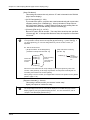
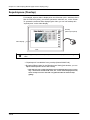
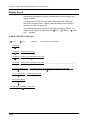
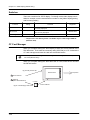
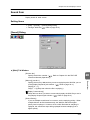
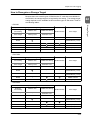
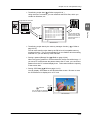
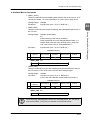
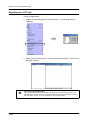
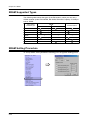
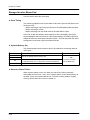
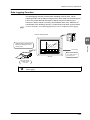
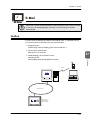
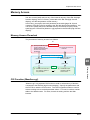
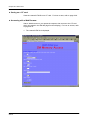
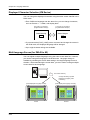
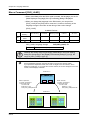
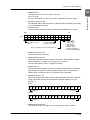
When an overlap is to be displayed on one specific screen, it is called “normal
overlap.”
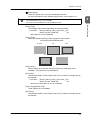
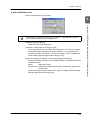
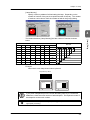
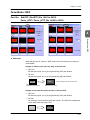
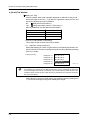
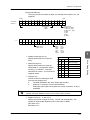
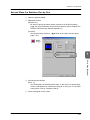
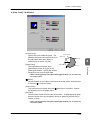
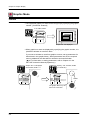
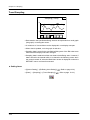
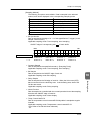
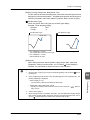
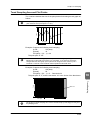
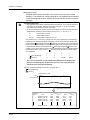
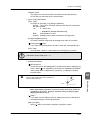
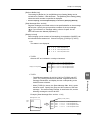
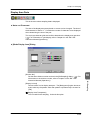
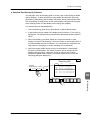
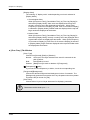
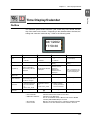
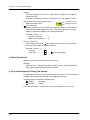
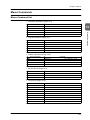
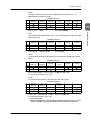
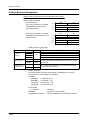
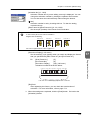
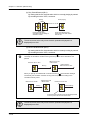
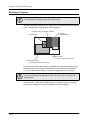
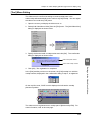
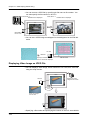
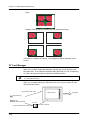
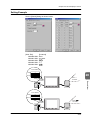
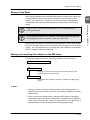
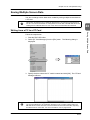
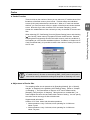
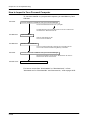
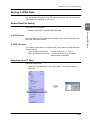
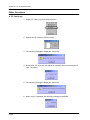
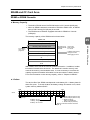
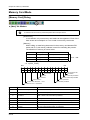
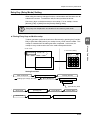
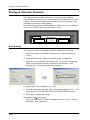
Use one of the three overlap areas (layers) on the screen, as a normal overlap
area. A maximum of three sheets of normal overlap can be used on a screen.
Screen
Layers
Overlap 0 (normal)
Overlap 2
Overlap 1
Change Screen
A-Line
B-Line
C-Line
Num.
Display
Error
Detail
Alarm
Display
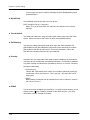
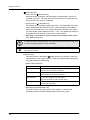
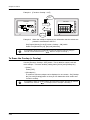
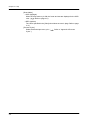
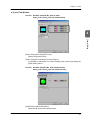
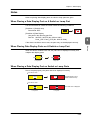
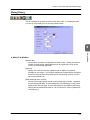
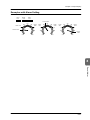
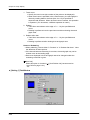
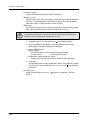
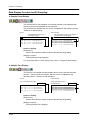
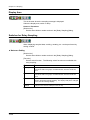
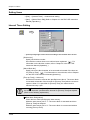
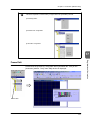
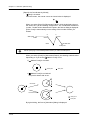
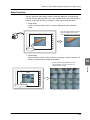
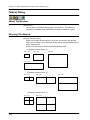
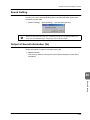
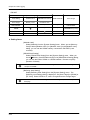
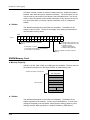
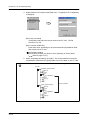
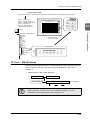
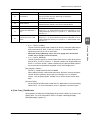
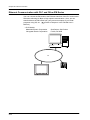
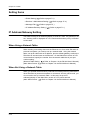
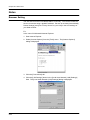
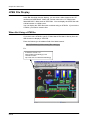
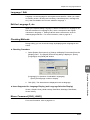
When registering an overlap as [Normal] in the overlap 0 area,
normal overlap is called up.
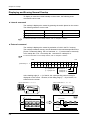
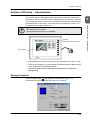
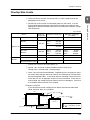
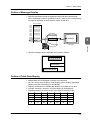
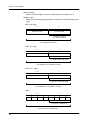
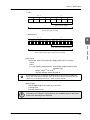
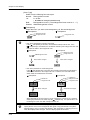
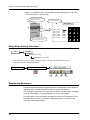
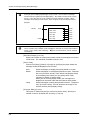
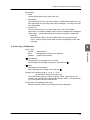
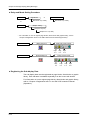
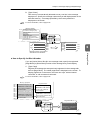
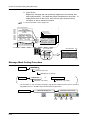
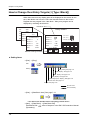
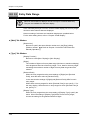
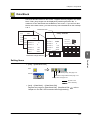
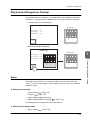
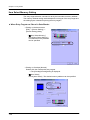
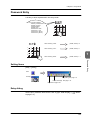
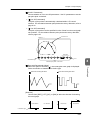
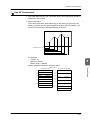
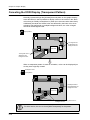
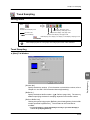
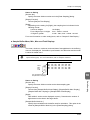
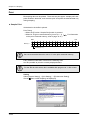
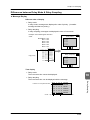
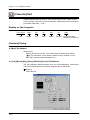
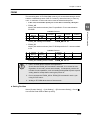
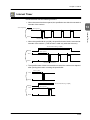
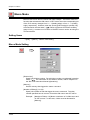
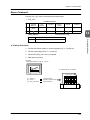
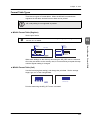
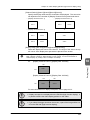
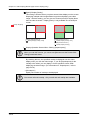
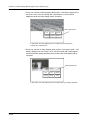
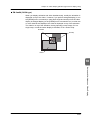
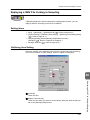
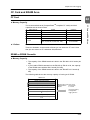
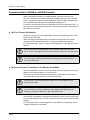
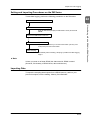
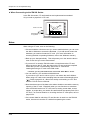
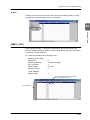
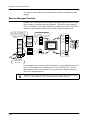
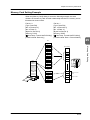
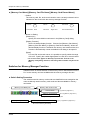
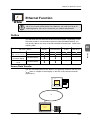
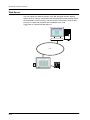
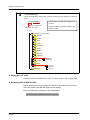
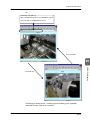
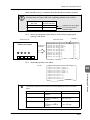
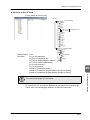
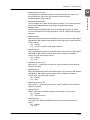
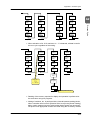
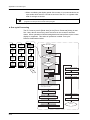
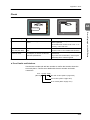
Multi-overlap
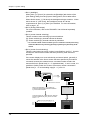
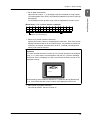
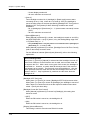
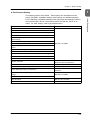
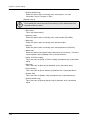
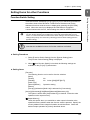
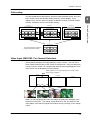
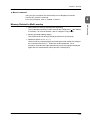
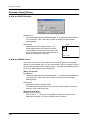
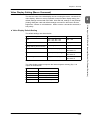
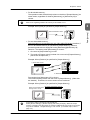
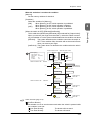
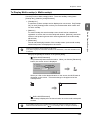
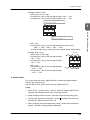
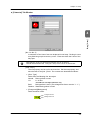
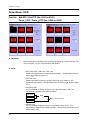
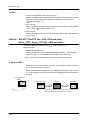
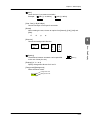
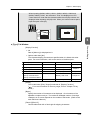
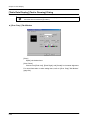
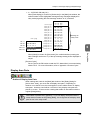
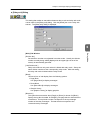
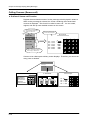
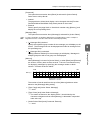
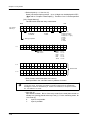
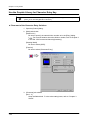
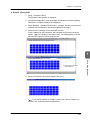
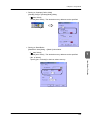
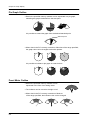
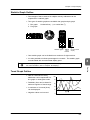
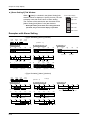
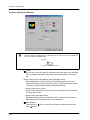
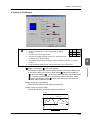
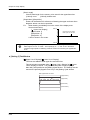
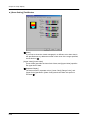
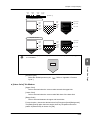
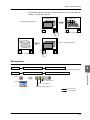
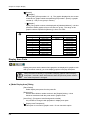
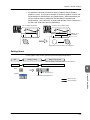
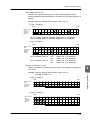
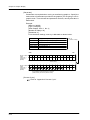
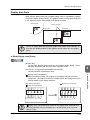
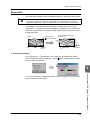
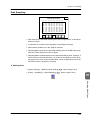
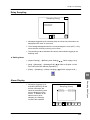
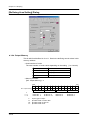
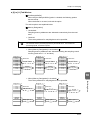
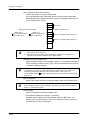
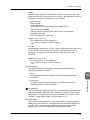
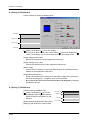
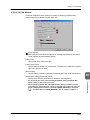
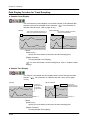
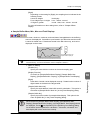
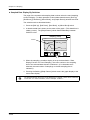
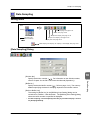
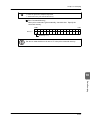
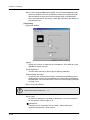
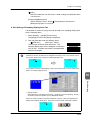
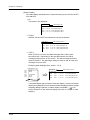
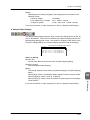
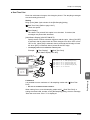
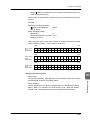
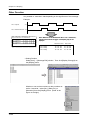
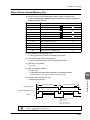
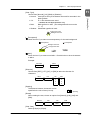
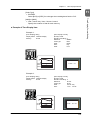
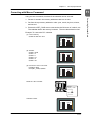
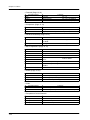
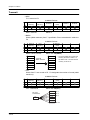
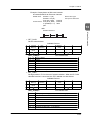
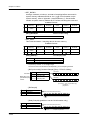
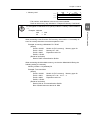
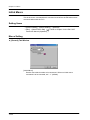
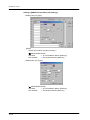
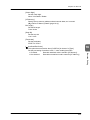
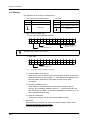
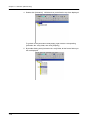
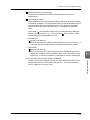
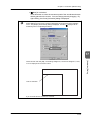
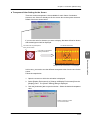
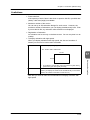
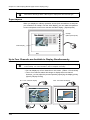
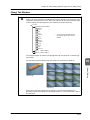
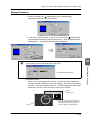
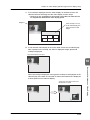
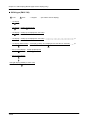
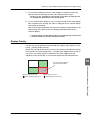
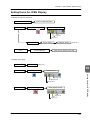
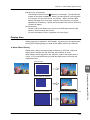
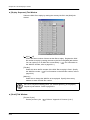
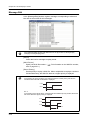
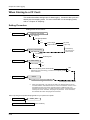
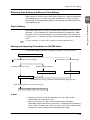
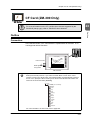
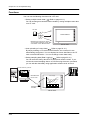
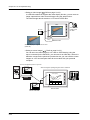
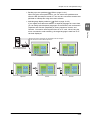
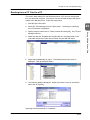
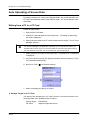
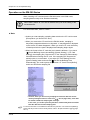
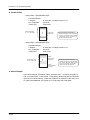
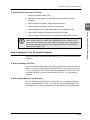
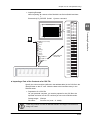
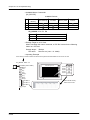
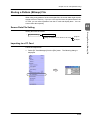
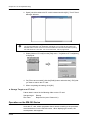
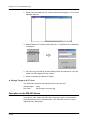
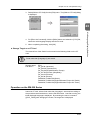
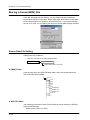
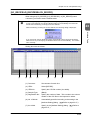
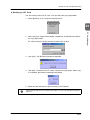
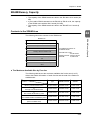
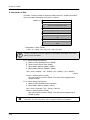
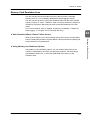
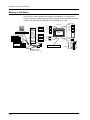
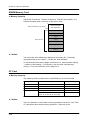
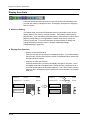
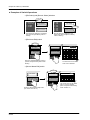
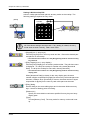
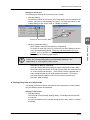
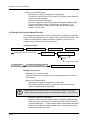
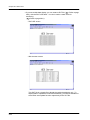
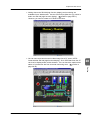
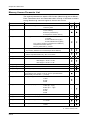
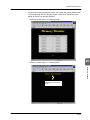
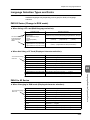
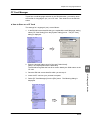
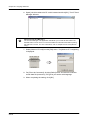
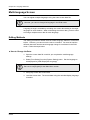
[Multi-overlap] is set when multiple overlap screens are displayed on the screen,
or when more than three overlaps are displayed on the screen.
Multi-overlap Edit
Change Screen
A-Line
Num.
Display
B-Line
Monitor
C-Line
Error
Detail
Contents
D-Line
Alarm
Display
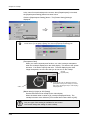
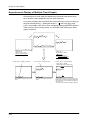
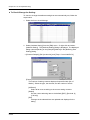
Setting Change
UP DW
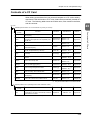
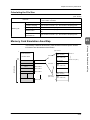
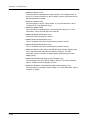
Graph Display ........................ 2
Num. Data Display ................. 3
Alarm Display ......................... 4
Setting Change ................ 5 - 7
Production Process List ... 8 - 9
Troubleshooting ................ 10
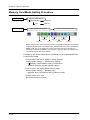
999
Max.:
000
Min.:
Entered: 000
Setting data 1
000
7
8
9 DW
Setting data 2
000
4
5
6
Setting data 3
000
1
2
3
CL
Setting data 4
000
0
+/-
.
CR
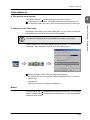
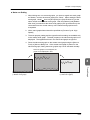
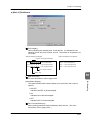
A-Line Paint Process
UP
Change
Screen
Coating Machine
Count (times):
000,000
Timer (sec):
00 sec.
Error
2-4
Screen
Troubleshooter
Contents
Details
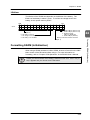
Location