1
KDC100 User Manual
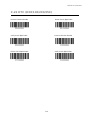
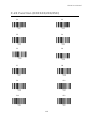
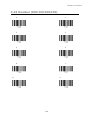
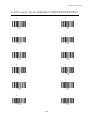
A.2 Code Options
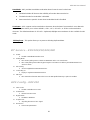
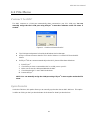
The KDC supports the following barcode options:
z
Transmission of start and stop characters
z
Reverse direction
z
Symbology conversion
z
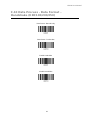
Verification of optional check character
z
Transmission of check digit
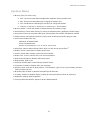
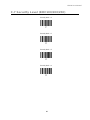
Transmission of Start and Stop Characters
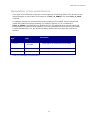
For Codabar symbols you can choose not to transmit the start and stop symbols, the NOTIS Editing. By
default, they are transmitted. Setting the field CodaBar_NoStartStopChars to true disables the
transmission.
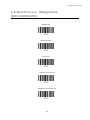
Reverse Direction
This option may be selected if direction oriented symbologies are selected such as Code35.
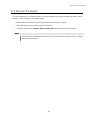
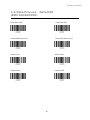
Symbology Conversion
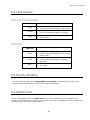
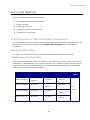
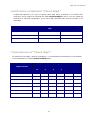
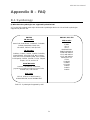
By default the EAN-8, UPCE, and UPCA symbols are transmitted in their native format. It is possible to
show them in a different format. You can choose to display UPCE symbols as either UPC-A or EAN-13
symbols, EAN-8 symbols as EAN-13 symbols, or UPC-A symbols as EAN-13 symbols. The following
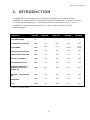
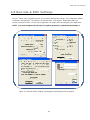
table shows the effect of setting various options.
Option
EAN-8
UPC-A
UPC-E
All
others
EAN8_as_EAN13
UPCA_as_EAN13
Converted to
EAN-13
No effect
No effect
Converted to
EAN-13
UPCE_as_EAN13
No effect
No effect
UPCE_as_UPCA
No effect
No effect
Table 9 - Symbology Conversion
69
No effect
No effect
No
Converted to
EAN-13
Converted to
UPC-A
effect