1
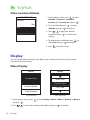
Other Location Altitude
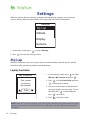
Location 1
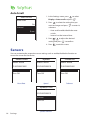
1. In the Settings menu, press
to select
Altitude > Location 1, Location 2,
Location 3, or Location 4 and press
.
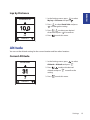
Altitude
10m
2. To set the altitude, press
Set
Altitude and press
to select
to confirm.
3. Press
/
to adjust the desired
altitude and press
to confirm the
setting.
4. To calibrate the set altitude, press
select Set and press
5. Press
to
to confirm.
to exit this menu.
Display
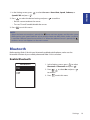
You can set the display settings for the Meter, Lap, and Auto Switch. You can also set the
Auto Switch interval setting.
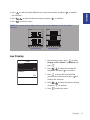
Meter Display
Meter
Meter
Current Time
Temperature
Ride Time
Current Time
Current Speed
Avg Speed
Trip Time
Total Distance
Ride Time
3-grid display
Item selection
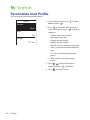
1. In the Settings menu, press
and press
2. Press
16
Settings
/
to select Display > Meter > Meter 1, Meter 2, or Meter 3
.
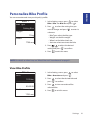
to select the number of data fields and press
to confirm.