1
Contact Recorder for IP Office Installation: Adding Users
2.19 Test Operation
Before proceeding any further, test basic call recording operation.
To test operation:
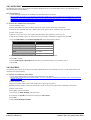
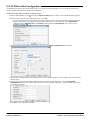
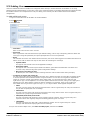
1. Create a test user in Contact Recorder for IP Office who has playback right for your test extension. See Adding
Users 40 .
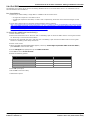
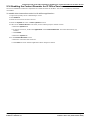
2. Using IP Office Manager, configure automatic call recording of the test extension user's internal calls. See User
Automatic Recording 50 .
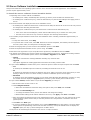
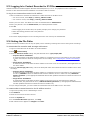
3. Make a test call from that user. You should hear the advice of call recording warning. See Configuring the Advice
of Call Recording Warning 44 .
4. Wait a minute for the call recording to transfer from the voicemail server to the Contact Recorder for IP Office
server.
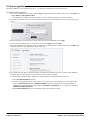
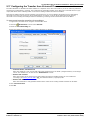
5. Log in to Contact Recorder for IP Office as the test user. Search for the recording.
Installing Avaya IP Office™ Platform Contact Recorder for IP Office
IP Office™ Platform 9.1
Page 41
15-601011 Issue 10x (02 November 2015)