1
ODYS MP3-Player X29 FM
EN
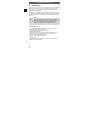
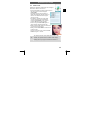
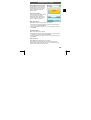
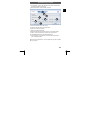
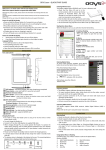
2. The resolution is set to 160 x 128 as default, which corresponds to
the display resolution of the player.
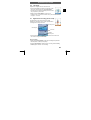
3. Enter the file name of the file to be converted.
2
160x128
3
4
5
6
7
8
9
4. Select the location to save the video to.
5. Choose a file name for the converted video.
6. Select the output video quality.
7. Select the output aspect ratio.
8. Select the start time and the time span to be converted (Scope).
9. Click on “Save”to add the source file to the conversion list.
10. Add additional files to the conversion list if desired.
11. Start conversion („Convert Now“) and wait until conversion has
been completed (100%).
Navigate to the output folder on your computer and copy the converted
file to your player.
31