1
.\usr_doc.txt
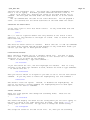
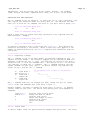
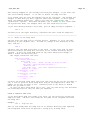
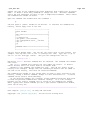
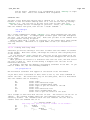
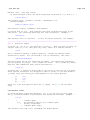
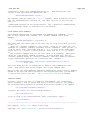
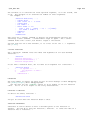
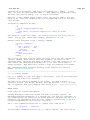
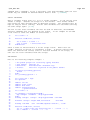
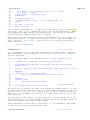
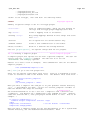
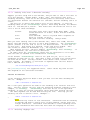
2. The user types the BNRead command or presses the <F19> key.
BufNetRead() or BufNetWrite() function will be called.
Page 239
The
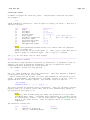
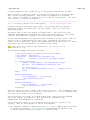
3. Vim can't find the function and triggers the |FuncUndefined| autocommand
event. Since the pattern "BufNet*" matches the invoked function, the
command "source fname" will be executed. "fname" will be equal to the name
of the script, no matter where it is located, because it comes from
expanding "<sfile>" (see |expand()|).
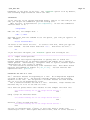
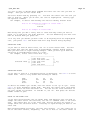
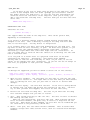
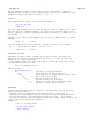
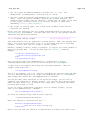
4. The script is sourced again, the "s:did_load" variable exists and the
functions are defined.
Notice that the functions that are loaded afterwards match the pattern in the
|FuncUndefined| autocommand. You must make sure that no other plugin defines
functions that match this pattern.
==============================================================================
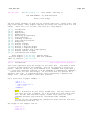
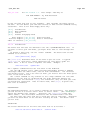
*41.15* Writing library scripts
*write−library−script*
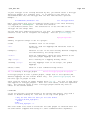
Some functionality will be required in several places. When this becomes more
than a few lines you will want to put it in one script and use it from many
scripts. We will call that one script a library script.
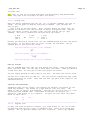
Manually loading a library script is possible, so long as you avoid loading it
when it's already done. You can do this with the |exists()| function.
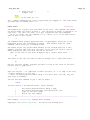
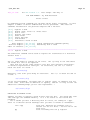
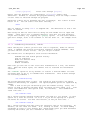
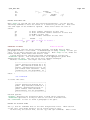
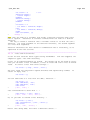
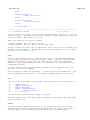
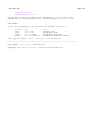
Example: >
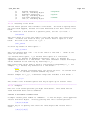
if !exists('*MyLibFunction')
runtime library/mylibscript.vim
endif
call MyLibFunction(arg)
Here you need to know that MyLibFunction() is defined in a script
"library/mylibscript.vim" in one of the directories in 'runtimepath'.
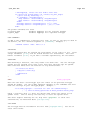
To make this a bit simpler Vim offers the autoload mechanism.
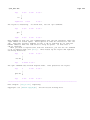
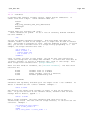
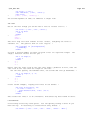
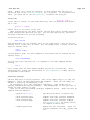
example looks like this: >
Then the
call mylib#myfunction(arg)
That's a lot simpler, isn't it? Vim will recognize the function name and when
it's not defined search for the script "autoload/mylib.vim" in 'runtimepath'.
That script must define the "mylib#myfunction()" function.
You can put many other functions in the mylib.vim script, you are free to
organize your functions in library scripts. But you must use function names
where the part before the '#' matches the script name. Otherwise Vim would
not know what script to load.
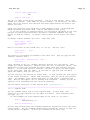
If you get really enthusiastic and write lots of library scripts, you may
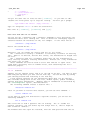
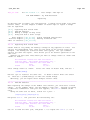
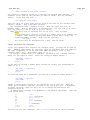
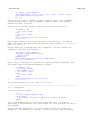
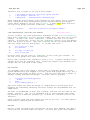
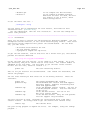
want to use subdirectories. Example: >
call netlib#ftp#read('somefile')
For Unix the library script used for this could be:
~/.vim/autoload/netlib/ftp.vim
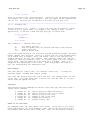
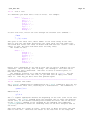
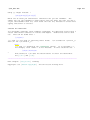
Where the function is defined like this: >
function netlib#ftp#read(fname)
" Read the file fname through ftp
endfunction
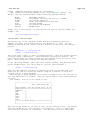
Notice that the name the function is defined with is exactly the same as the