1
.\usr_doc.txt
line
line
line
line
line
last
Page 86
55
33
11
22
44
line
−−>
line
line
line
line
line
last
11
22
33
44
55
line
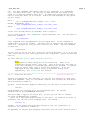
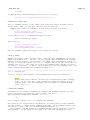
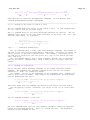
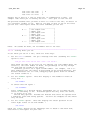
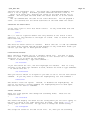
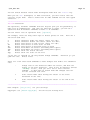
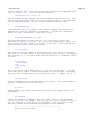
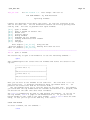
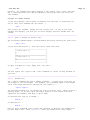
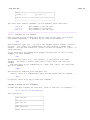
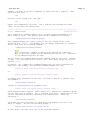
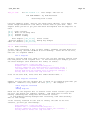
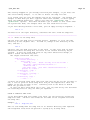
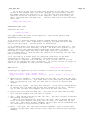
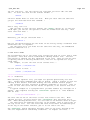
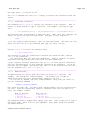
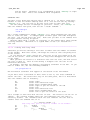
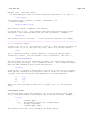
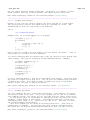
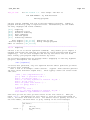
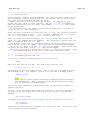
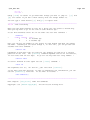
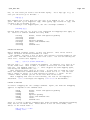
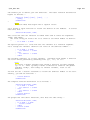
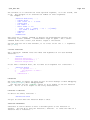
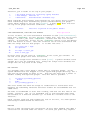
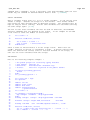
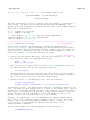
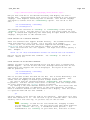
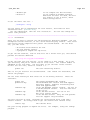
The "!!" command filters the current line through a filter. In Unix the "date"
command prints the current time and date. "!!date<Enter>" replaces the current
line with the output of "date". This is useful to add a timestamp to a file.
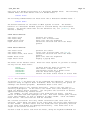
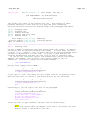
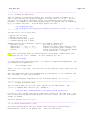
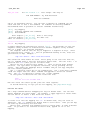
WHEN IT DOESN'T WORK
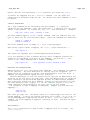
Starting a shell, sending it text and capturing the output requires that Vim
knows how the shell works exactly. When you have problems with filtering,
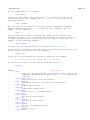
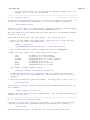
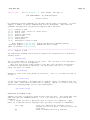
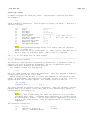
check the values of these options:
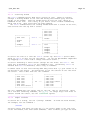
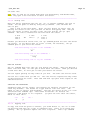
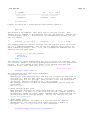
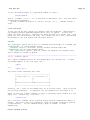
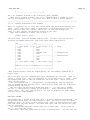
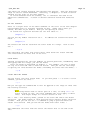
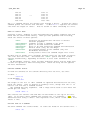
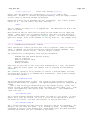
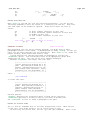
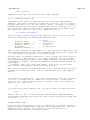
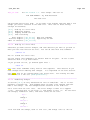
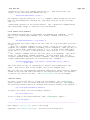
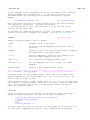
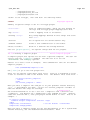
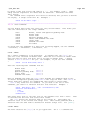
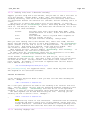
'shell'
'shellcmdflag'
'shellquote'
'shellxquote'
'shelltype'
'shellslash'
'shellredir'
specifies the program that Vim uses to execute
external programs.
argument to pass a command to the shell
quote to be used around the command
quote to be used around the command and redirection
kind of shell (only for the Amiga)
use forward slashes in the command (only for
MS−Windows and alikes)
string used to write the command output into a file
On Unix this is hardly ever a problem, because there are two kinds of shells:
"sh" like and "csh" like. Vim checks the 'shell' option and sets related
options automatically, depending on whether it sees "csh" somewhere in
'shell'.
On MS−Windows, however, there are many different shells and you might have
to tune the options to make filtering work. Check the help for the options
for more information.
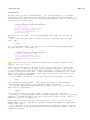
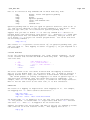
READING COMMAND OUTPUT
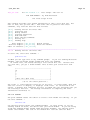
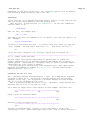
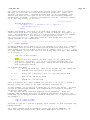
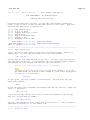
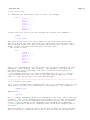
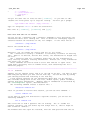
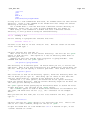
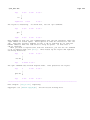
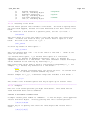
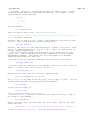
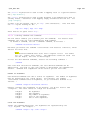
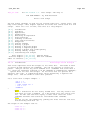
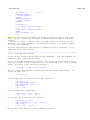
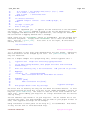
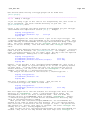
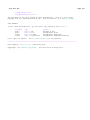
To read the contents of the current directory into the file, use this:
on Unix: >
:read !ls
on MS−Windows: >
:read !dir
The output of the "ls" or "dir" command is captured and inserted in the text,
below the cursor. This is similar to reading a file, except that the "!" is
used to tell Vim that a command follows.
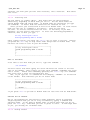
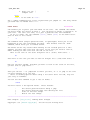
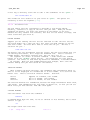
The command may have arguments. And a range can be used to tell where Vim
should put the lines: >
:0read !date −u
This inserts the current time and date in UTC format at the top of the file.
(Well, if you have a date command that accepts the "−u" argument.) Note the
difference with using "!!date": that replaced a line, while ":read !date" will
insert a line.
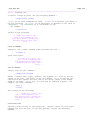
WRITING TEXT TO A COMMAND
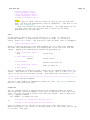
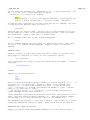
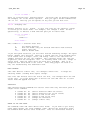
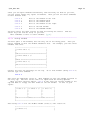
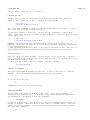
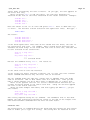
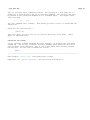
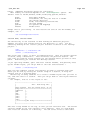
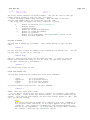
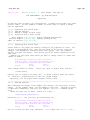
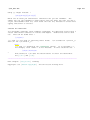
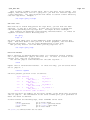
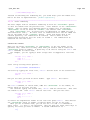
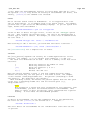
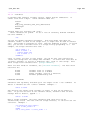
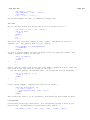
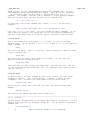
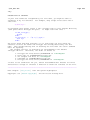
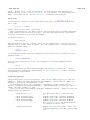
The Unix command "wc" counts words.
:write !wc
To count the words in the current file: >