1
.\usr_doc.txt
Page 172
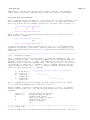
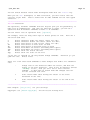
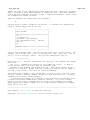
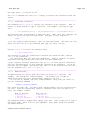
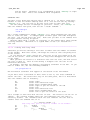
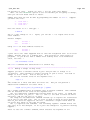
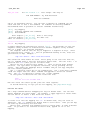
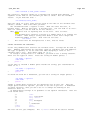
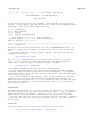
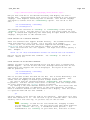
the 'include' option must specify how a file is included. The default value
works for C and C++. For other languages you will have to change it.
LOCATING INCLUDED FILES
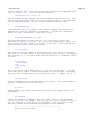
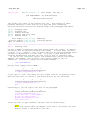
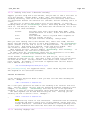
Vim will find included files in the places specified with the 'path'
option. If a directory is missing, some include files will not be found.
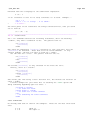
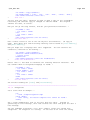
can discover this with this command: >
You
:checkpath
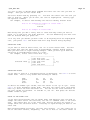
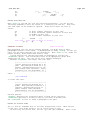
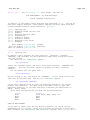
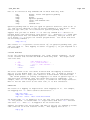
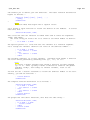
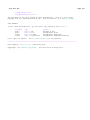
It will list the include files that could not be found. Also files included
by the files that could be found. An example of the output:
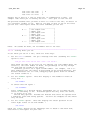
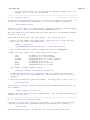
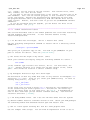
−−− Included files not found in path −−− ~
<io.h> ~
vim.h −−> ~
<functions.h> ~
<clib/exec_protos.h> ~
The "io.h" file is included by the current file and can't be found. "vim.h"
can be found, thus ":checkpath" goes into this file and checks what it
includes. The "functions.h" and "clib/exec_protos.h" files, included by
"vim.h" are not found.
Note:
Vim is not a compiler. It does not recognize "#ifdef" statements.
This means every "#include" statement is used, also when it comes
after "#if NEVER".
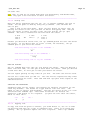
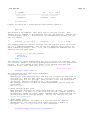
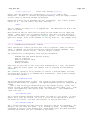
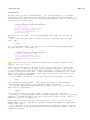
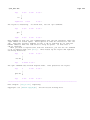
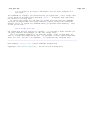
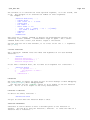
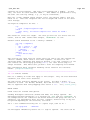
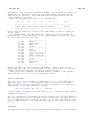
To fix the files that could not be found, add a directory to the 'path'
option. A good place to find out about this is the Makefile. Look out for
lines that contain "−I" items, like "−I/usr/local/X11". To add this directory
use: >
:set path+=/usr/local/X11
When there are many subdirectories, you can use the "*" wildcard.
Example: >
:set path+=/usr/*/include
This would find files in "/usr/local/include" as well as "/usr/X11/include".
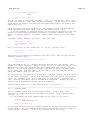
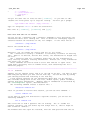
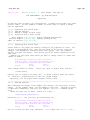
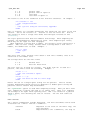
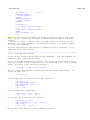
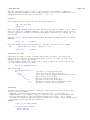
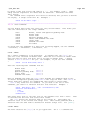
When working on a project with a whole nested tree of included files, the "**"
items is useful. This will search down in all subdirectories. Example: >
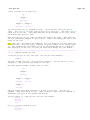
:set path+=/projects/invent/**/include
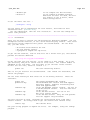
This will find files in the directories:
/projects/invent/include ~
/projects/invent/main/include ~
/projects/invent/main/os/include ~
etc.
There are even more possibilities. Check out the 'path' option for info.
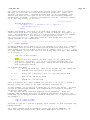
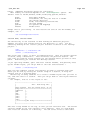
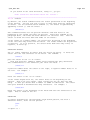
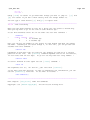
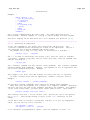
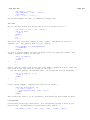
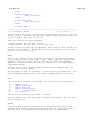
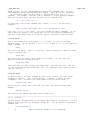
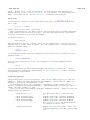
If you want to see which included files are actually found, use this
command: >
:checkpath!
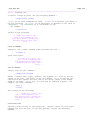
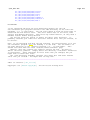
You will get a (very long) list of included files, the files they include, and
so on. To shorten the list a bit, Vim shows "(Already listed)" for files that
were found before and doesn't list the included files in there again.