1
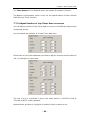
Micro Pocket DVR Status
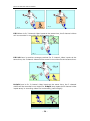
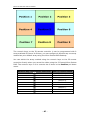
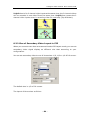
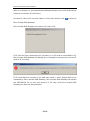
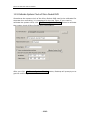
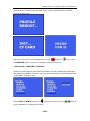
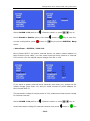
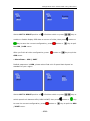
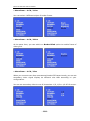
Turn
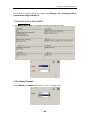
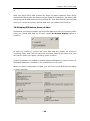
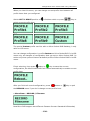
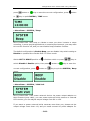
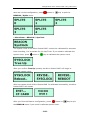
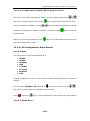
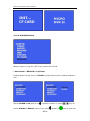
3-Position switch to RIGHT twice to display current energy of internal
Li-Ion Polymer battery.
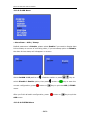
4.2.1 Micro Pocket DVR II & 2/3/4CH Micro Pocket DVR
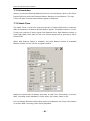
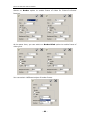
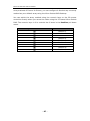
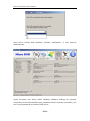
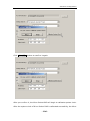
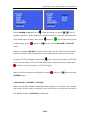
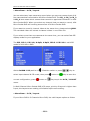
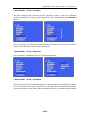
Turn
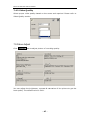
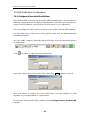
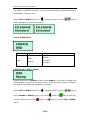
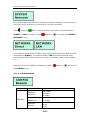
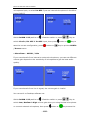
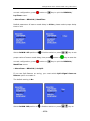
3-Position switch to UP once to preview current profile item & available
storage space on CF card that insert into Micro Pocket DVR.
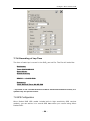
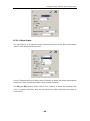
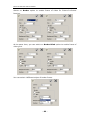
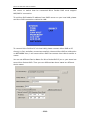
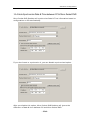
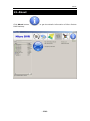
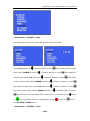
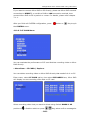
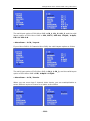
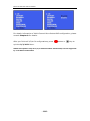
Turn
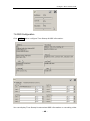
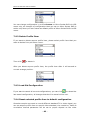
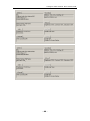
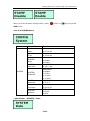
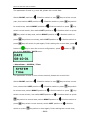
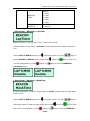
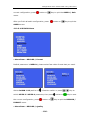
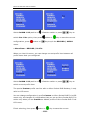
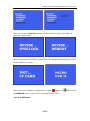
3-Position switch to DOWN once to display current date & time, output
power voltage for external camera, current boot loader & firmware information
on Micro Pocket DVR.
- 18 -